Some PLR websites have older designs that can feel outdated for today’s sellers.
That’s why I tested 7 best PLR websites for digital products in 2026 so you can find high-quality, modern products that actually sell. If budget’s tight, start with what actually works for free PLR right now before spending on any of these.
This way, you can save time, pick the right products, and avoid letting outdated PLR sit in your shop with no sales.
TL;DR: Which of these best PLR websites is right for you?
- Best for 2026 Trends & Faceless Brands: GabiDigitalProducts
- Best for Professional Coaching & Psychology: PLR.me
- Best for Massive Volume on a Tight Budget: IDPLR
- Best for High-End Lifestyle Photography: Ivory Mix
Scroll down for the full breakdown and the “Etsy-Safe” checklist!
#1 GabiDigitalProducts
I started GabiDigitalProducts because I was frustrated. Most PLR looks old, cheap, and all the same. You see the same outdated designs in dozens of shops, making it nearly impossible to stand out on Etsy or Instagram.
I knew modern sellers needed PLR that looks clean, high-end, and “Pinterest-worthy”, products you’d actually be proud to put your name on. That’s why I built a shop that focuses on quality over quantity.
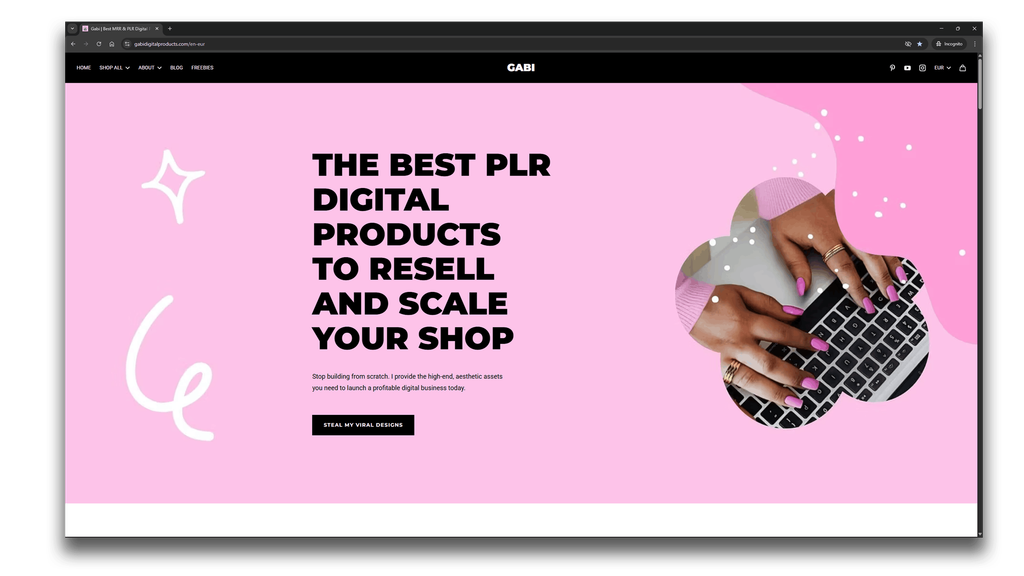
Why I like it (The Gabi Difference): Everything in my shop is designed from scratch, following 2026 visual trends. I don’t buy and resell low-quality packs from other warehouses. Because I’m a designer first, you get unique, aesthetic templates, like faceless marketing kits and aesthetic branding assets, that aren’t overused by everyone else. For example, my 200 Instagram Templates for Teachers collection follows this same approach: original designs, one clear audience, and full Canva-first customization.
Looking for another income stream? Promote Gabi Digital Products and earn 30% on every sale you refer. Not sure where to start? See my picks for the best affiliate programs for Pinterest, then become an affiliate.
The Catch: Since I design everything myself, the catalog is smaller than other PLR sites. If you want thousands of articles on every topic, this may not be the right place. But if you want ready-to-post visuals that convert, this is your home base.
#2 PLR.me
If you’re a coach or consultant, you’ve probably heard of PLR.me already.
Most PLR sites feel like a random dump of files. This one actually feels like a real content library.
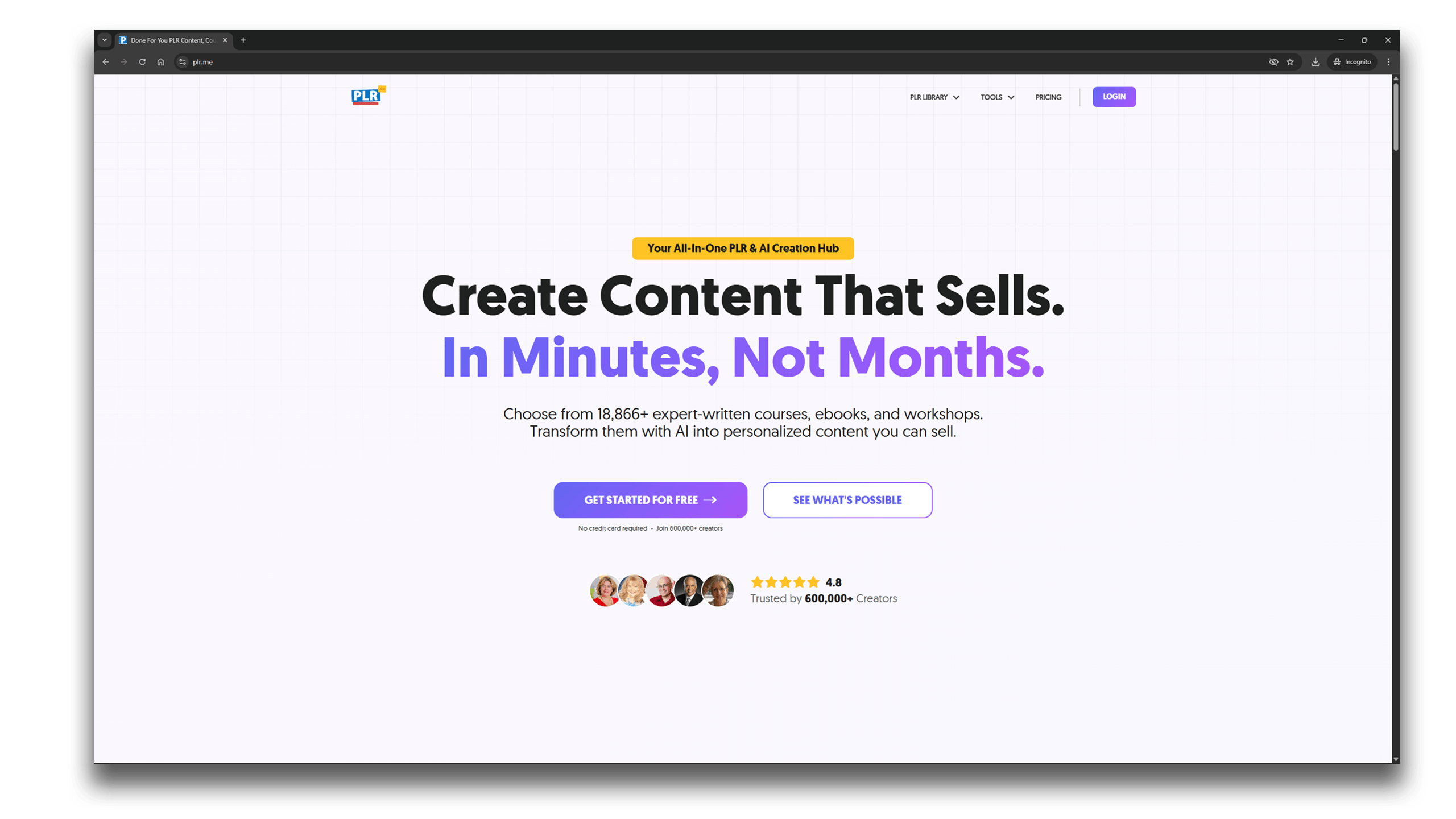
Why I like them: Their search is insanely good. You can search by emotions, like anxiety or success, and find everything from worksheets to full slide decks. They also have an AI tool that helps you turn one download into different formats fast.
The catch: PLR.me isn’t cheap and uses a credit system, which can cost more up front. Their content focuses on professional, structured resources rather than trendy, aesthetic Instagram‑style templates. But if you want deep, expert‑level content for coaching or business, they’re one of the best options.
#3 ContentSparks
If you want to launch a premium course or a high-ticket coaching program, Content Sparks is a top choice for in-depth content.
They don’t just give you a PDF, they give you a full “business in a box.”
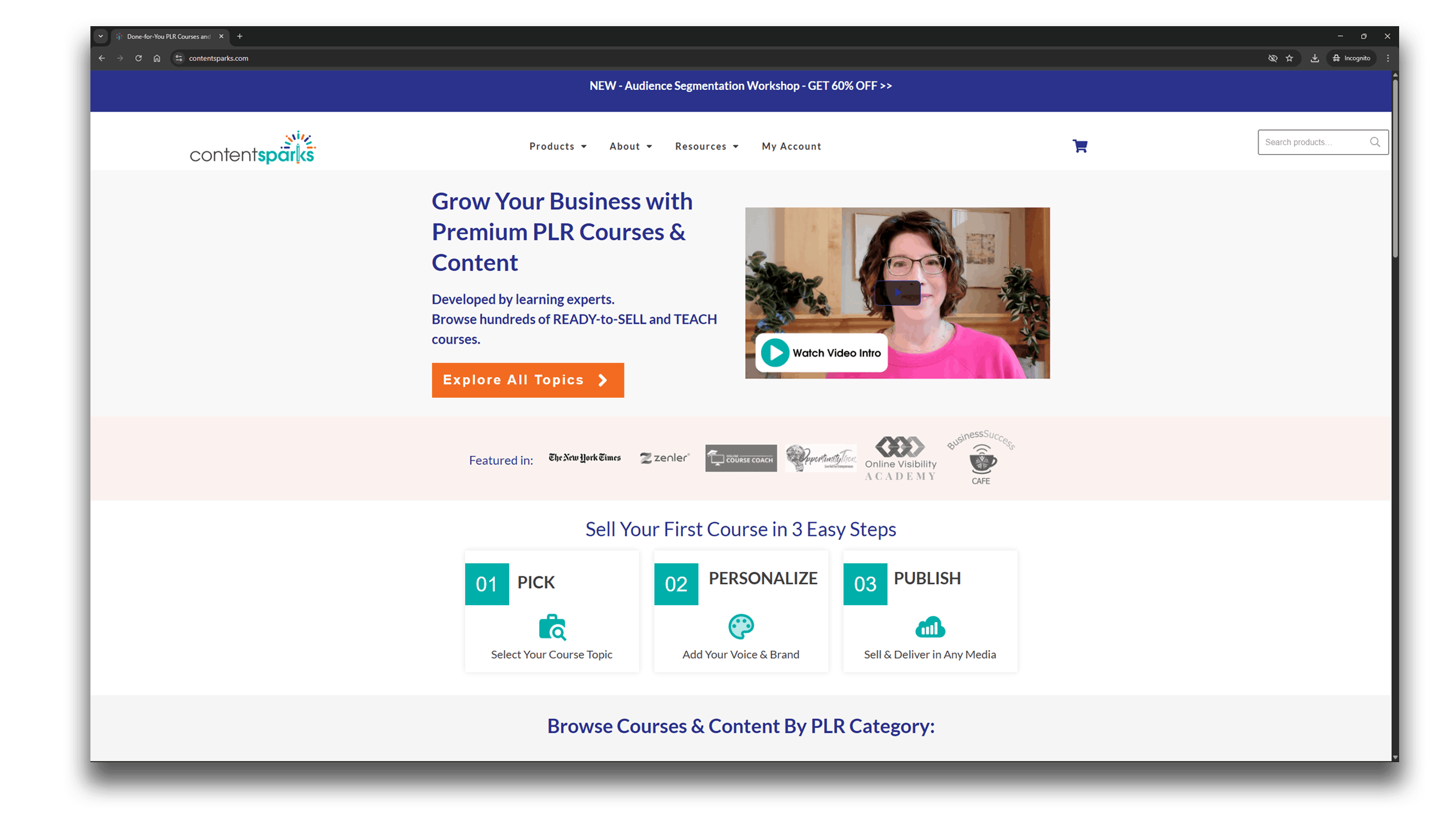
Why I like them: The research is top-tier. You get full lesson plans, action guides, and even PowerPoint slides. It feels like a full course already mapped out for you.
The catch: Content Sparks products aren’t cheap, and their visuals have a traditional corporate style, which is good for some brands, less suited for others. You can edit the content, but may need to reformat it in Canva or other tools to match 2026 Pinterest or Instagram aesthetics.
If you need deep, structured content, this is a solid choice.
#4 Thrive Anywhere
If your brand focuses on self-care, productivity, or wellness, Thrive Anywhere is a hidden gem, and one of the best PLR websites for low-content digital products.
While most sites focus on articles and courses, Thrive Anywhere focuses on editable templates, workbooks, journals, goal trackers, and planners that you can customize directly in Affinity Publisher, Canva, and Microsoft PowerPoint.
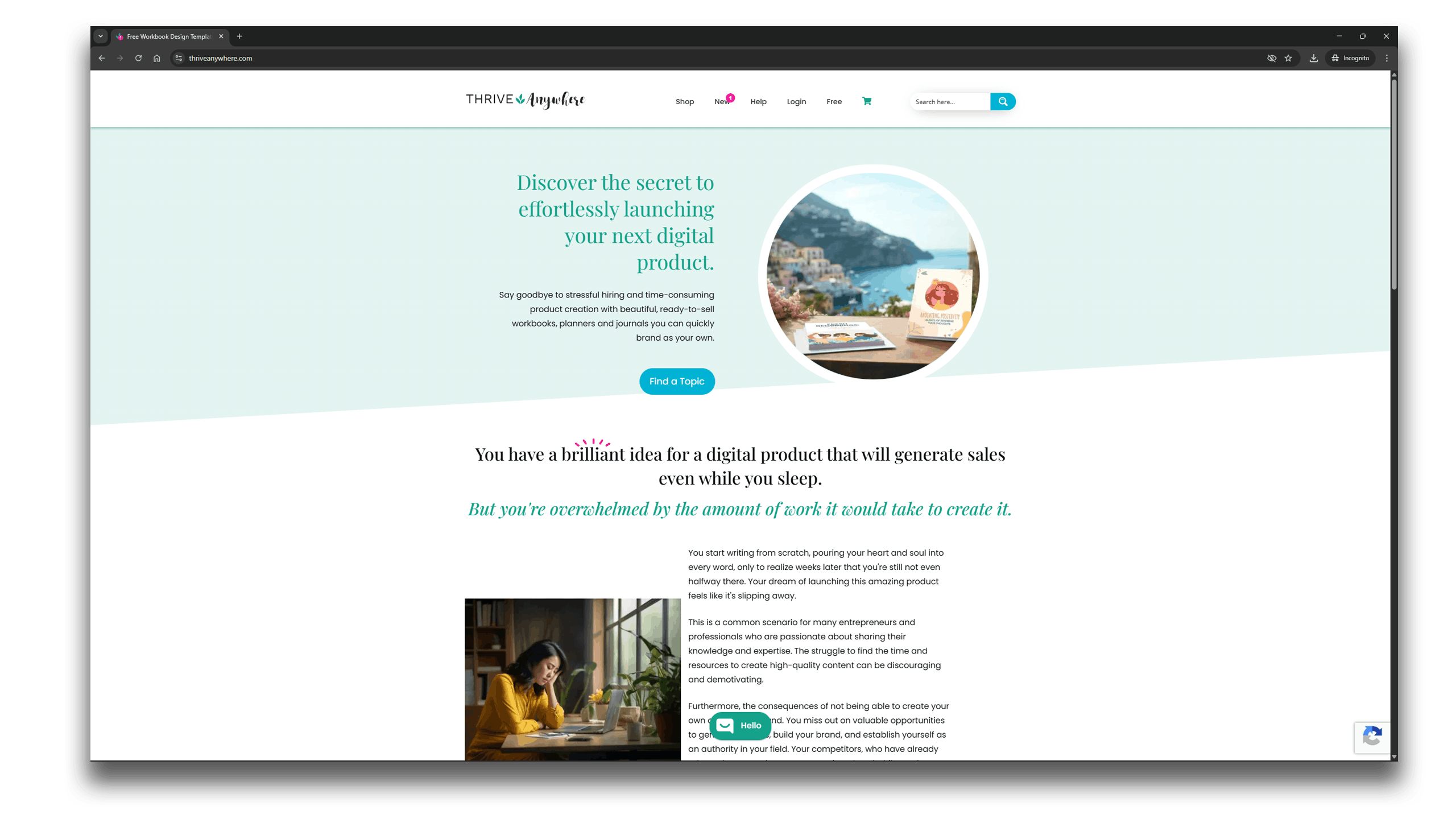
Why I like them: They don’t just hand you a flat PDF. Most templates are editable, which makes designing planners surprisingly easy. The layouts are clean and calm, great for mental health and self-care brands.
The catch: Their catalog is smaller than other giant PLR websites, focusing on workbooks, planners, journals, and other high-quality editable products rather than thousands of generic files.
#5 BuyQualityPLR
If you need a lot of content for a niche blog or email newsletter and are on a tight budget, BuyQualityPLR is one of the best PLR websites to check out. It’s a huge marketplace with thousands of products at “wholesale” prices.
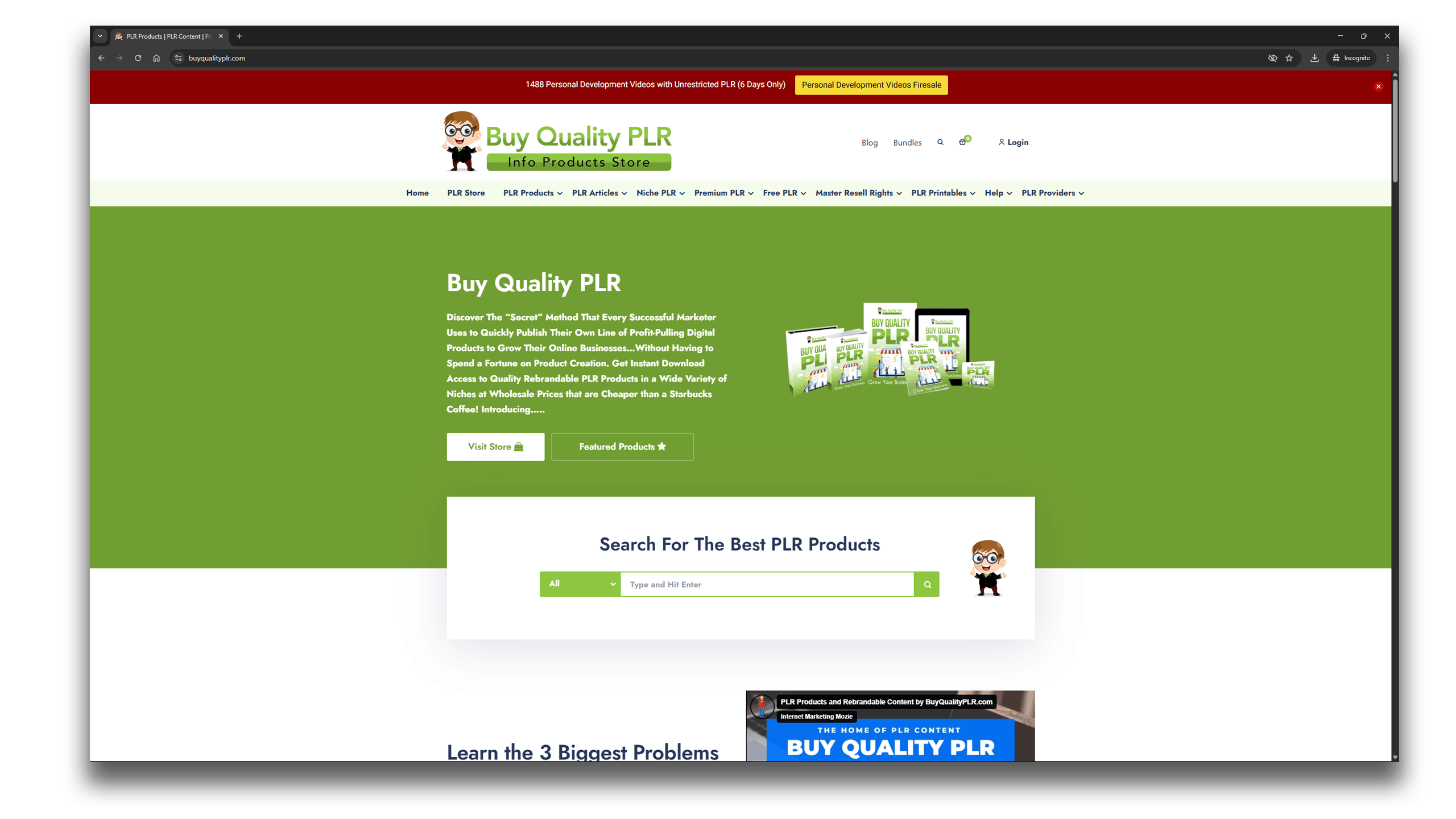
Why I like them: The variety is huge. No matter your niche, weight loss, gardening, or finance, you can find dedicated packs for under $10. It’s an easy way to grab raw content you can rewrite and brand as your own.
It’s a great starting point to gather raw content that you can rewrite and brand.
The catch: Because BuyQualityPLR focuses on content like eBooks, reports, and checklists, you won’t get polished, ready-to-post visuals like on other PLR sites. But if you want raw material to rebrand and customize in Canva or other design tools, it’s a perfect starting point.
#6 IDPLR
If you’ve been in the digital product space for more than five minutes, you’ve probably heard of IDPLR. Launched in 2008, it’s one of the oldest and largest PLR memberships online. While some sites focus on a single niche, IDPLR is more like a “Netflix-style” warehouse, with over 12,500 products. It’s definitely one of the best PLR websites for bulk content.
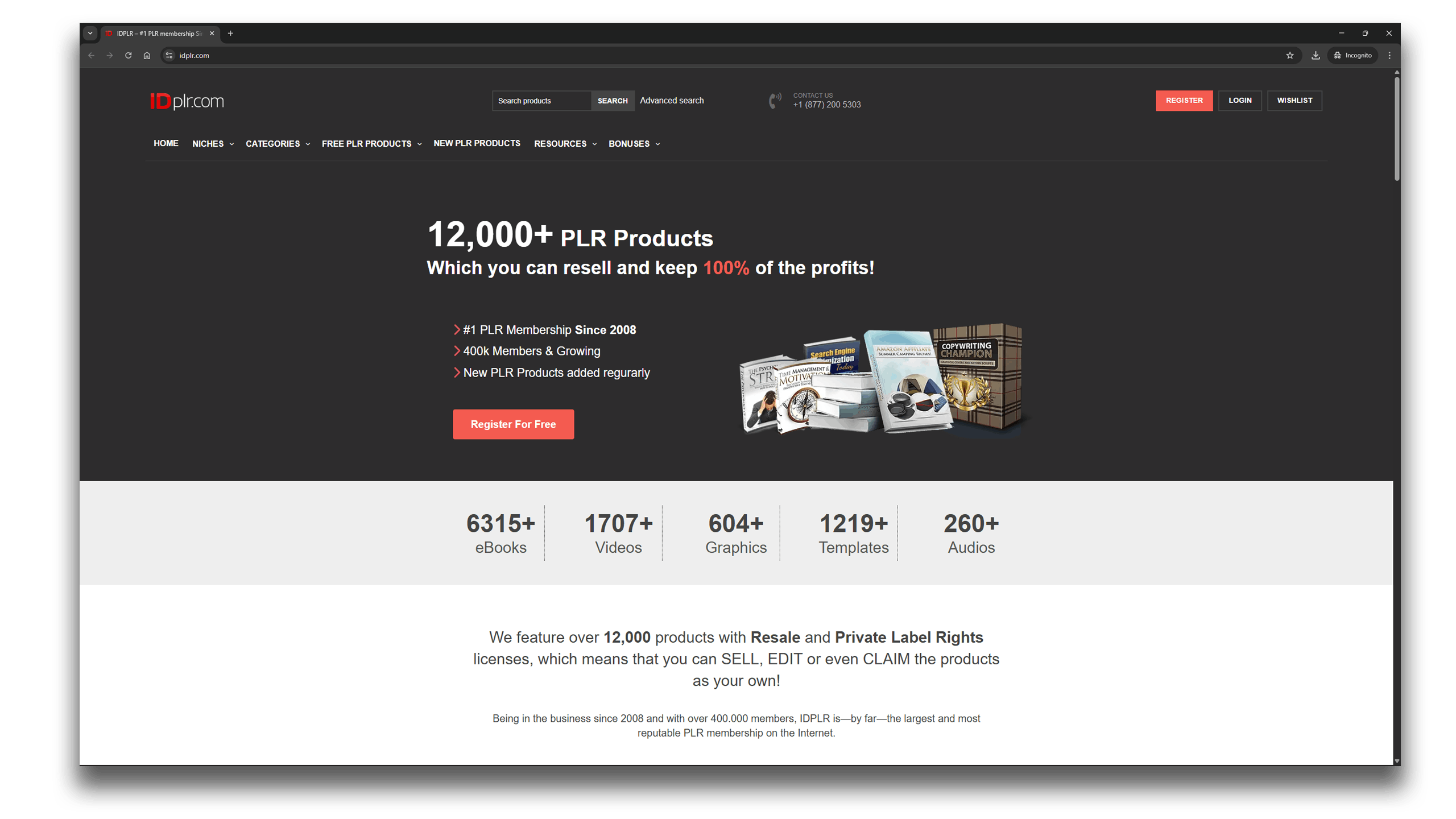
Why I like them: The value is in their Gold Lifetime Membership. Pay once, and you get access to the entire vault forever: eBooks, software, videos, graphics, you name it. It’s perfect for grabbing raw material. Need a 3,000-word eBook on a random topic to use as a research base? You’ll probably find it here.
The catch: IDPLR has a large library of products from many years, so some designs might need updating to match 2026 aesthetics. You can preview items after logging in, and licensing rules vary. Some items can be resold as-is, while others allow editing and customization, so it’s important to check each product’s license.
#7 Ivory Mix
If your brand lives on Pinterest and Instagram, Ivory Mix is a name you need to know. While most PLR sites focus on text, articles and eBooks, Ivory Mix focuses on the visual story. They’re known for a huge library of high-end stock photos and super “clickable” social media templates, making them one of the best PLR websites for visuals.
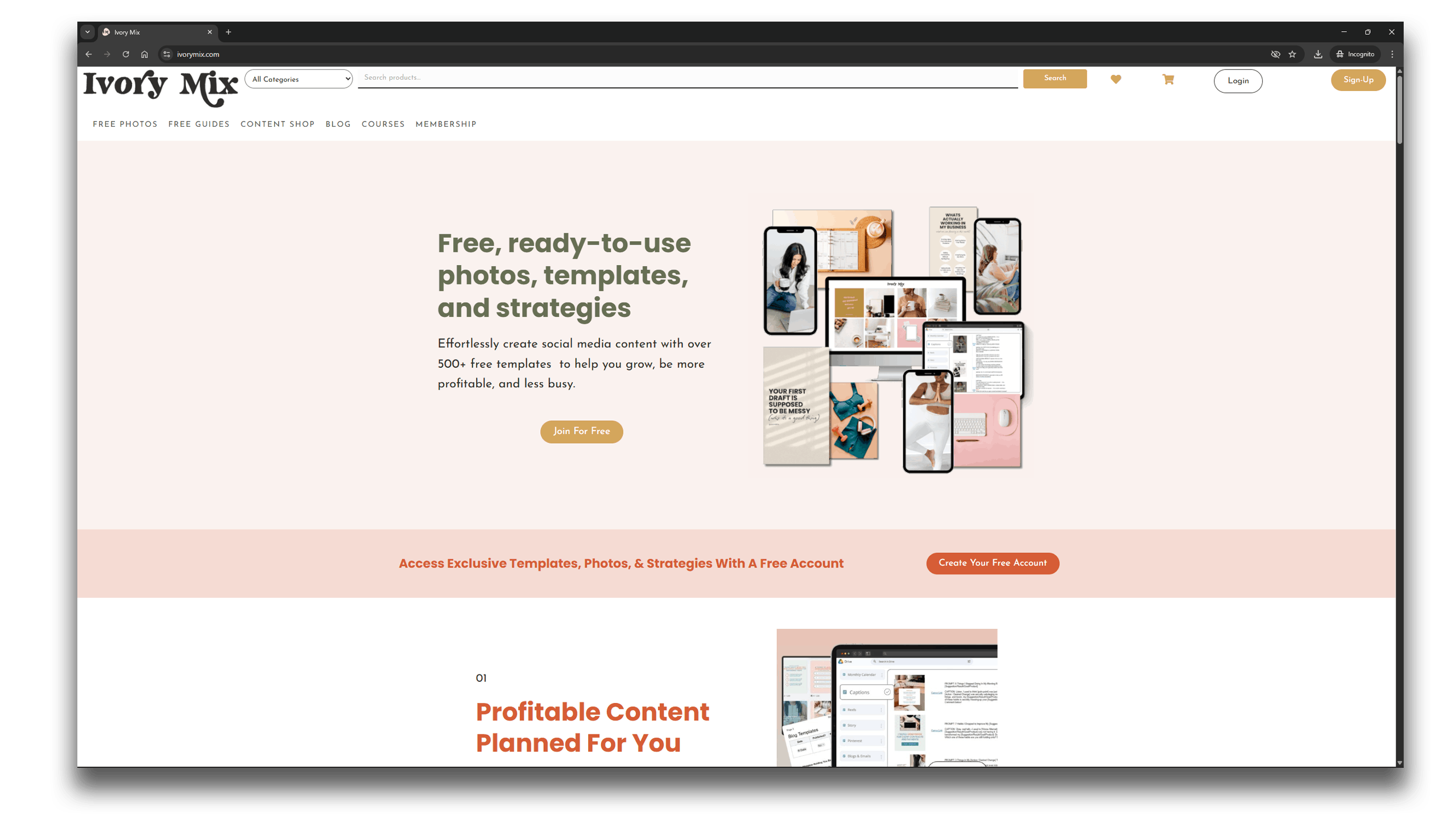
Why I like them: The templates are high-quality and cohesive, designed to fit wellness, lifestyle, and creative brands. Their Content Membership also includes captions and social media tips, which is really helpful if you ever get stuck on what to post.
The catch: Ivory Mix is very targeted toward a feminine, lifestyle aesthetic. If your brand is tech-heavy, corporate, or male-focused, their style might not fit.
The Comparison of Best PLR Websites (2026)
PLR Websites — 2026 Comparison
7 platforms compared by niche, aesthetic, price, and what you actually get.
| Platform | Best for | Aesthetic | Customization | Price | What you get | |
|---|---|---|---|---|---|---|
| 01 | GabiDigitalProducts gabidigitalproducts.com | Modern & faceless brands | 2026 Pinterest trends | High — Canva-first |
€3 – €30.78
per product, no subscription
|
Templates, eBooks, social media kits, stock photos, clipart — ready to post |
| 02 | PLR.me plr.me | Health & wellness coaches | Corporate professional | Medium — PDF/Doc + AI tool |
Free → $470–$1,870/yr
credit-based; 10 free credits/mo on free plan
|
18,000+ coaching resources: articles, eBooks, courses, worksheets, slide decks |
| 03 | ContentSparks contentsparks.com | B2B & premium courses | Traditional business | Medium — PPT/Doc editable |
$147 – $297 per course
bundles from ~$66; 30% off newsletter signup
|
Full course packs: lesson plans, action guides, slides, lead magnets, emails |
| 04 | Thrive Anywhere thriveanywhere.com | Planners, journals & wellness | Creative / calm | High — Canva, PPT, Affinity |
~$37 per product
individual purchase, no membership needed
|
Workbooks, planners, journals, goal trackers — editable & print-ready |
| 05 | BuyQualityPLR buyqualityplr.com | Budget niche bloggers | Classic / standard | Low — text-heavy raw content |
$5 – $97 per pack
bundles from $37; no membership required
|
Massive niche library: articles, eBooks, funnels, workshops — may benefit from a Canva refresh |
| 06 | IDPLR idplr.com | Volume & lifetime access | Mixed / legacy | Low — mostly PDF/eBook |
Gold Lifetime membership
one-time fee (price varies); free plan = 2 downloads
|
12,500+ eBooks, videos, software, graphics — pay once, own forever |
| 07 | Ivory Mix ivorymix.com | Pinterest & lifestyle brands | Feminine / aesthetic | High — Canva templates + captions |
$40/item or $67/quarter
Elite membership = 18,000+ templates + 14,000 photos
|
Stock photos, Canva templates, captions, Reels, Pinterest pins, PLR kits to resell |
Prices are approximate and may change at any time, always check each platform’s website for the most current information.
Licensing Breakdown — What You Can Actually Do
This is the part most comparison articles skip. Licensing varies per product, always read the terms before you sell.
| Platform | Can you edit? | Can you resell? | Can you pass on resell rights? | Sell on Etsy? | ⚠️ Watch out for |
|---|---|---|---|---|---|
| GabiDigitalProducts | ✓ Yes — fully editable in Canva | ✓ Yes — keep 100% profit | ✓ Yes — both PLR & MRR included | ✓ Yes — must customize first | Canva Pro required to share template links for resale. |
| PLR.me | ✓ Yes — edit & rebrand | ✓ Yes — sell as your finished product | ✗ No — rights are non-transferable | ⚠️ Possible — but verify per product | Content can be sold or used in your products, but you cannot resell, give away, or sublicense PLR/MRR rights. |
| ContentSparks | ✓ Yes — rewrite, rebrand, redesign | ✓ Yes — sell courses, memberships, coaching | ✗ No — cannot pass on PLR/resell rights | ⚠️ Limited — not designed for Etsy templates | Cannot sell or share editable source files. Cannot give away license to others. End-product sales only. |
| Thrive Anywhere | ✓ Yes — editable in Canva, PPT, Affinity | ✓ Yes — resell as your own product | ⚠️ Varies per product — check each listing | ✓ Yes — with customization | Terms vary product by product. Some items have specific restrictions — always read the individual license. |
| BuyQualityPLR | ✓ Yes — edit & rebrand | ✓ Yes — resell for profit | ⚠️ Varies — some have limited redistribution | ⚠️ Possible — but check each product license | Each product has its own license (PLR, MRR, RR, or Giveaway). Funnel kits often have limited redistribution terms. |
| IDPLR | ⚠️ Depends on license type per product | ✓ Yes — most products include resell rights | ⚠️ Depends — MRR vs PLR vs RR varies | ⚠️ Possible — check each product’s terms | 12,500+ products each have their own license (PLR, MRR, RR, or personal use only). No blanket rule applies — must check per download. |
| Ivory Mix | ✓ Yes — fully editable & rebrandable | ✓ Yes — sell PLR-marked products, keep 100% | ✗ No — your customer cannot resell | ✓ Yes — with customization | Only products specifically marked as “Resale” can be resold. Standard photos/templates are for your own use only, not for resale. Customer cannot pass on resell rights. |
Licensing information is based on publicly available terms at the time of writing and may change. Always verify the current license directly on each platform before selling any product.
🎁 2026 Etsy-Safe Templates (FREEBIE) 🎁
Want to make sure your PLR is ready to sell? Download my free Canva templates to easily customize your products and make them unique enough to stand out on Etsy.
The “Secret” to Using Best PLR Websites for Etsy (Without Getting Banned)
Etsy is a “handmade” marketplace, which means their 2026 guidelines are stricter than ever. If you want to sell on Etsy (and i would highly recommend for the best profit), you should absolutely customize them to create a unique, original product.
If you simply download a ZIP file and upload the exact same PDF to Etsy, you are risking a permanent shop suspension. Here is how to make sure your PLR is “Etsy-Safe” before you hit publish:
1. The “Canva-First” Rule
The easiest way to stay safe is to buy PLR that is Canva-First. Brands like GabiDigitalProducts, Ivory Mix, and Thrive Anywhere provide direct Canva templates.
Why it matters: With one click, you can change the brand colors, swap out the fonts, and move the layout. This transforms a “template” into a “unique product” in the eyes of Etsy’s algorithm.
2. Do Your “Editability” Research
For the high-volume “warehouses” or older PLR sites, you need to check the license carefully. Some products are sold as flat PDFs or locked files. If you can’t easily customize the graphics, aspect ratios, and logos, it isn’t worth the risk.
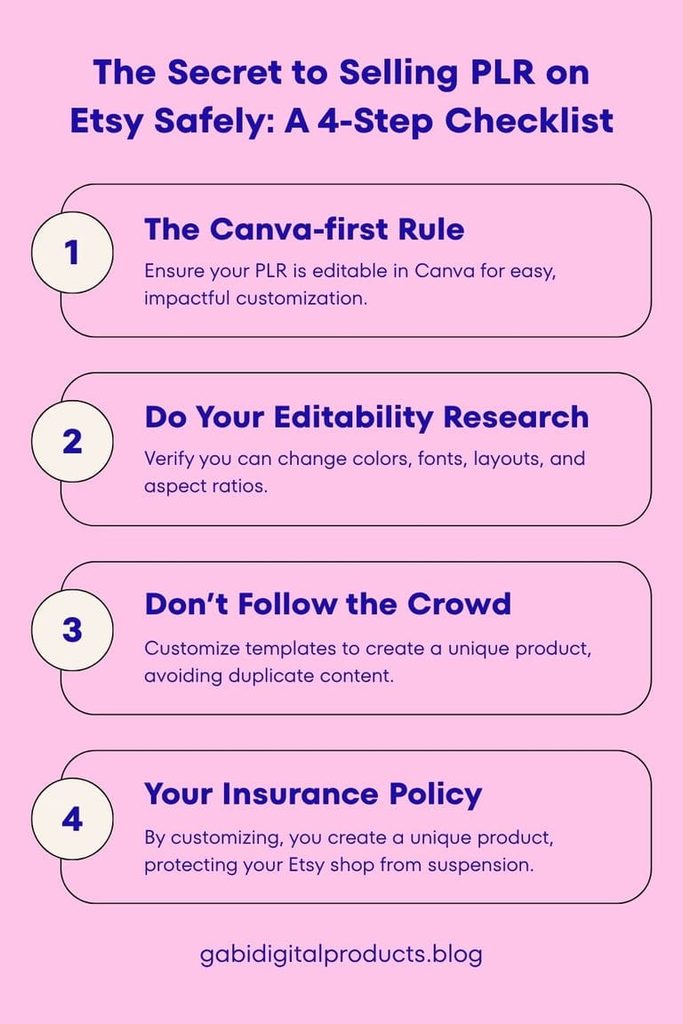
3. Don’t Fall for the “Everyone Else is Doing It” Trap
You might see lots of shops selling the same unedited MRR or PLR products. Don’t let this fool you. You only see the shops that are still open. You don’t see the thousands that get shut down every month for “Duplicate Content” or “Reselling without adding value.”
4. Your “Insurance Policy” Against Suspension
By customizing your PLR, you’re not just making it look nicer, you’re protecting yourself. If Etsy ever questions your shop, you can honestly say you used the PLR as a starting point to make a unique, original product.
The Gabi Strategy: It’s much easier to edit a high-end template than to start with a blank page. Use PLR to skip the boring stuff, but add your own ideas to make it truly yours.
Next Steps: Making Your Digital Products Work for You
Ready to skip the trial-and-error? Stop messing with mismatched designs and grab the TpT Brand Kit Canva Templates. You can resell them as-is, rebrand them, or use them across your marketplace stores and personal websites to give your shop an instant, professional storefront look built for 2026 sales. If you’re specifically selling on TPT, I also break down which templates work best for that audience in Best Pinterest Templates for TPT Sellers, and if you’re putting together a full ebook or workbook resource, my Teacher Ebook Template walks through exactly what to include.
Or if you want all five teacher products together at a discount, check out my Teacher Digital Product Bundle.
For educational purposes only. I’ve done research, but I can’t guarantee everything is 100% correct, always double-check.