This post contains affiliate links. As an Amazon Associate I earn from qualifying purchases. I may also earn commissions from other programs at no extra cost to you. This content is for educational purposes only. See full disclosure for details.
How to sell Canva templates on Pinterest starts with checking demand and ends with getting the finished template into a buyer’s hands.
I promote my Canva templates on Pinterest every day, and this is the step-by-step process I follow to turn potential buyers into customers.
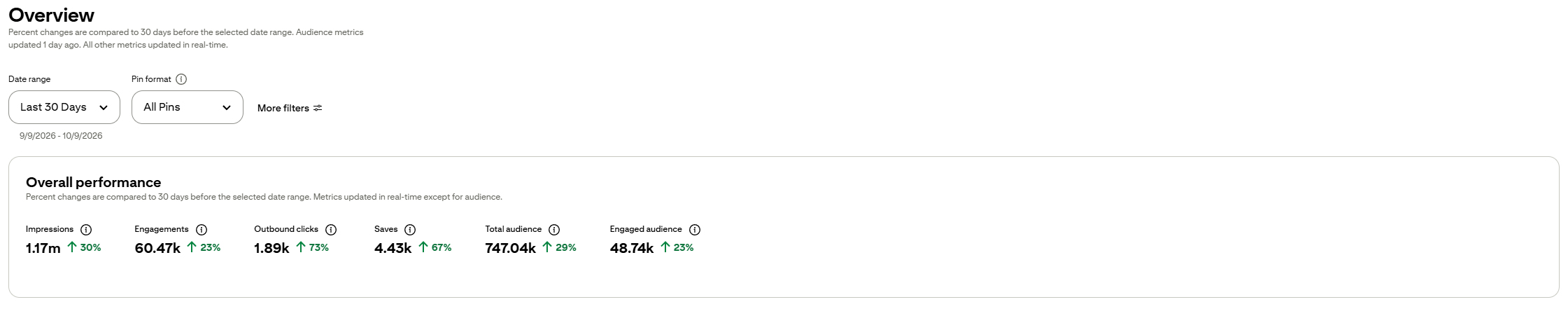
For context, my Pinterest account (which promotes templates, blog posts and affiliate content) reached 1.17 million impressions and 1.89k outbound clicks in the last 30 days. That’s my own result, not a promise for yours.
Why Pinterest works for selling templates
Pinterest is a search engine, not a feed people doomscroll. People arrive with a plan, like a website to design, a color palette to find or a font to pick, and they save ideas to buy later. Your pins also keep working for months instead of disappearing after a day.
Step 1: Check demand before you design
Search Pinterest for the template you want to make, for example “eBook template design.” Open the top pins and look at the saves and likes. Likes are hard to get on Pinterest, so a pin with many of them means people really want that design.
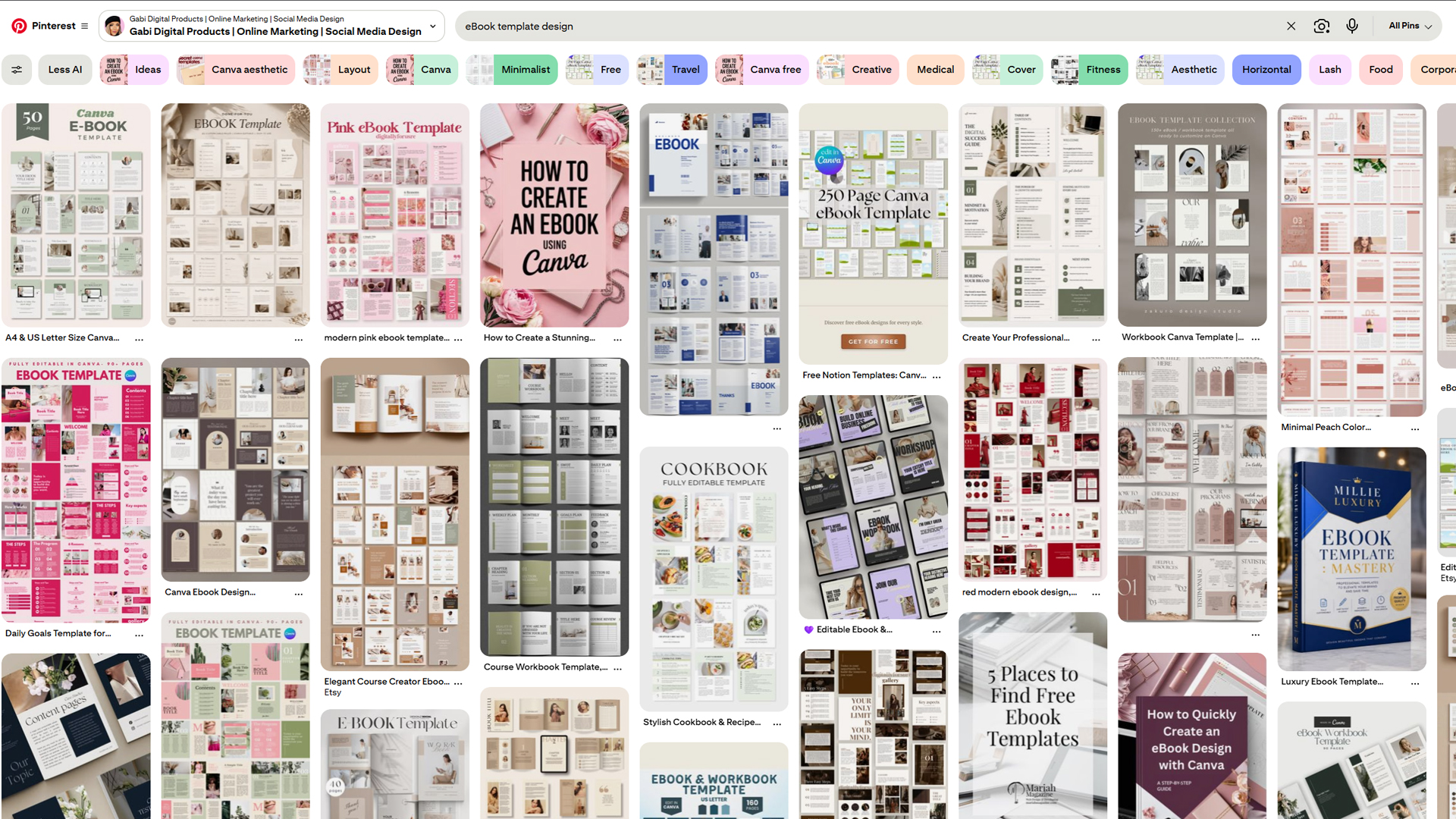
Note the colors, fonts and what’s included. Use this to validate demand and style, then make your own version. Don’t copy. It’s neither ethical nor legally safe.
Step 2: Build templates that won’t cause refunds
- Skip Canva Pro elements. Free-plan buyers see them watermarked, which leads to bad reviews.
- Don’t resell Canva’s library templates. Use them for inspiration only. Starting from a blank page is the safest way to be original. Or, you can buy PLR or MRR templates (or ones with both rights) and customize them within the license terms.
Step 3: Deliver the template with a Canva link
Create a Canva template link. It’s a paid Canva feature, but it gives each buyer their own copy, so your original stays untouched. Put the link in a PDF (write “Canva Template” and hyperlink it), and deliver that PDF after purchase.
Step 4: Pick where to list it
I sell on Etsy and my own Fourthwall store. Etsy brings built-in trust and traffic. Fourthwall is free to list on and acts as merchant of record, which keeps tax handling simple. I explain the setup in my Fourthwall digital products guide.
Step 5: Make pins that get clicks
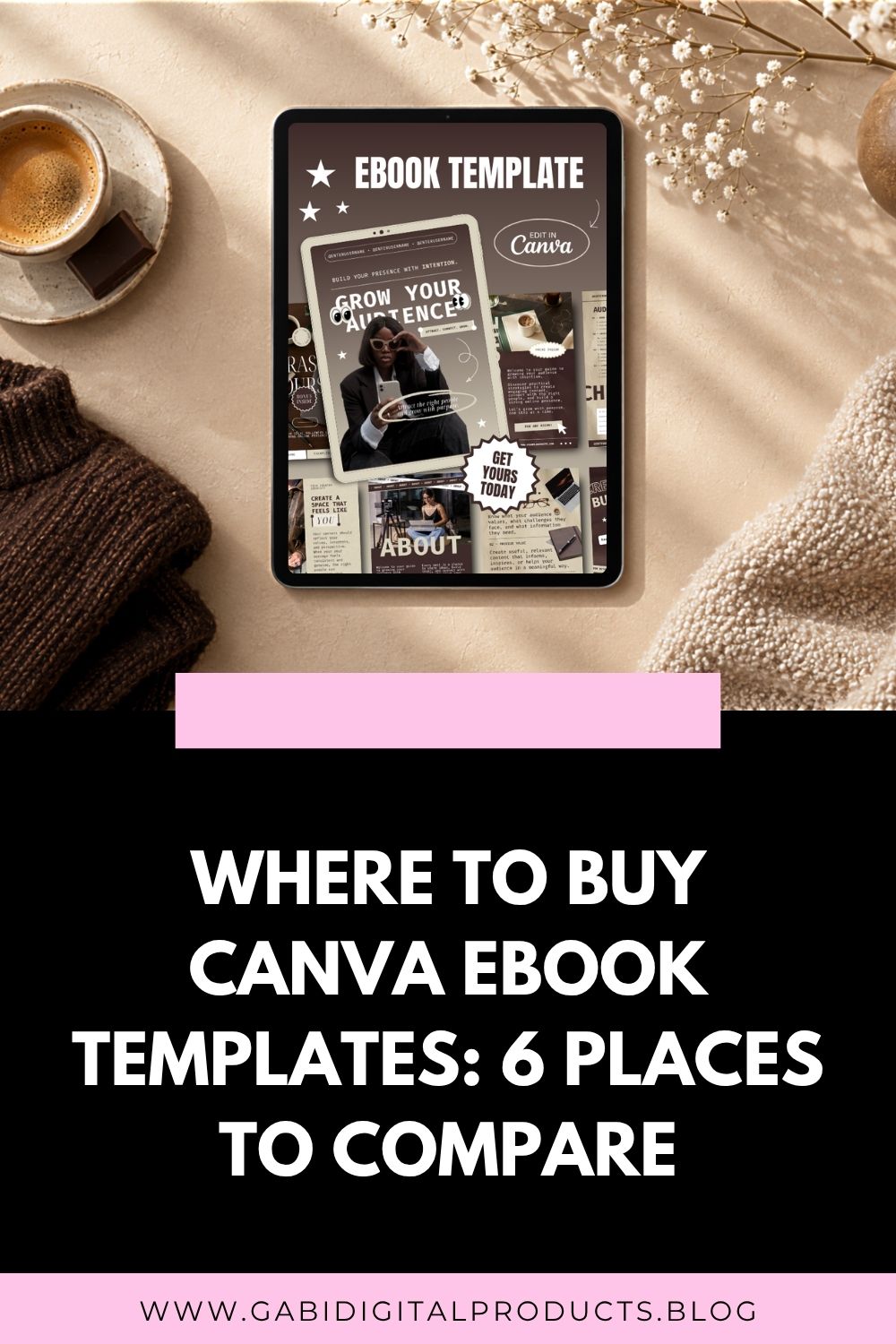
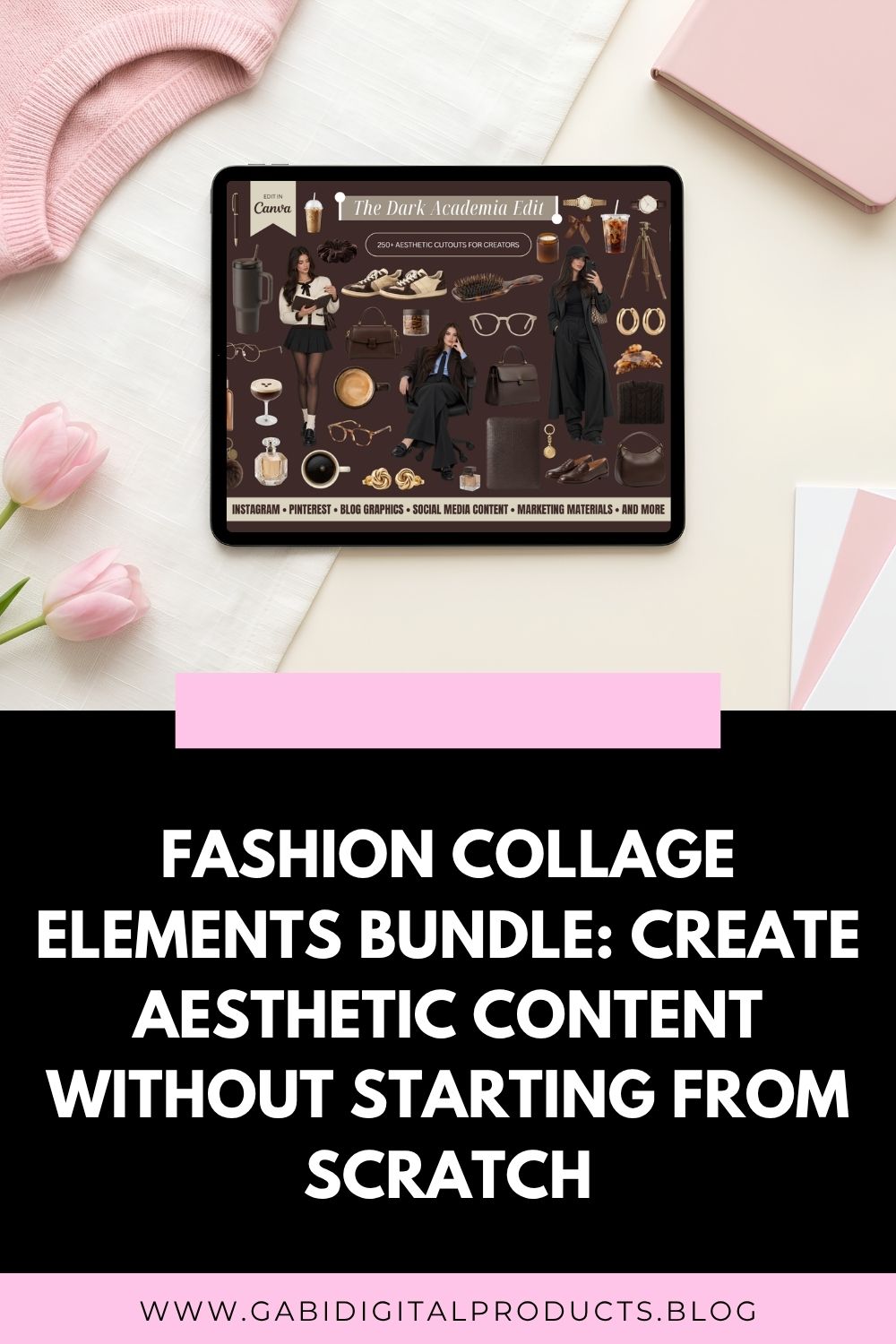
Traditional pins still work best for me: large, readable text centered on a rectangle over background images, with a clear call to action. Put your target keyword in the pin headline, the description, the board name and even the image file name (for example, canva-templates-for-small-business-owners).
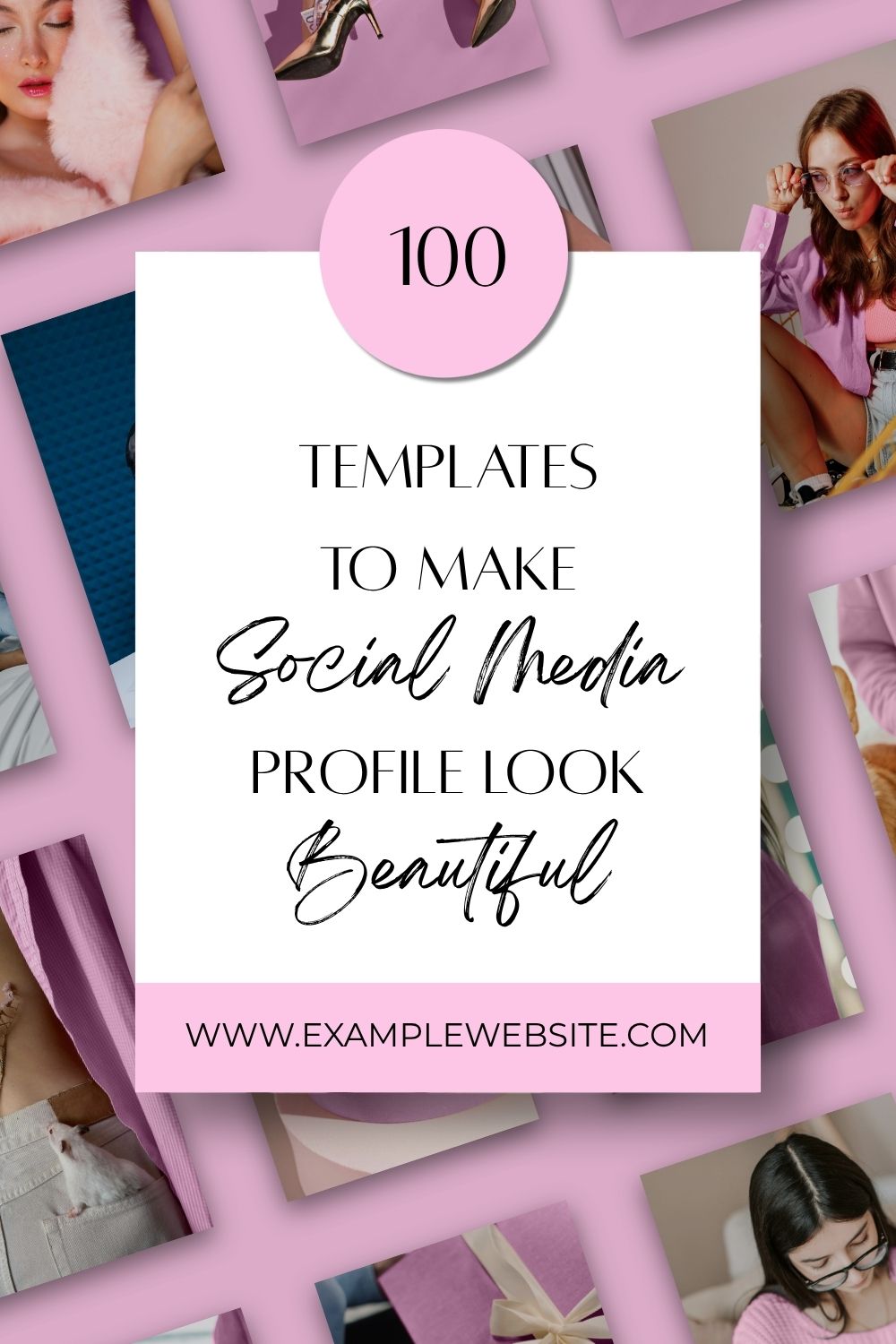
Use a business profile and claim your website. For the full pin design process, see my guide to marketing digital products on Pinterest.
Step 6: Pin every day and be patient
I post 6-10 pins a day and schedule them in advance, usually a week ahead. You don’t need that many, but pick a number you can keep up and stay consistent for 3 to 6 months before judging results.
What has worked for me
Targeting long-tail keyphrases has worked best for me, because they show clear buying intent.
A broad phrase like “Pinterest templates aesthetic” gets a lot of searches, but those people often don’t know what they want yet. Someone searching “coquette aesthetic Pinterest pin templates” or “dark academia Instagram templates” knows exactly what they’re looking for. They just don’t know which brand offers it. You’ll also face less competition, so you have a better chance of making the sale.
The other thing that matters is keeping up with trends. Graphic design trends change fast, which is why I make themed collections like dark academia templates, coquette pink templates and cottagecore templates. Each theme comes from research into what’s trending now or has been popular for a while. You can see the trends I follow in my graphic design trends guide, which also includes free graphics you can use in your own templates.
How to Sell Canva Templates on Pinterest: Quick Recap
- Check demand on Pinterest first.
- Build original templates without Canva Pro elements.
- Deliver through a PDF with a Canva template link.
- Make keyword-rich pins with a clear call to action.
- Pin consistently for months.
Don’t have templates to start with? Grab the free ones I’ve made below.
If you create Canva templates and want to boost sales, Pinterest is one of the best platforms to showcase your work and attract buyers. In this post, you’ll learn step-by-step how to sell your Canva templates successfully on Pinterest, from design to promotion, even if you are a complete beginner.