If you’re a teacherpreneur, you probably don’t need more random stock photos, you need styled stock photos for teacherpreneurs that actually work with the content you’re already creating. I ran into this problem myself while creating my TPT brand kit, Instagram templates, Pinterest templates, and eBook templates. Finding one nice photo was easy, but finding dozens that looked like they belonged together was not.
That’s exactly why I created my own collection of 62 aesthetic stock photos for TPT sellers and teacherpreneurs.
The problem isn’t finding stock photos. It’s finding the right ones.
Sites like Pexels, Unsplash, and Canva have plenty of beautiful images. The problem starts when you need more than one.
You find a photo you like. Then you put it into your Canva template and realize the colors don’t match.
So you search again.
Then you find another one, but the lighting is completely different. Another has the right colors but doesn’t leave enough space for your text. Another looks too corporate. Before you know it, you’ve spent an unreasonable amount of time hunting for photos instead of actually creating your product.
And imagine doing that for 60+ images.
That was exactly what I wanted to avoid.
I didn’t want to search for individual photos and hope they’d somehow work together. I wanted a complete visual library that matched the aesthetic of my teacherpreneur templates.
So I created one.
What’s inside these styled stock photos for teacherpreneurs?
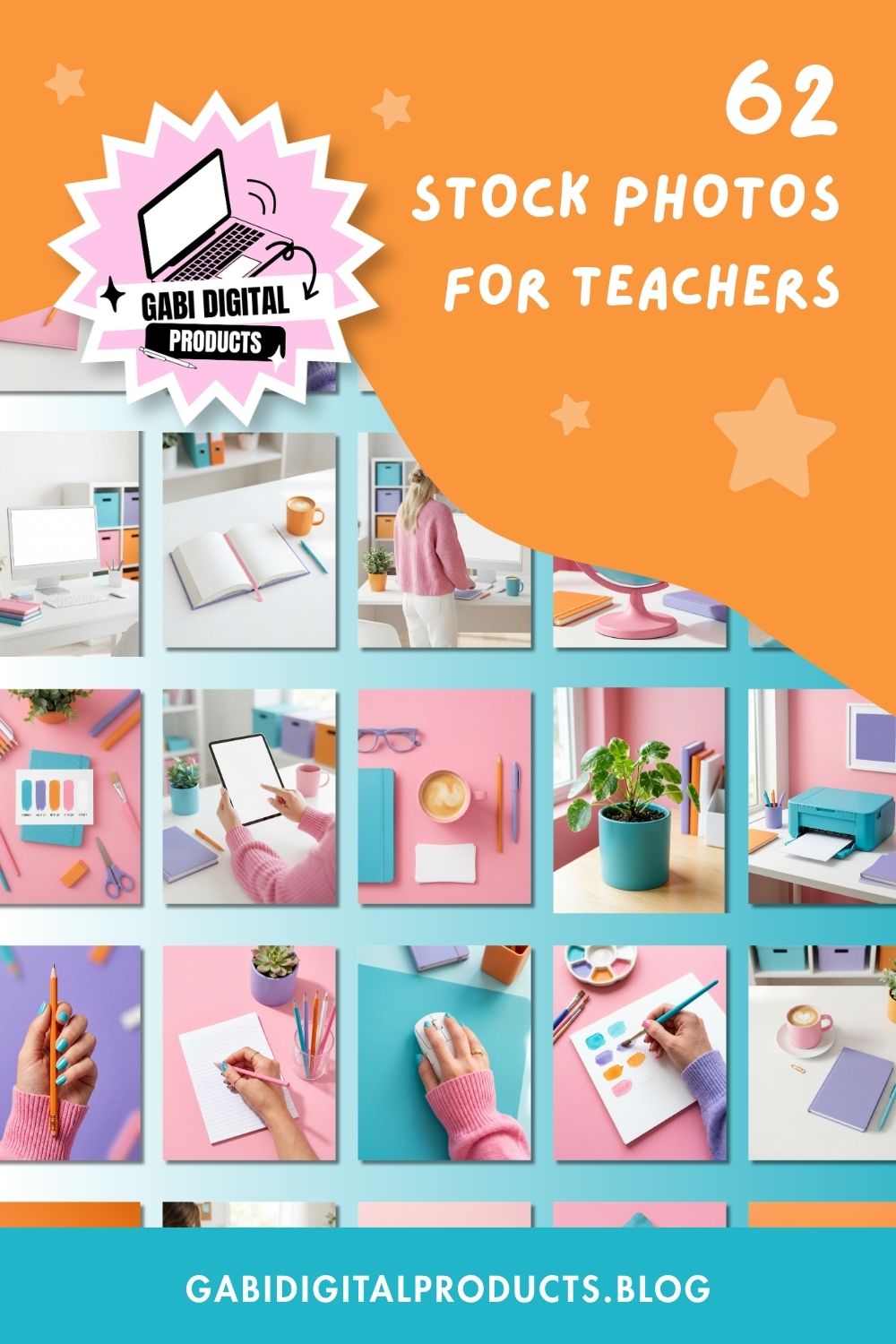
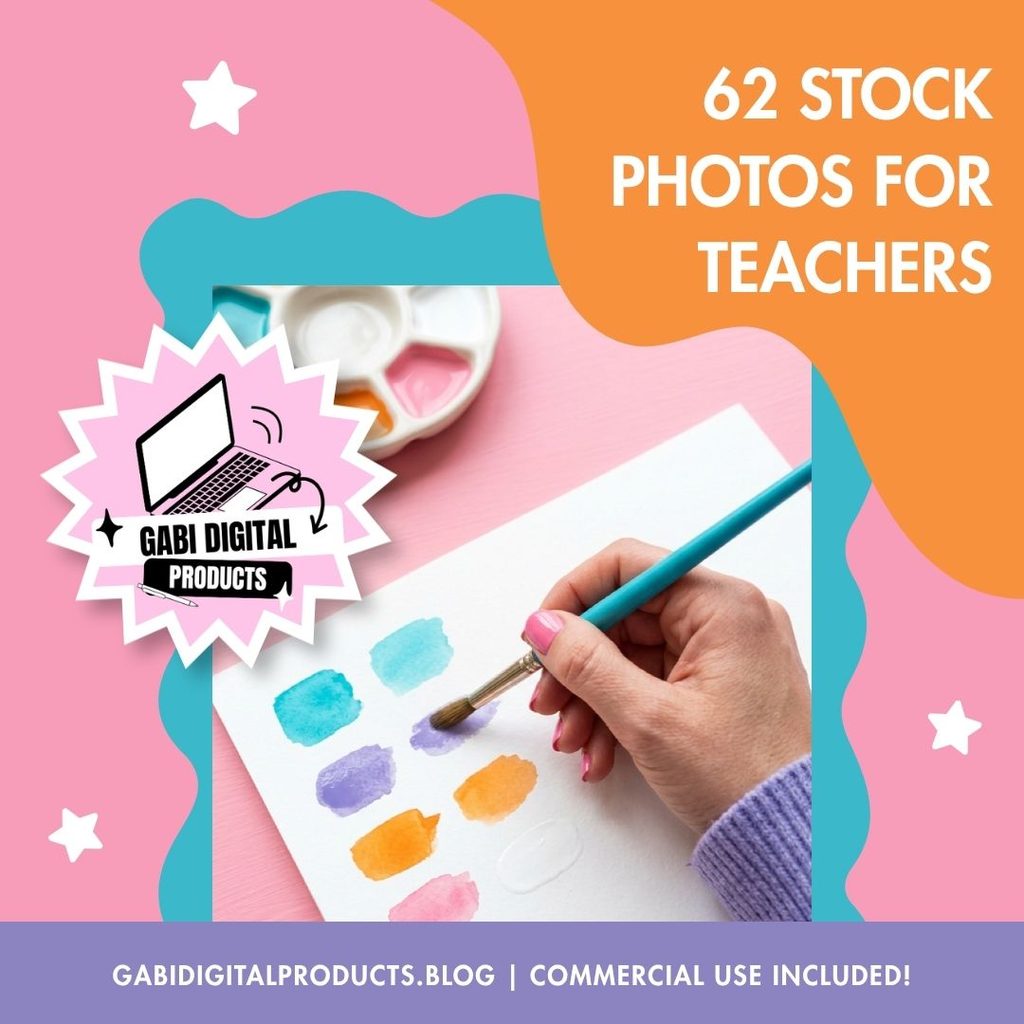
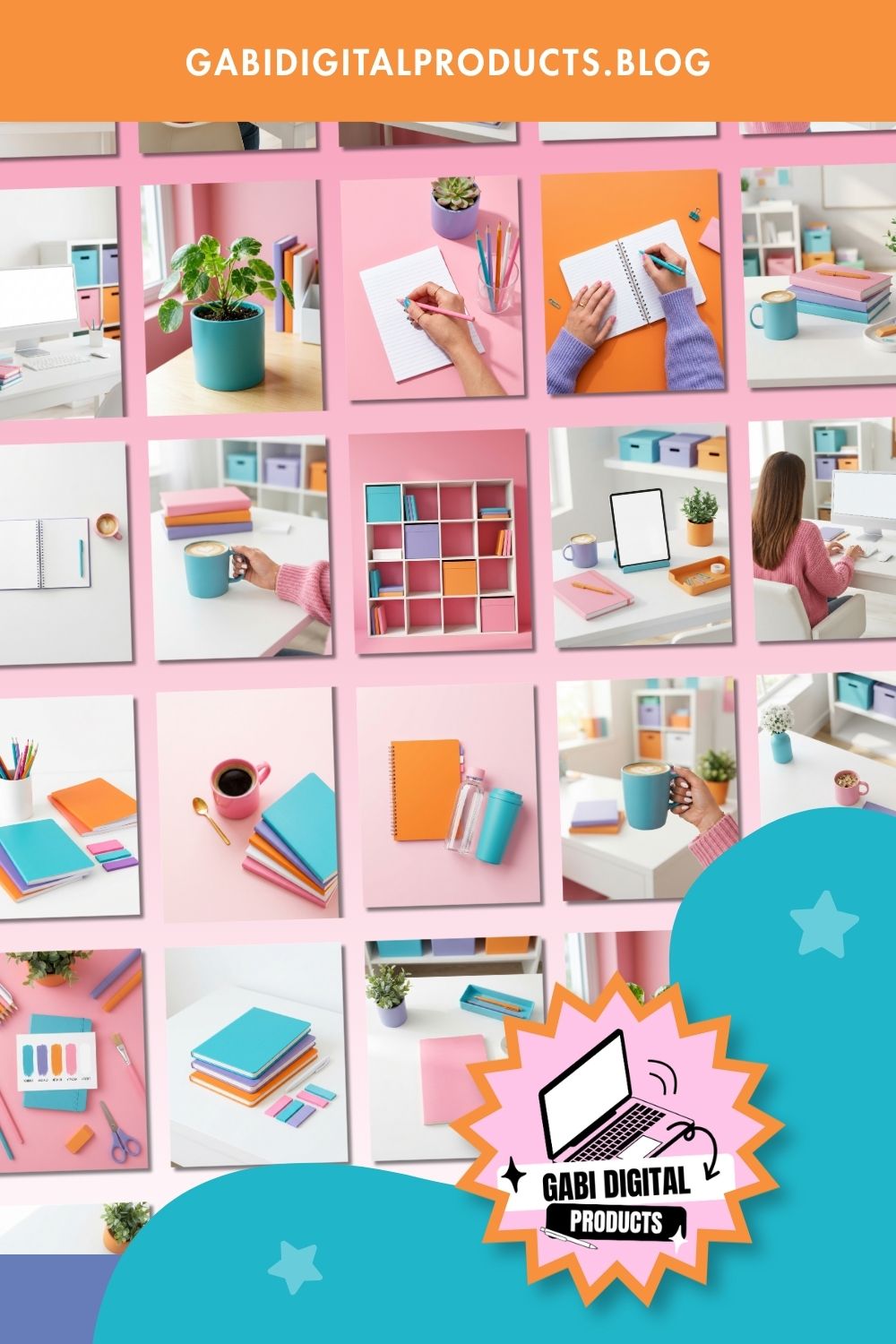
The collection includes 62 high-resolution images designed around a cohesive, colorful teacher-business aesthetic.
You’ll find:
- Clean workspace and desk setups
- Computers and monitors with blank screens
- Tablets with space for your designs
- Hands writing in notebooks
- Typing and computer-work scenes
- Coffee and creative desk moments
- Watercolor and painting scenes
- Chalkboard images
- Planners, notebooks, stationery, and school supplies
- Flat lays
- Globes and classroom-inspired props
- Printers and planning scenes
- Potted plants and organized workspace setups
The images use a consistent palette of pink, teal/turquoise, lilac, and orange, so you don’t have to spend time trying to make completely unrelated photos look like they’re part of the same brand.
They come in multiple dimensions, including 1000 × 1500 px, 1920 × 1080 px, and 1080 × 1350 px, making them useful for different types of content.
Where can you actually use them?
This is where I think having a curated collection becomes much more useful than simply having access to a stock-photo website.
You can reuse the images throughout your business.
TPT product covers and previews
Use the desk scenes, flat lays, tablets, or workspace photos as backgrounds for your product graphics.
Some of the images also include blank screens, so you can place your own digital product screenshots onto the monitor or tablet.
That makes them particularly useful when you’re selling printables, templates, planners, eBooks, or other digital resources.
Pinterest is one of those platforms where you can create a lot of graphics.

Having a collection of coordinated photos means you can create multiple pins that feel cohesive and on-brand without looking repetitive or like they came from completely different brands.
Use the photos for feed posts, portrait graphics, Stories, promotional content, or as backgrounds inside your Canva templates.
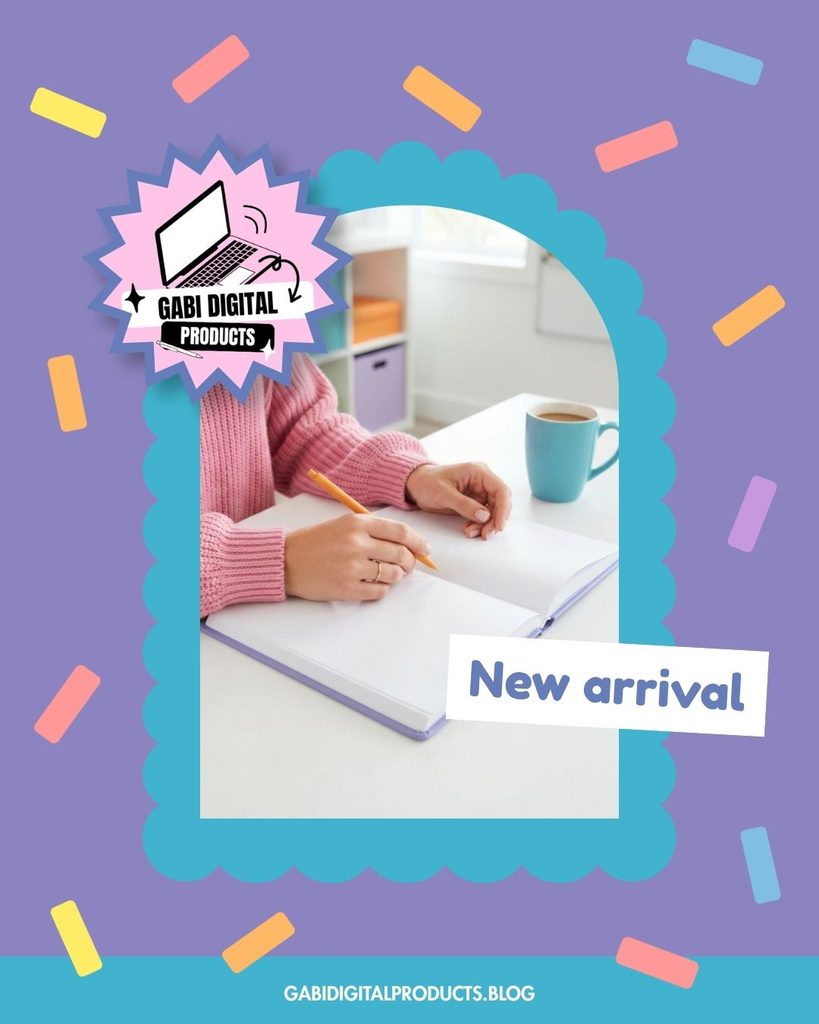
And because the photos already share an aesthetic, you can mix and match them without having to start your visual search from zero every time you create something.
Blog posts
This is something I’ve personally done with these images.
I’ve used them for blog covers and Pinterest graphics, and they work particularly well when you need a visual background that still leaves room for a title.
YouTube thumbnails
The workspace and hands-on images can also work as backgrounds for YouTube thumbnails, particularly for content aimed at teachers, digital product sellers, or teacherpreneurs.
eBooks and digital products
You can use them inside eBooks, guides, and other digital products to make the pages feel more polished and visually interesting.
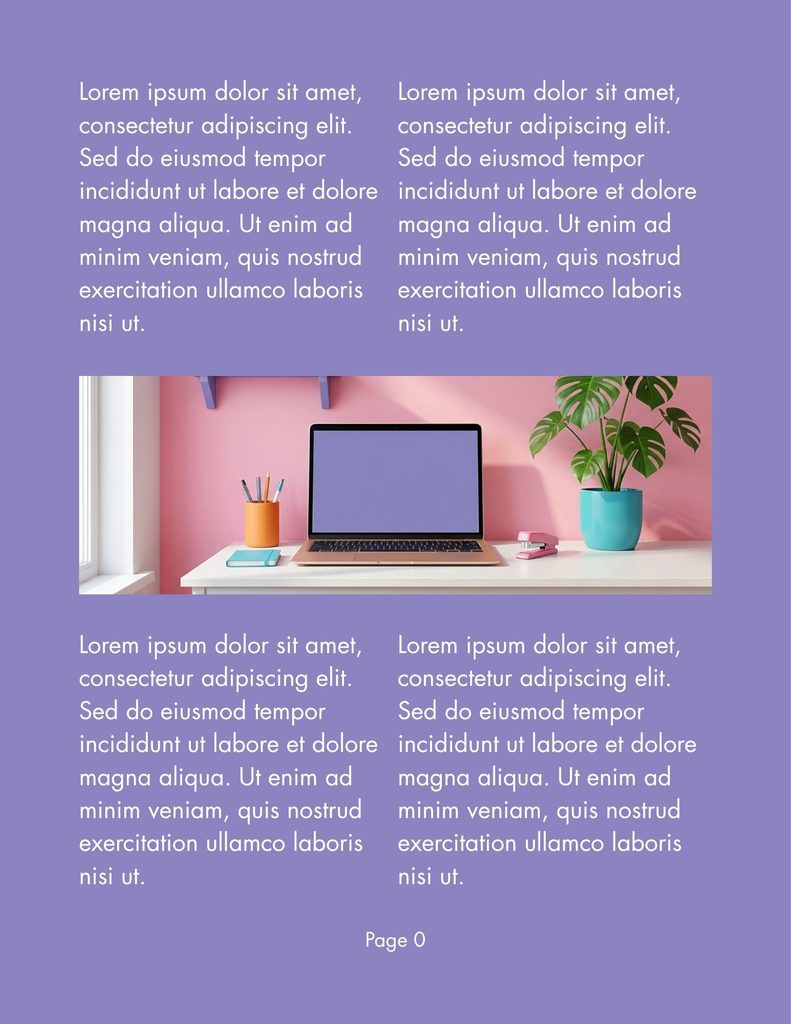
And this brings me to one of the biggest differences between this collection and ordinary stock photography.
The MRR and PLR rights are a big deal if you sell digital products
If you’re only buying stock photos to use on your own Instagram account, the licensing probably isn’t the first thing you think about.
But what happens when you’re creating something that you’re going to sell?
That’s where the rights attached to this collection become especially valuable.
The photos come with Master Resell Rights (MRR) and Private Label Rights (PLR).
That means you can use, edit, customize, rebrand, and resell the product itself according to the included MRR/PLR terms.
For example, you could use the photos inside:
- Canva templates you’re selling
- Ebook templates
- Digital guides
- Courses
- Bundles
- Other digital products
- Your own stock-photo collection
You can also customize and rebrand the product and resell it.
There is an important distinction, though: the rights apply to the digital product, not to my website or branding. My website copy, product listings, promotional materials, and branded listing images aren’t included in the license.
So if you’re looking for photos specifically because you want to create and sell Canva templates or other digital products, this flexibility can remove a major licensing headache.
“But couldn’t I just generate these with AI?”
Yes, you absolutely could.
If you already know how to create AI images and enjoy doing it, you might not need this pack.
But creating one nice image is one thing. Creating 62 images that look like they belong to the same collection is another.
You have to keep generating until you get images you actually like, deal with weird hands or other little details, and try to keep the colors and style consistent. And when you need a whole collection, that can take a lot of time.
I was working on my TPT brand kit, Pinterest templates, Instagram templates, and ebook templates, and I wanted the photos to match everything. Instead of searching for individual stock photos or generating them one by one as I went, I created the photo collection first.
Once I had them, I could use the same photos across my templates, TPT listings, Pinterest pins, Instagram content, and blog covers.
It made creating everything so much easier because I wasn’t stopping every few minutes to look for another photo that would work.
Who is this stock photo pack actually for?
I’d consider this styled stock photos for teacherpreneurs collection if you regularly create visual content and want your business to look more cohesive without spending hours searching for individual images.
It’s particularly useful if you:
- Sell on TPT
- Create Canva templates
- Sell ebooks or digital products
- Market on Pinterest
- Use Instagram to promote your business
- Write a teacher-focused blog
- Create YouTube content
- Want reusable photography for your brand
- Want commercial rights that allow you to use the assets in products you sell
On the other hand, I wouldn’t buy it just because you think you “should” have stock photos.
You probably don’t need it if you already have a large professional photo library that perfectly matches your branding, prefer taking your own photographs, only need a couple of images occasionally, or have a completely different visual aesthetic.
And if you love generating your own AI images and don’t mind the time involved, you can absolutely create your own collection.
So, are styled stock photos for teacherpreneurs worth it?
For me, the biggest benefit isn’t just having a folder full of nice photos. It’s having 62 photos that all match, so I don’t have to go searching for a new one every time I want to make a Pinterest pin, blog cover, product graphic, or Instagram post.
And if you’re selling digital products, the MRR/PLR rights add another layer of value because you aren’t restricted to using the photos purely for your own marketing.
You can use them to create products, customize them, bundle them, and resell the product itself.
That’s why I created this collection in the first place: I wanted the visuals for my own business, and I wanted them to be useful enough that other teacherpreneurs could build with them too.
If your biggest frustration is spending forever looking for stock photos that actually work together, this is the problem this collection is designed to solve.