Book blog pin templates for Canva can help you create Pinterest pins for book reviews, reading lists, and fantasy recommendations without designing every pin from scratch.
If you love dark academia, vintage books, rich colors, and classic fonts, I created a template pack just for that style.
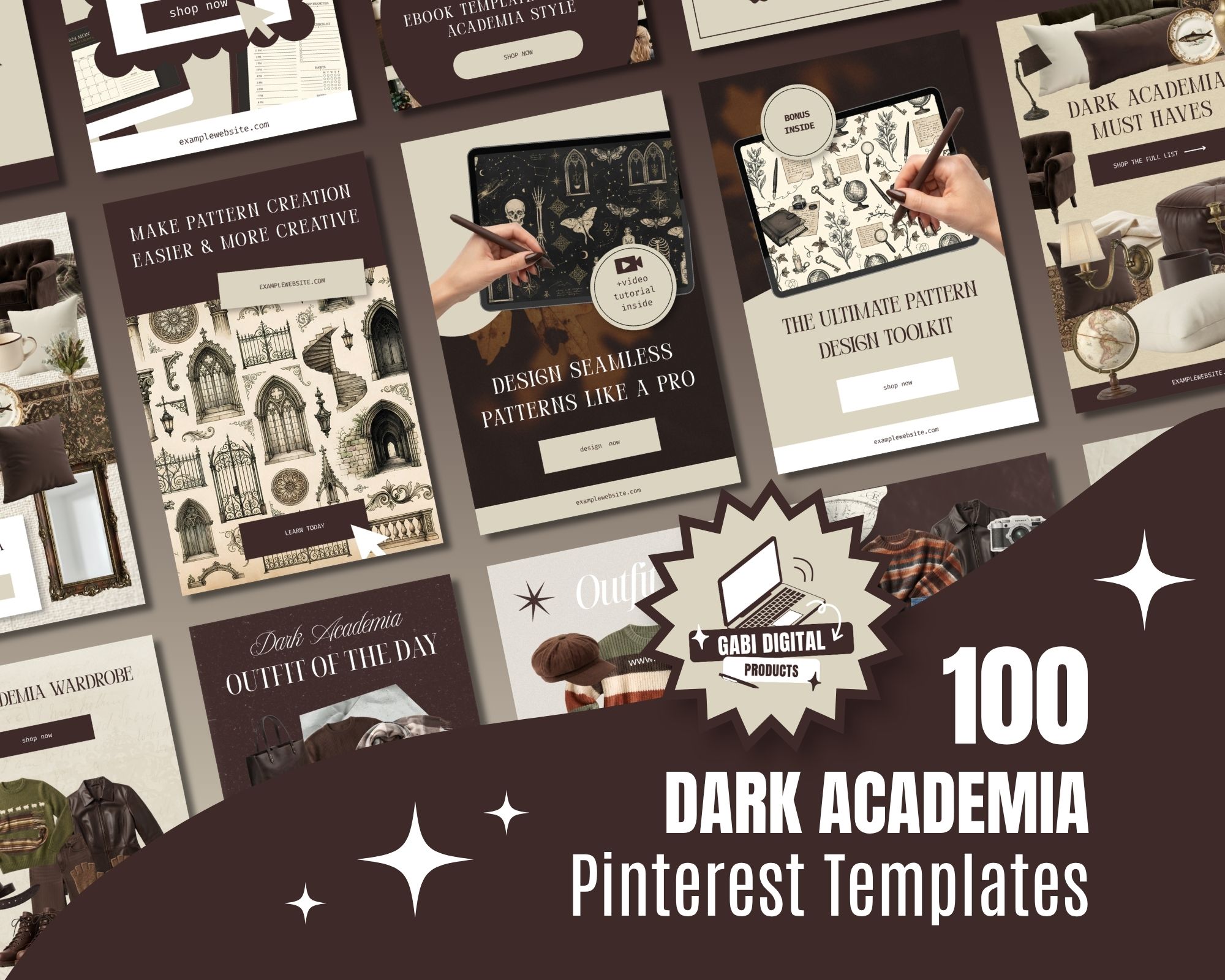
Why I Created These Dark Academia Templates
At the beginning of 2026, I researched graphic design trends and created a guide featuring a couple of styles, including dark academia.
I explored rich colors like deep green, espresso brown, warm cream, burgundy, and antique gold. The look reminded me of old libraries, classic books, and candlelit study rooms.
I also found myself drawn to this style while creating content for Pinterest and Amazon affiliate marketing. That inspired me to create a collection of dark academia designs, including Pinterest templates, Instagram templates, PNG cutouts, SVGs, and stock images.
You can see the colors, fonts, and free graphics in my 2026 graphic design trends guide.
What Can You Create With These Book Blog Pin Templates?
Use the templates to create Pinterest content for your blog, website, or bookish brand, including:
- Book reviews: Share your thoughts on your latest read.
- Reading lists: Create monthly reading lists and TBR posts.
- Book recommendations: Highlight your favorite fantasy, gothic, and mystery books.
- Gift guides: Share gift ideas for book lovers.
- Blog promotions: Turn your latest articles into Pinterest pins.
- Affiliate content: Showcase books and other products you recommend.
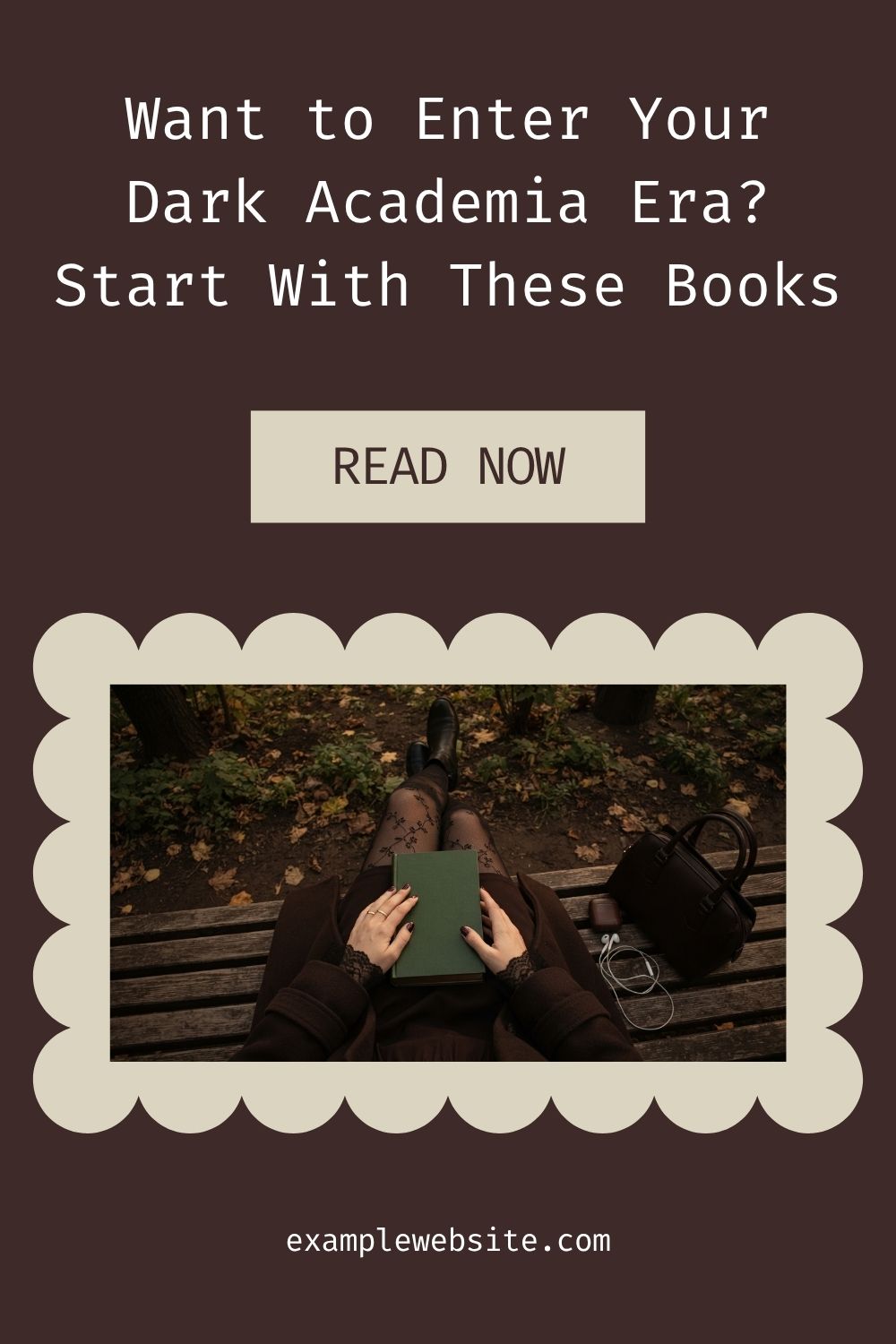
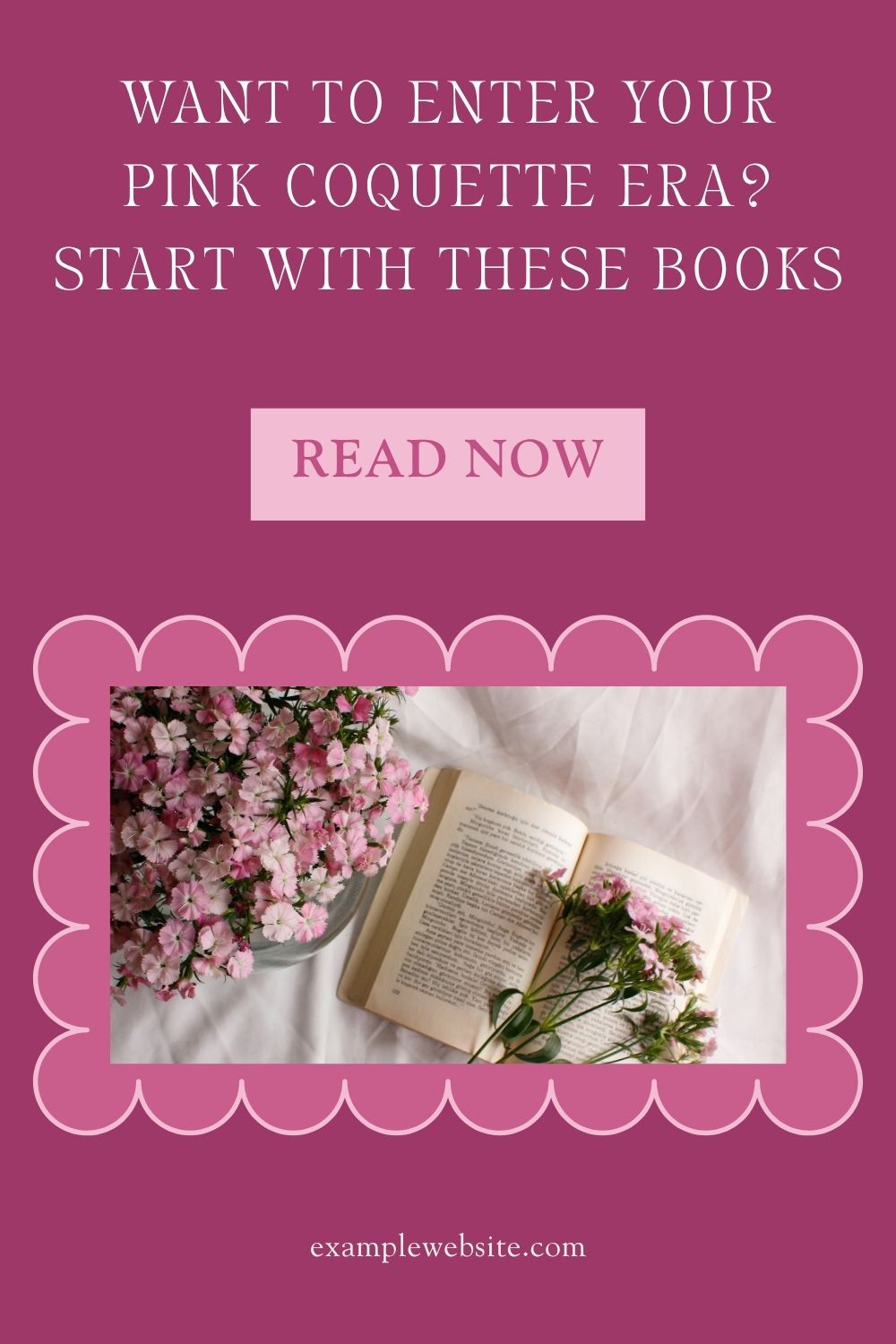
You can customize the designs in Canva to match your content and branding.
What’s Included in the Canva Pack?
The bundle includes:
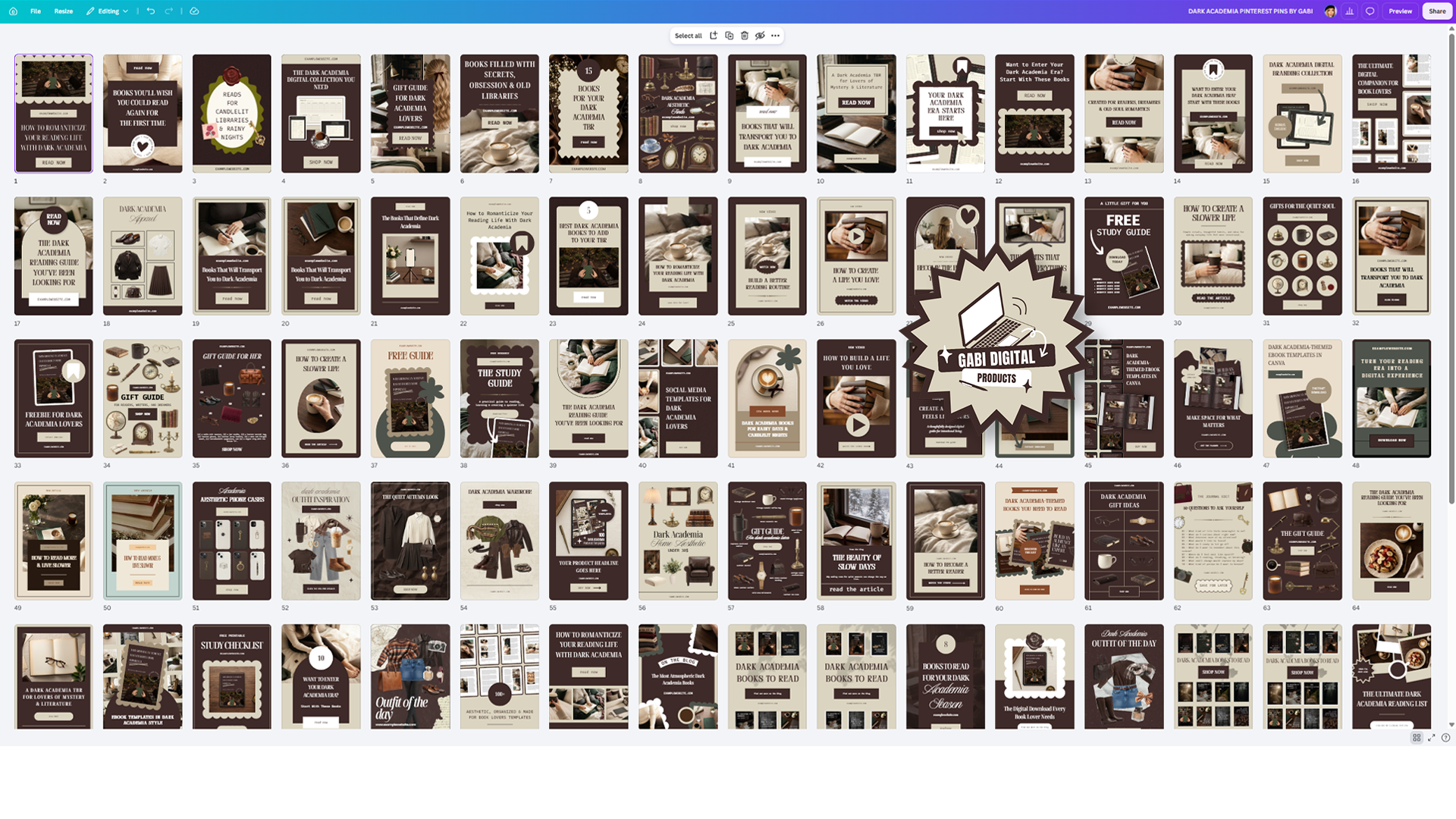
- 100 editable Canva templates.
- Two vertical sizes: 1000 × 1500 px and 1080 × 1920 px.
- More than 50 additional pin ideas for small businesses.
- Custom-made SVG elements, including scalloped shapes, call-to-action designs, hand mockups, and flowers.
- A PDF with links to open the templates in Canva.
You don’t need Canva Pro. The templates use free Canva elements and fonts, so you can edit them with a free Canva account.
Will These Templates Help You Get More Pinterest Clicks?
Templates can save you design time and help you create a consistent look, but they can’t guarantee clicks or sales.
I have used Pinterest for years to promote blog posts, digital products, and affiliate content. My account has reached 1.2 million impressions, with more than 2,000 outbound clicks per month:
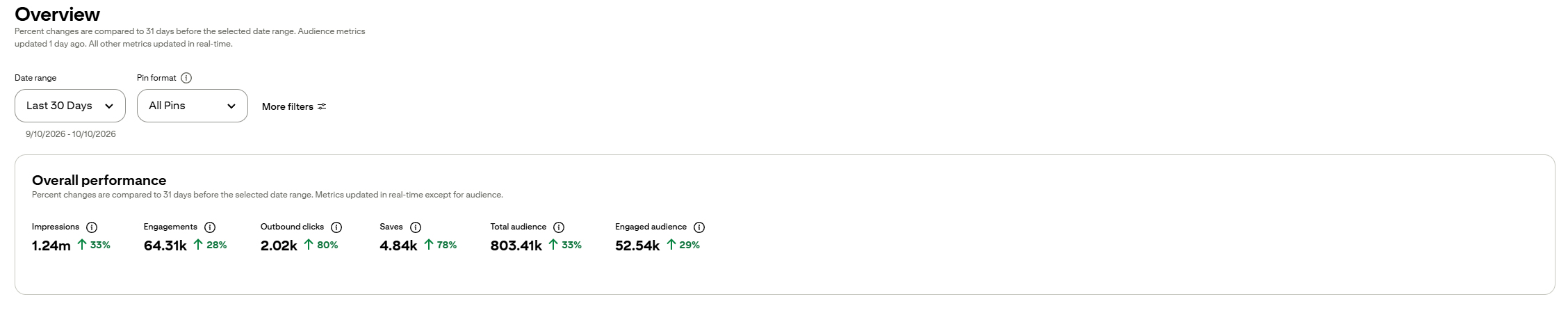
That’s my own experience, not a promise of what another account will achieve.
I recommend using clear headlines, showing readers what they’ll find after clicking, and linking each pin to the right page. You can read more in my guide to marketing digital products on Pinterest.
Get the Dark Academia Canva Templates
If you want matching Pinterest designs for your book blog without starting every design from a blank page, take a look at my dark academia template pack.
Enter the code at checkout.
Choose the designs you like, add your own book covers and text, and make them fit your content. 🙂
Happy pinning, Gabi. <3


Leave a Reply