If your Pinterest pins are not getting clicks and your digital products aren’t selling, only getting saved, it’s not because your designs aren’t beautiful. In fact, the real problem is the opposite: your pins are too beautiful.
People save them for inspiration, but they have zero intention of buying. Beautiful pins attract attention; strategic pins drive sales. If you want results, your pins need to be designed with strategy in mind, not just aesthetics. If you’re new to this, check out my Complete Beginner’s Guide to selling digital products on Pinterest.
Why Your Pinterest Pins Are Not Getting Clicks
If your pins are getting plenty of saves but zero traffic, they are likely too “aesthetic” and not strategic enough. To fix your low Pinterest click-through rate (CTR) immediately, focus on these four pillars:
- Make the Headline Better: Use the formula [What They Want] + [How Fast] + [No Pain] to make people pay attention.
- Use Bold Colors: Swap soft colors for bright ones and easy-to-read fonts like League Spartan so people stop scrolling.
- Add Clear Signs: Always add a button or arrow. People naturally follow signs and click on buttons.
- Focus on Clicks: Don’t worry about big numbers. Make designs that get people to visit your website.
Quick Fix: Don’t start from scratch! Use ready-made templates that turn your pins into sales, not just pretty pictures.
The Difference Between a “Pretty” Pin and a “Profitable” Pin
Marketing solves a problem.
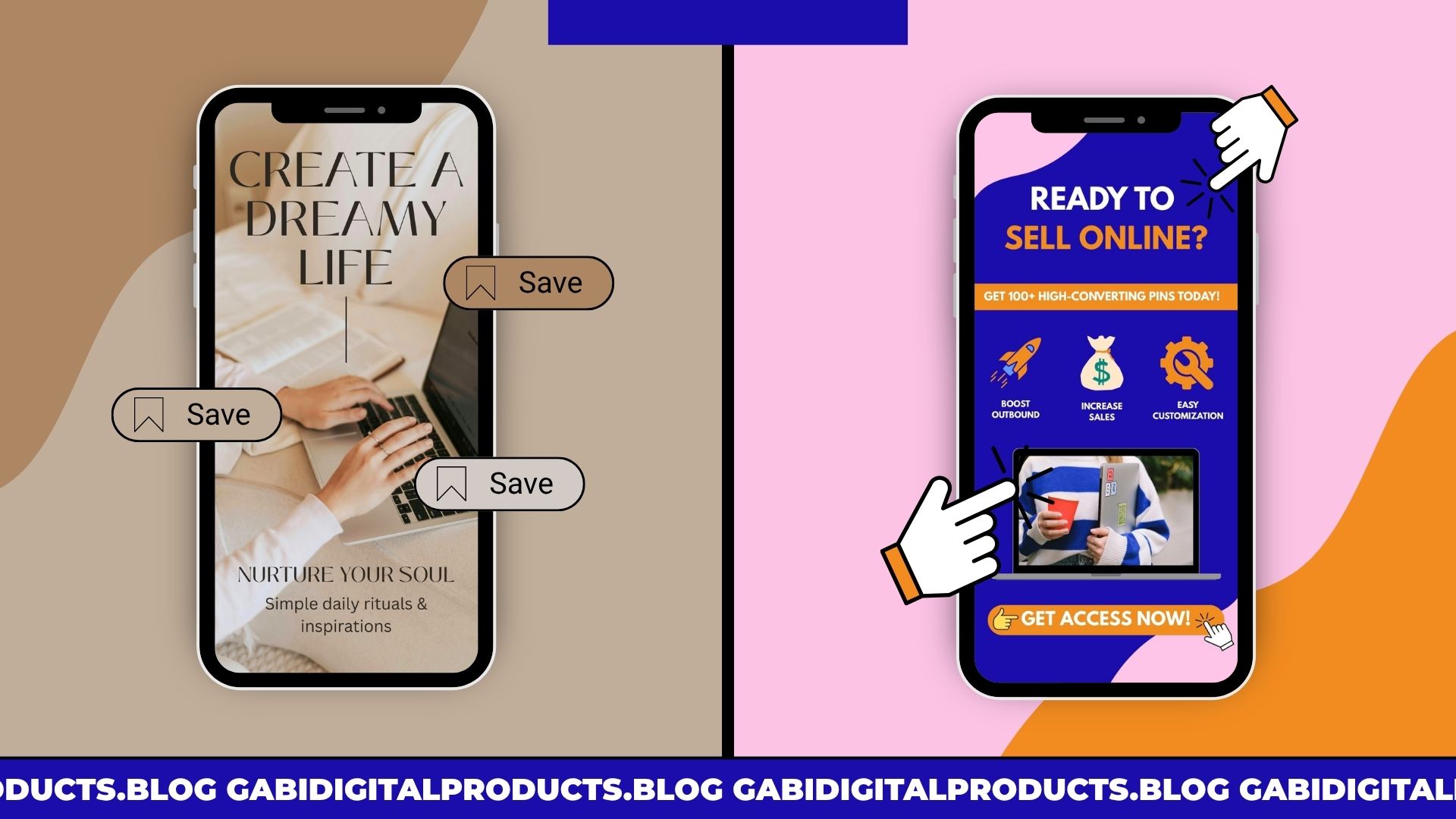
An aesthetic pin sells a feeling. This works well for luxury brands, but it’s slow for digital creators.
A high-converting pin sells a solution. It uses “how-to” words, arrows, and icons to show value fast.
It answers the question, “What’s in it for me?”
3 Major Mistakes Making Your Pinterest Pins Not Getting Clicks
To turn scrollers into customers, avoid these three common design mistakes.
1. Vague Headlines
Instead of writing “Digital Product Planner,” write “How to Plan Your Digital Product Shop in 30 Days.”
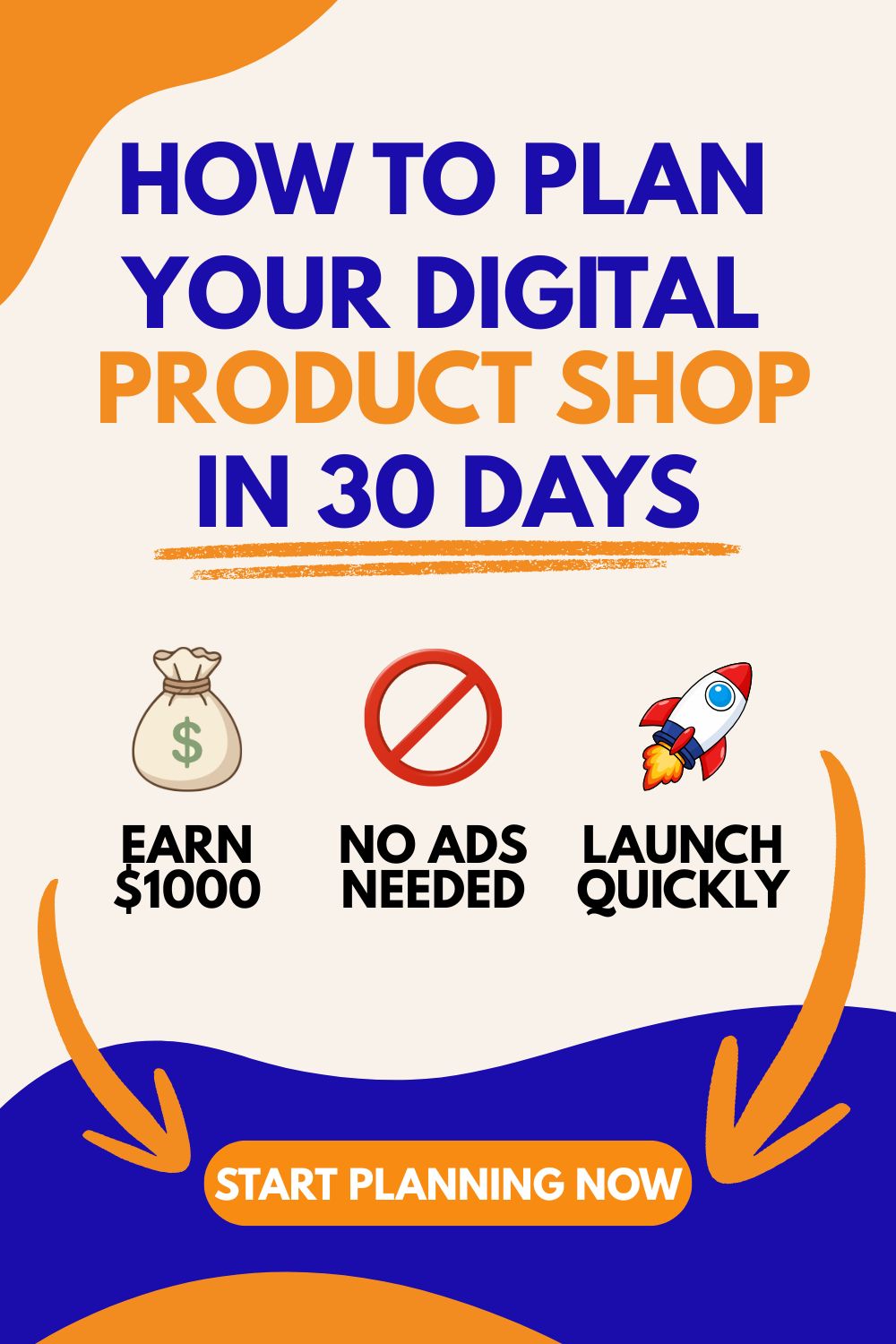
There’s a well-known formula in the marketing world called “The Transformation Formula,” which is officially written like this:
[Desired Result] + [Timeframe] + [Without Pain/Worry]
Example: How to Earn Your First $1,000 (desired result) in 30 Days (how fast) without any investment in ads (without worry).
Why does this formula work?
We are more motivated to avoid pain than to chase benefits. So when you add words like “without worry” or “without pain” to your title, you appeal to natural human instincts.
The timeframe (“how fast”) helps our brains see the result more clearly, which builds trust in the headline.
2. Too Much Thinking (The “Soft Design” Trap)
When a design is too “soft,” your eyes don’t know where to look, so you take in the whole image instead of focusing on the main message.
- The fix is to use visual anchors. Bold headers and high-contrast colors (such as orange and dark navy blue) create a “Stop the Scroll” effect, allowing the brain to process the offer in less than a second. If you’re specifically using Canva, see my guide on how to sell Canva templates on Pinterest for more design tips.
3. No Clear Direction (No CTA)
Your brain is built to look where signs are pointing. If you don’t tell people what to do, they won’t do anything.
- The Fix: Add arrows and buttons. Even on a still image, a button makes people want to click. Small icons for proof or data, like “Boost Outbound Clicks,” help build trust that “pretty” pins often lack.
My Strategy: Why 2,000+ Clicks Matter More Than 1 Million Impressions
Many Pinterest gurus promise millions of monthly views. I’ve been there, I once hit the 1–2 million mark on Pinterest, but I quickly realized that more reach isn’t always better reach.
High impressions look great on a chart, but they don’t pay the bills.
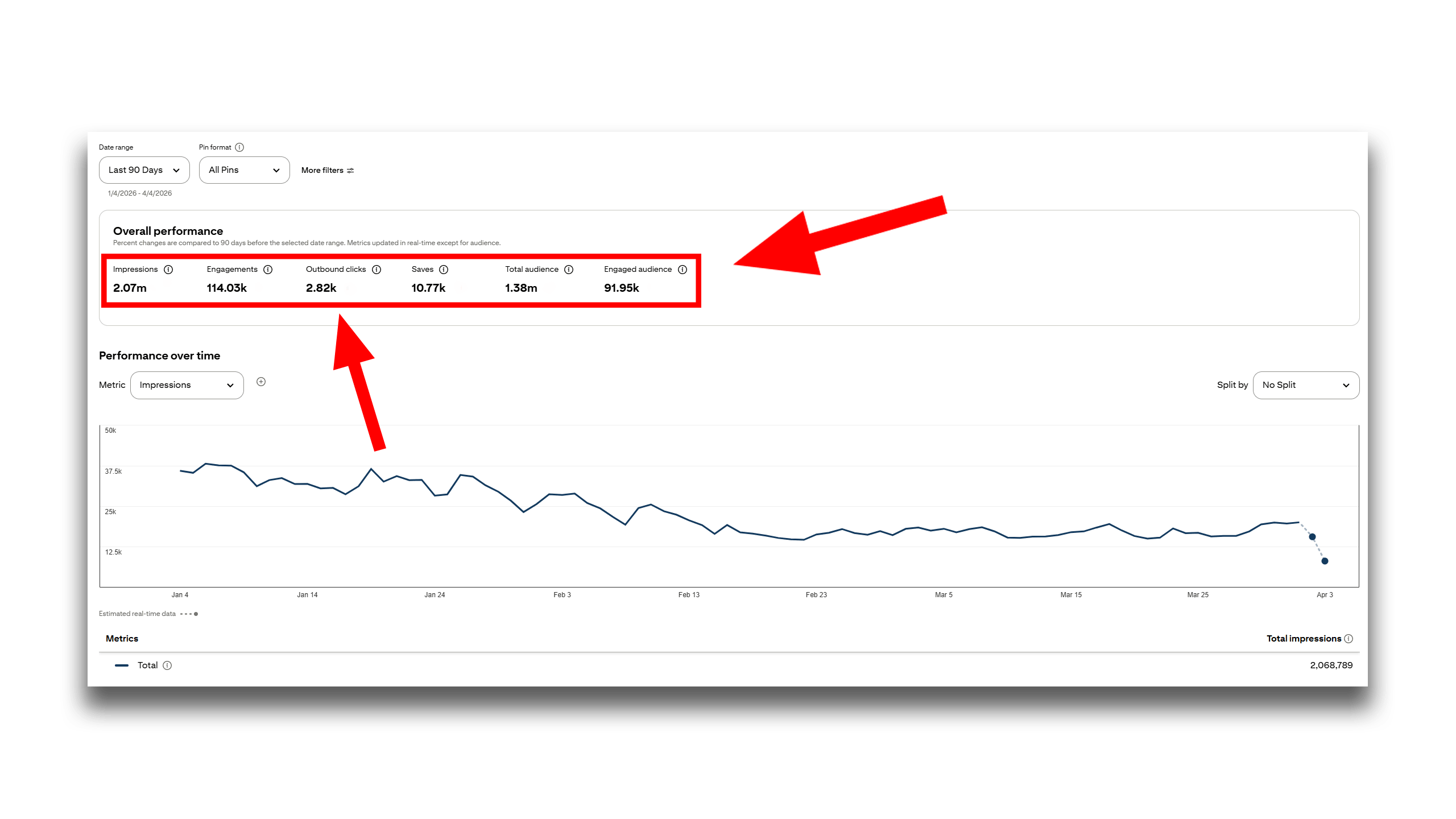
What actually grows your business are outbound clicks.
In the past 90 days, my strategy has brought over 2,000 direct clicks to my content. This works for more than one type of offer. I use the same design system to promote my digital products, send readers to my blog, and earn affiliate commissions.
If you’re still deciding which path is right for you, check out my breakdown of Affiliate Marketing vs. Digital Products for beginners.
The Anatomy of a High-Click Pin:
When I look at my top-performing pins, the ones driving 2,000+ clicks, they all follow this framework:
- Strategic Visual Hierarchy: I guide the viewer’s eye straight to the call to action (CTA) using buttons and arrows.
- High Contrast: I use bold, dark backgrounds with bright, easy-to-read text so the main message stands out from soft, aesthetic pins.
- “Stop the Scroll” Hook: I don’t just show the product, I show a problem right away (like “Stop wasting hours on design”).
Stop Designing From Scratch (The Fast Track to Sales)
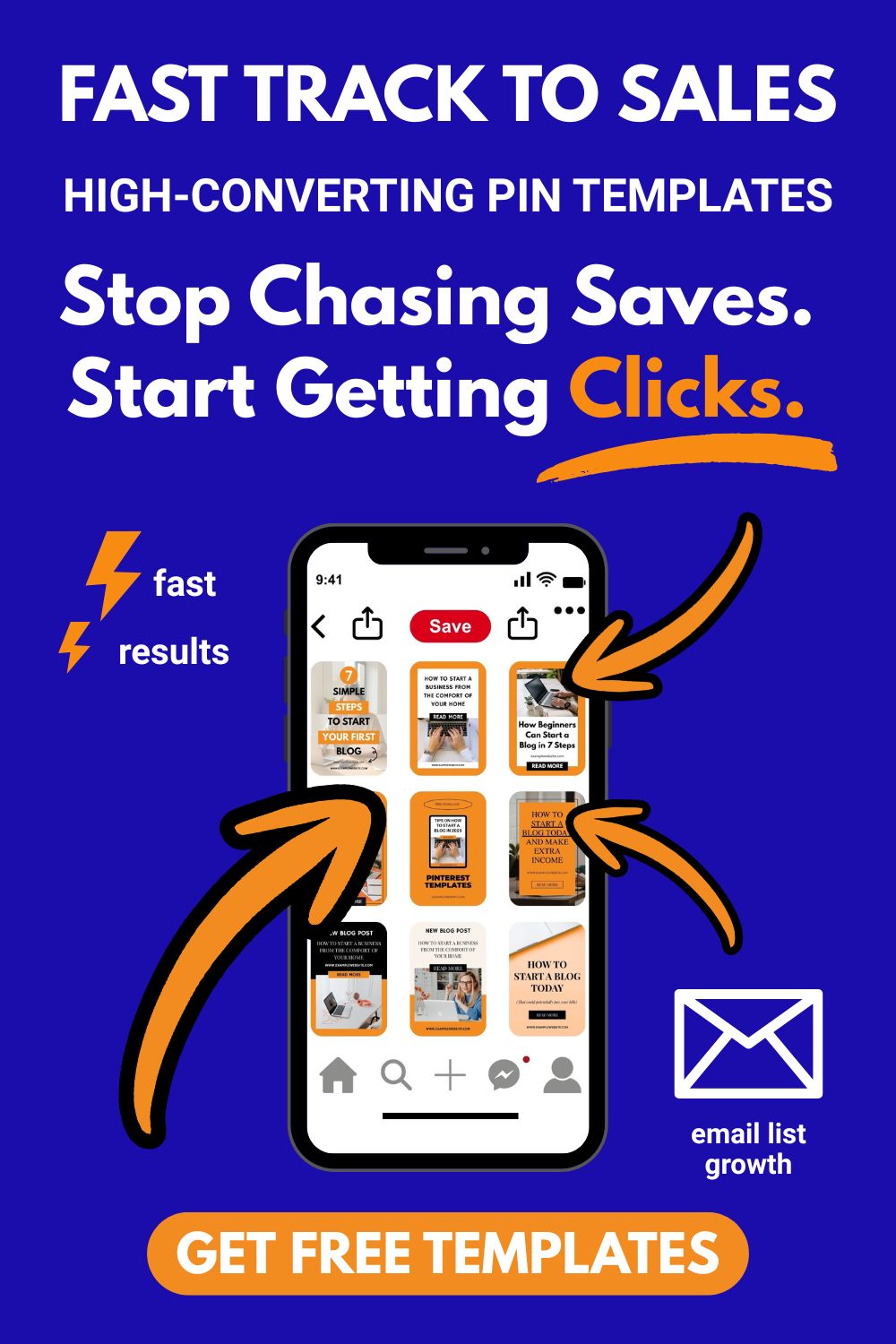
If your Pinterest pins are not getting clicks, stop chasing saves and start getting real outbound clicks with ready-to-use templates you can quickly customize and post.
You can create them from scratch, but that takes time. And Canva templates? Most pins look nice, but you have to be careful which ones you choose, not all are designed to get clicks.
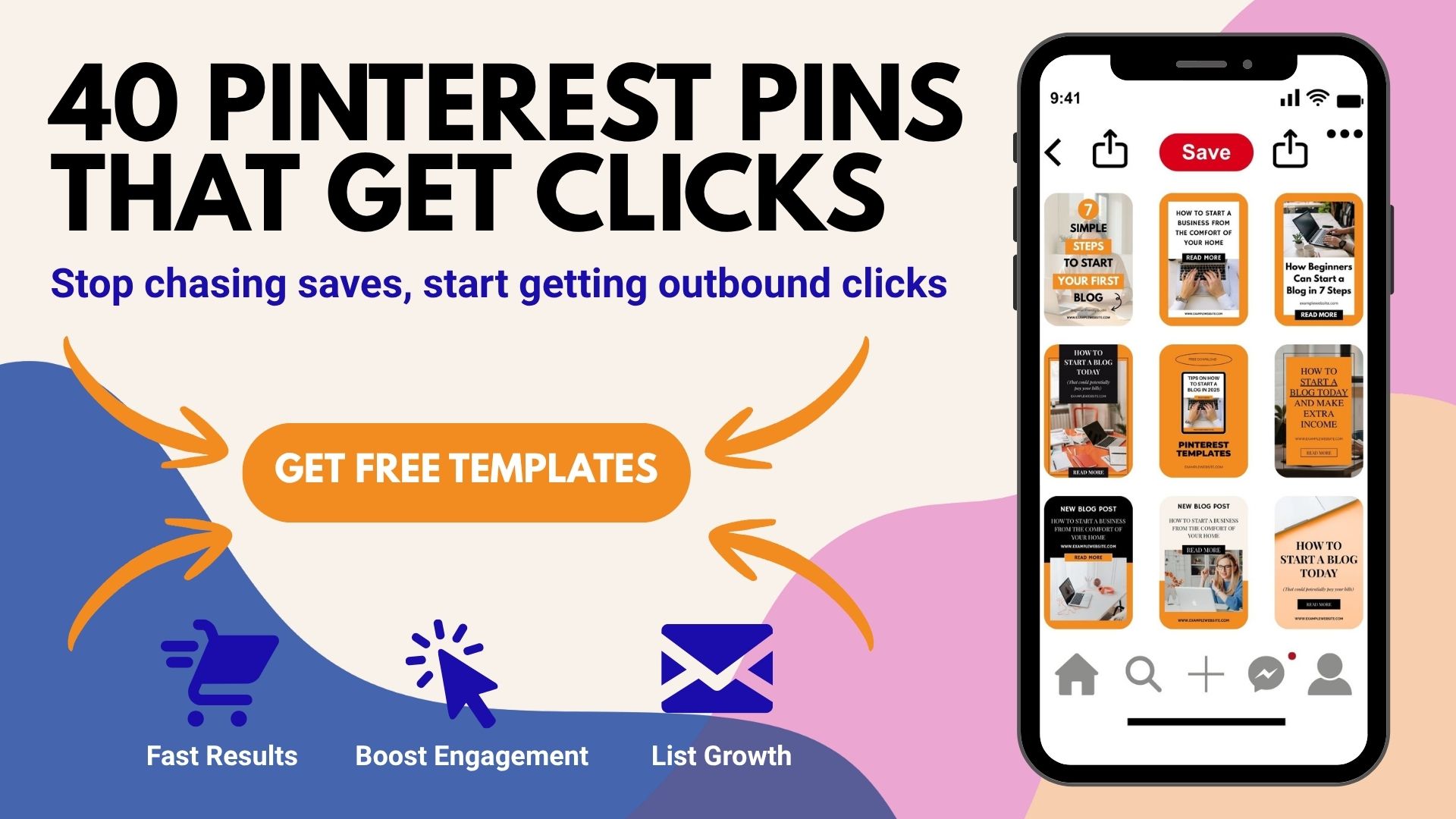
That’s why I created 40 high-converting Pinterest pin templates for you. Just swap the images, tweak the colors, and upload.
You can even resell them or use them to grow your email list.
I’ve spent months testing these designs, so you don’t have to.
Stop Your Pinterest Pins Not Getting Clicks for Digital Products
A good pin has three things: a headline that promises a result, bold colors that stop the scroll, and a button or arrow that tells people what to do. People decide in one second if they will click. Make sure your pin answers “what do I get?” right away.
Use bold, easy to read fonts like League Spartan. Your text needs to be clear in under a second. Stay away from fancy or curly fonts for your main headline. They look pretty but people scroll past them without reading.
Yes! These 40 templates work for many things. You can use them to get people to your blog, sell your digital products, promote affiliate links, or grow your email list. Just change the colors and photos and post. You can also resell them and keep 100% of the profit.
Yes! If someone clicks your pin and leaves your page right away, Pinterest notices. This is called pogo-sticking. When it happens too much, Pinterest stops showing your pin. Make sure your page looks like your pin and delivers what you promised.
If people are clicking but not buying, the pin is not the problem. The issue might be your offer or your product page. Read my guide on why your digital product might not be selling to find out what to fix next.