This post contains affiliate links. As an Amazon Associate I earn from qualifying purchases. I may also earn commissions from other affiliate programs at no extra cost to you. Please read full disclosure for more information.
Looking for the best content creator must-haves this holiday season? If so, these must-haves will make your workspace comfier, your tools better, and creating more fun.
🧸 1. Cozy & Cute Office Decor
Okay, let’s start with something simple, plushies!
You might wonder what plushies have to do with being productive or creating professional digital products. In fact, they do more than you think.
These cozy decor pieces are simple must-haves because they make your workspace feel inspiring and help you stay motivated through long creative sessions.
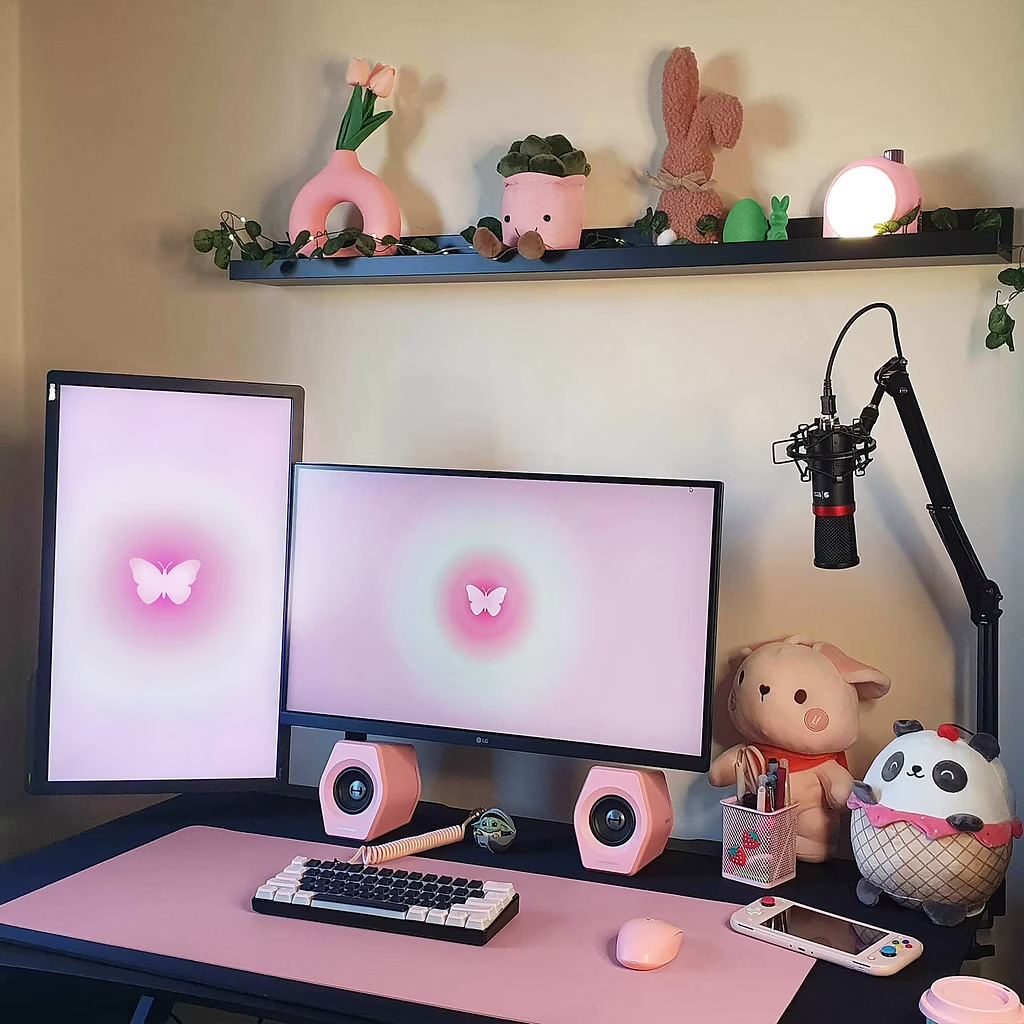
When your space feels welcoming, you are more likely to sit down and focus on creating your next Canva template, listing a new PLR product, or designing a digital download. That positive energy often shows in the quality of your work.
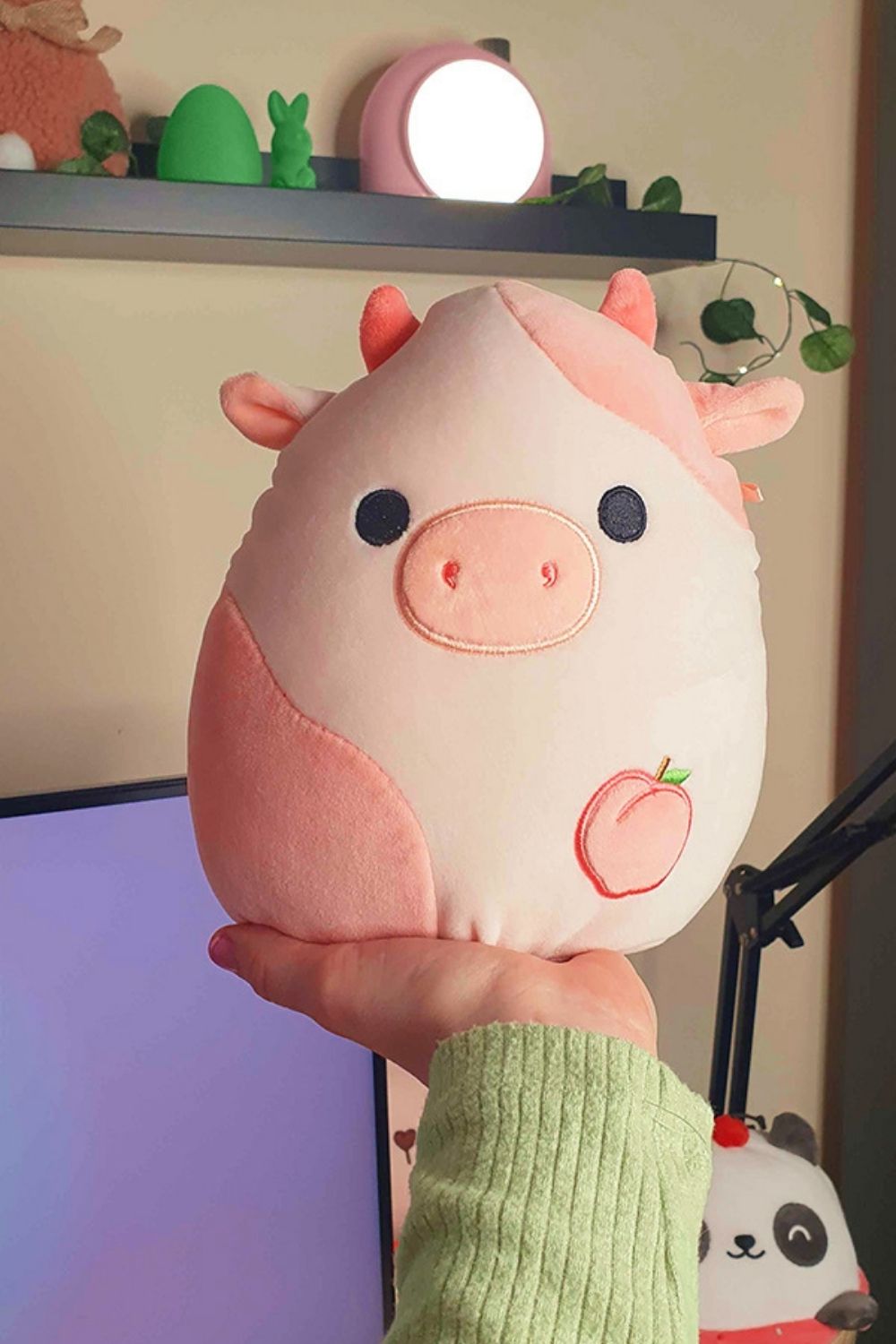
Squishmallows Peach Cow
My plushie collection is pretty big now, and I adore all of them, but this one is extra special. It is soft and cute.
The perfect little addition to your desk, office, or gaming space.
Divoom Pink Lamp
Turning on this little lamp on dark autumn and winter evenings makes my workspace feel warm and inviting. The soft glow makes my desk feel cozy while I work on Pinterest pins or create digital products.
Moreover, it looks cute and could even be a great gift for someone. Plus, the app lets you change the faces, switch moods, and customize the light however you like.
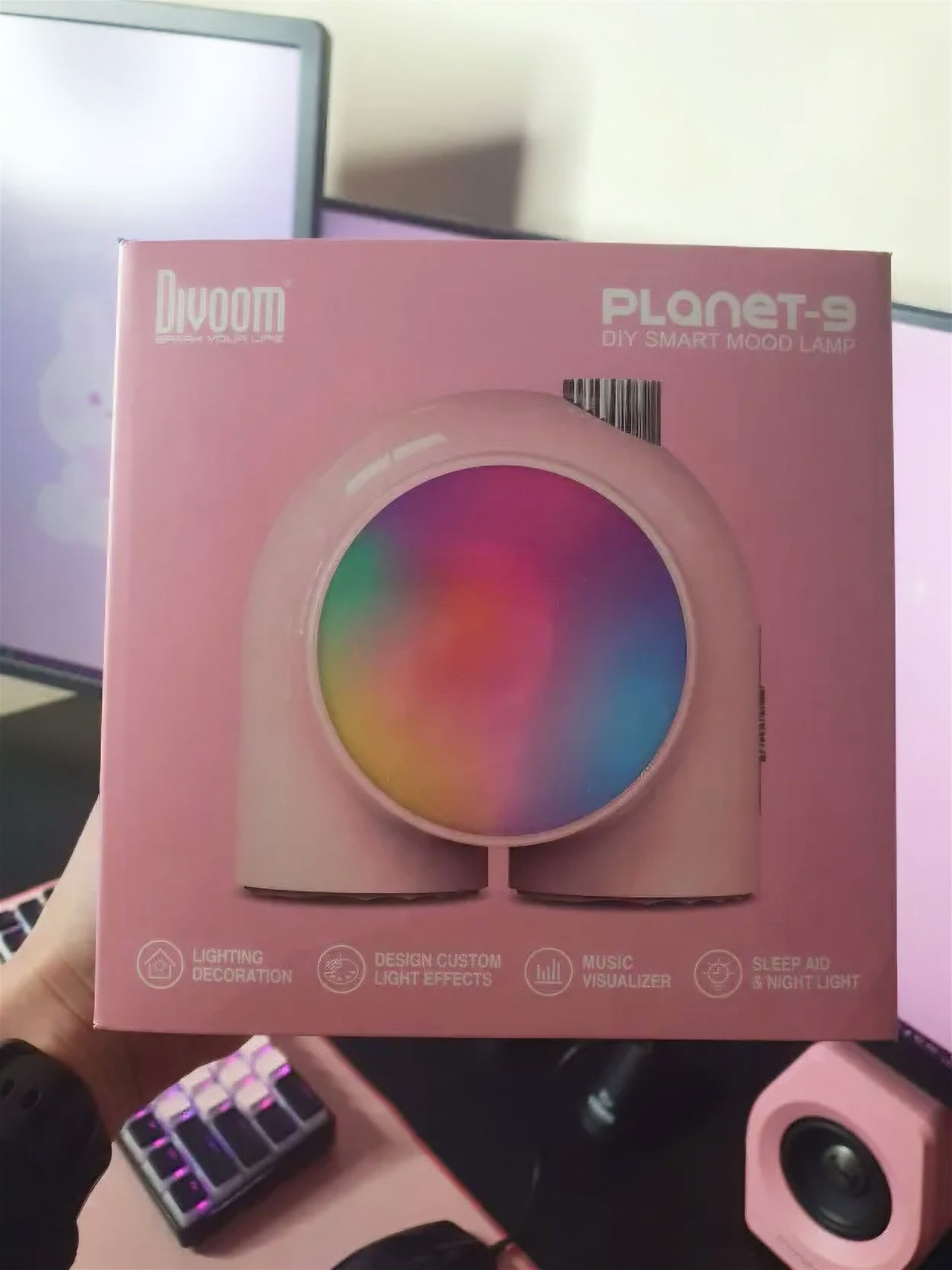
With its design, cozy vibe, and fun app features, this lamp is an absolute win.
🖱️ 2. Aesthetic Tech
Comfortable and stylish tech accessories are another set of content creator must-haves, especially if you spend hours designing, editing, or writing every day.
Razer Orochi V2 Mouse
This mouse is one of my absolute favorites. If mine ever broke, I would buy the same one again right away.
I spend hours every day designing Canva templates, creating thumbnails, and writing blog posts for my digital products. Therefore, a good mouse keeps me working without pain or tired hands.
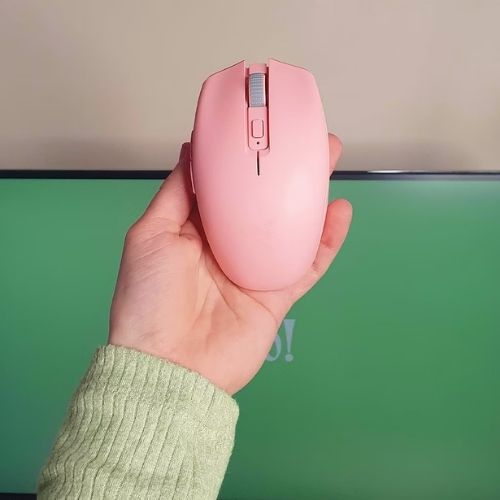
Available in pink, black, and several other colors, it’s easy to match this mouse to your setup. You can even customize it with Razer accessories, like cute cases. Also, the mouse runs on rechargeable batteries, meaning I can swap them out and keep creating without stopping.
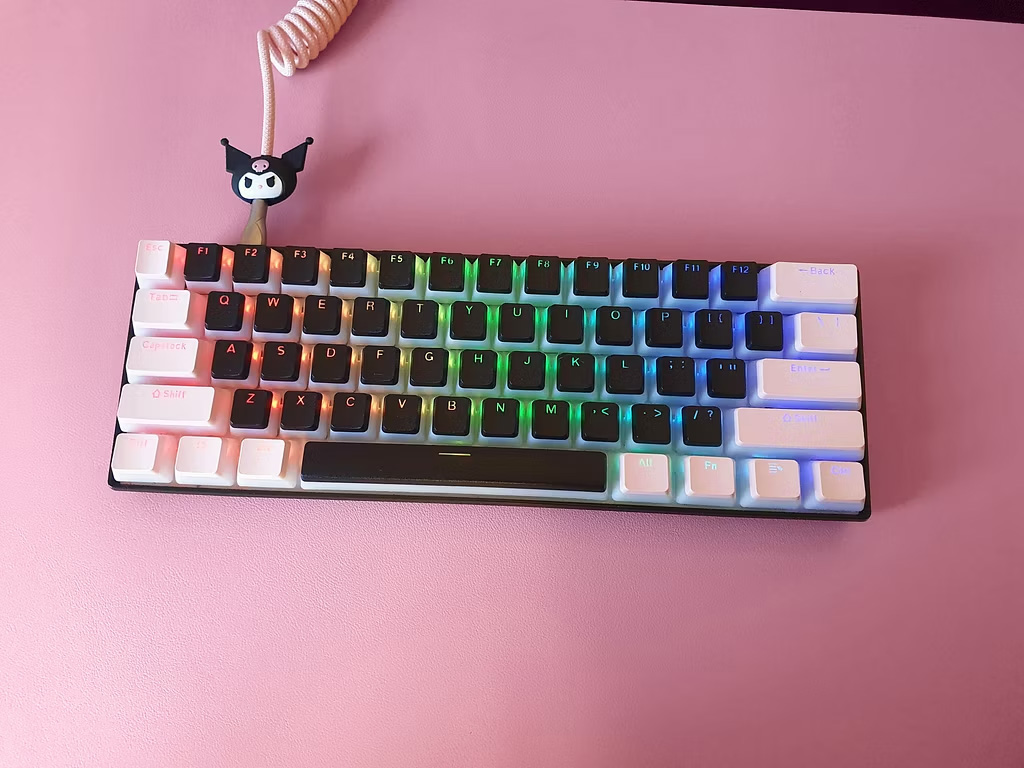
RK61 Mechanical Keyboard
An amazing keyboard that’s perfect for long design and writing sessions.
With Pegasus Silent GamaKay switches, black and pink pudding keycaps, and a matching keyboard cable, my setup feels both cute and silent.
Even better, the customization options let me swap keycaps or switches anytime, giving my setup a fresh look.
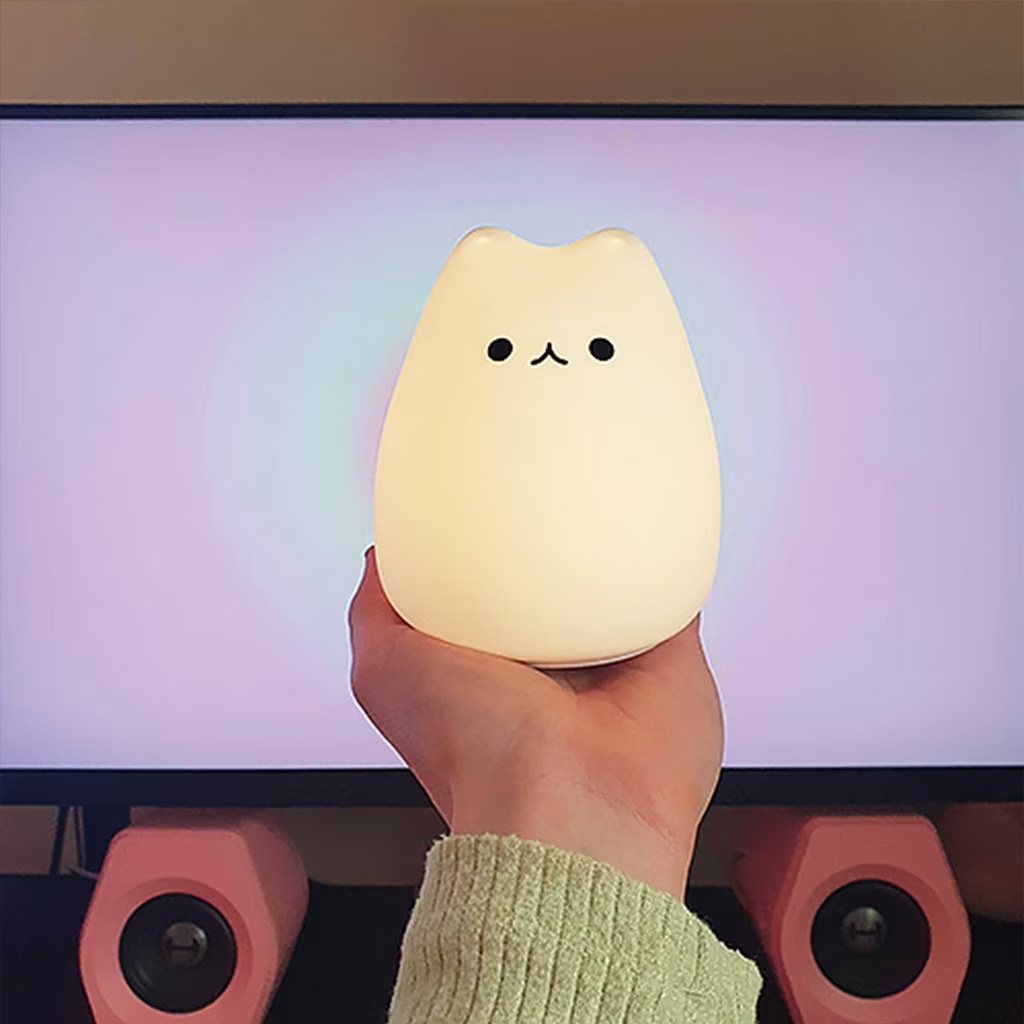
The Cat Lamp
Pinterest users really love this lamp. Bought years ago, it’s still just too cute to ignore. For anyone who enjoys charming night lamps, this one is a must-have!
🎥 3. Creator Gear: Cameras, Mics, and More
Videos help build trust; for example, people are more likely to buy when they hear and see you.
Microphones
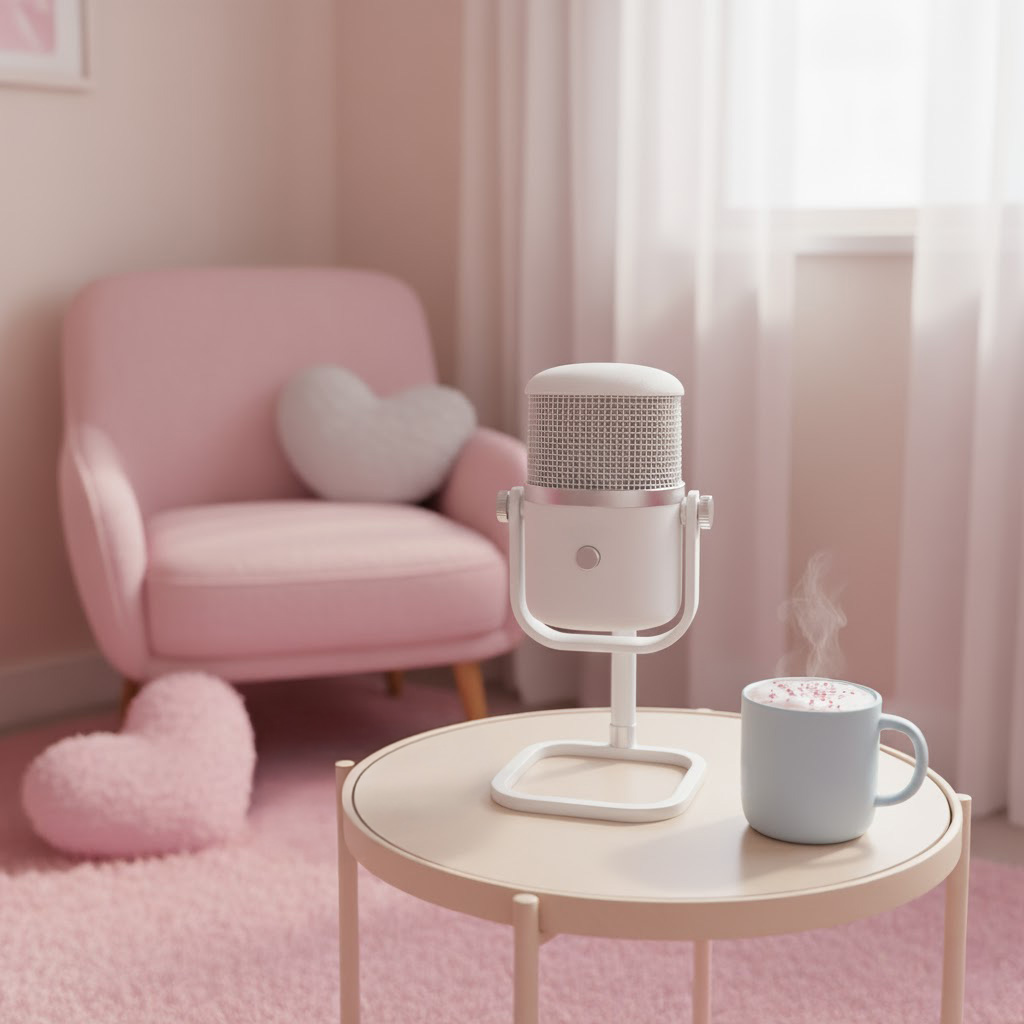
You can use a simple microphone and mount it on your desk, or alternatively, go for the DJI Mic Mini Transmitter, which I am planning to get. This mic, works wirelessly and is currently one of the top choices on the market.
Cameras
Just starting? Grab an iPhone! It’s totally enough.
However, if you want pro quality, consider the Sony ZV-1 camera with a Sigma 16mm f/1.4 lens, which is perfect for YouTube or desk filming.
The Sigma 16mm f/1.4 lens is a camera lens that lets in a lot of light, so your videos look bright and clear even indoors. The “16mm” part means it shows more of your room or desk, so it’s great for YouTube setups. The f/1.4 makes the background look soft and blurry, which makes you stand out in the video and look more professional.
You can also use the mic I mentioned earlier (DJI Mic Mini Transmitter) with either your phone or Sony ZV-1 camera.
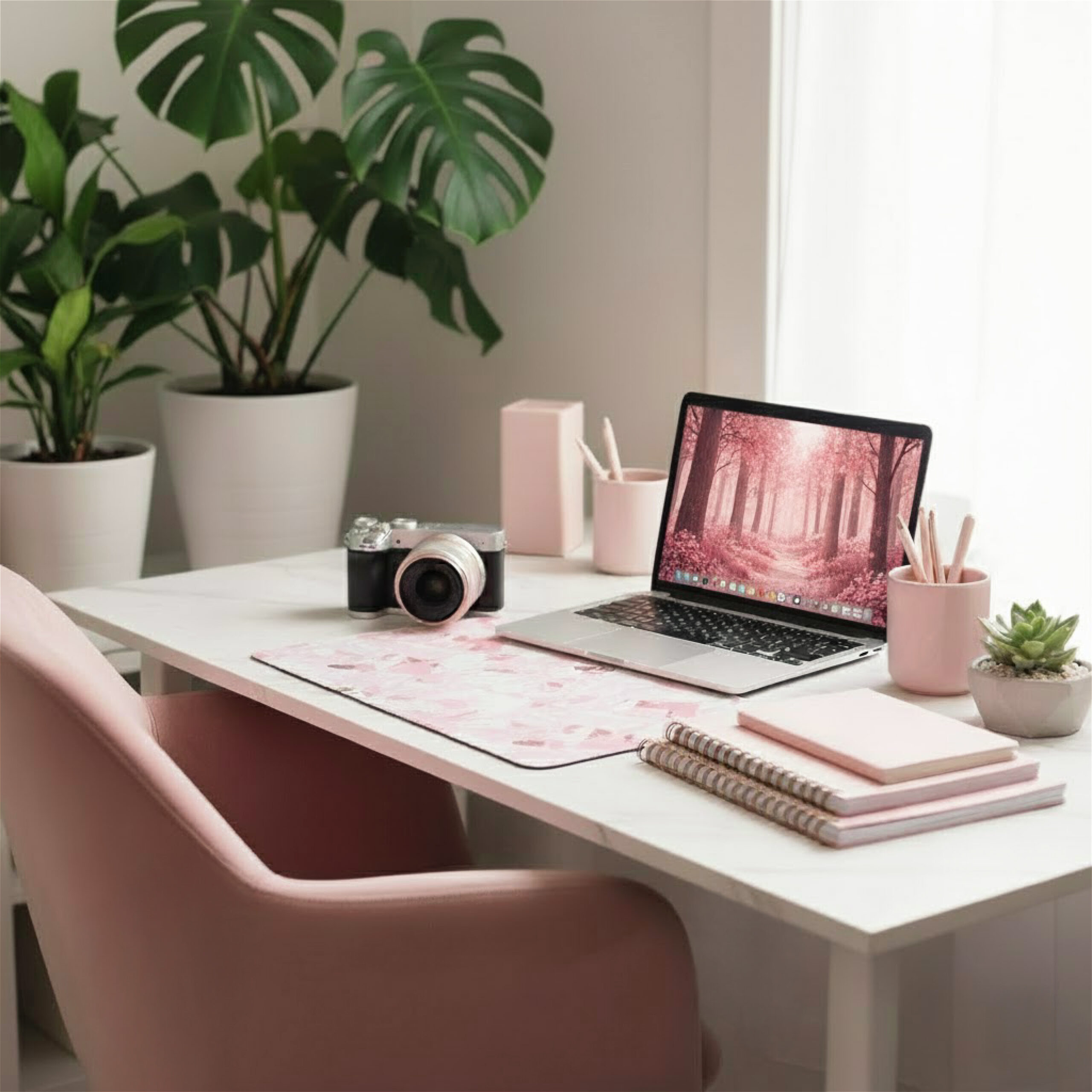
Another great option is the DJI Osmo Creator Combo, which comes with a camera, microphone, and other tools all in one set. As a result, it’s an excellent all-in-one solution and a very good deal.
Small Ring Light or Softbox
No matter how great your camera is, if your audio is poor, people will not listen or watch your videos. The same goes for bad lighting. Even the best camera cannot save a video that is too dark or poorly lit.
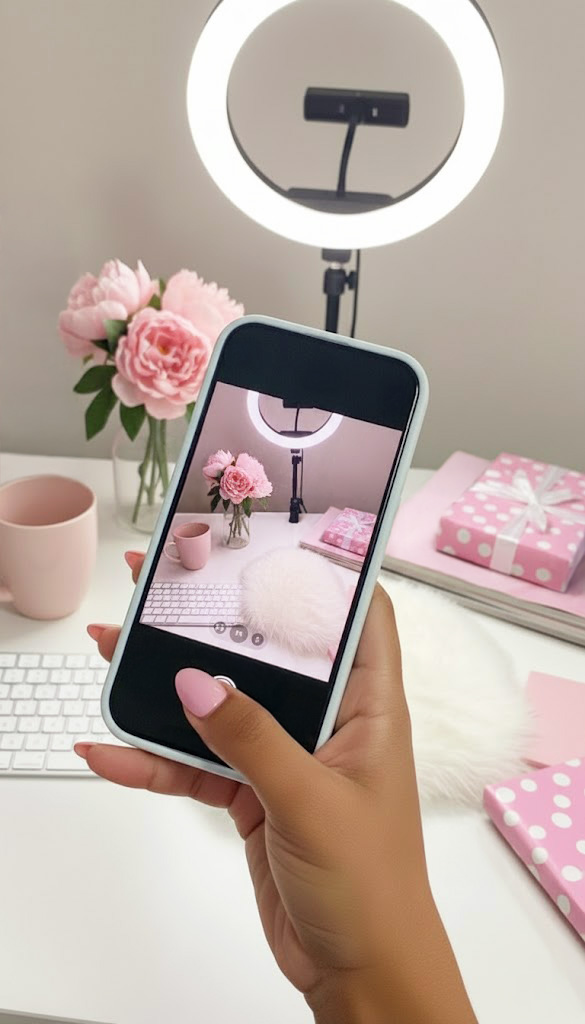
Good lighting can completely transform your videos and images from boring to wow.
Since a window won’t provide enough light in most situations, you should invest in a proper lamp or ring light to ensure your phone or camera videos look better.
💻 4. Digital Tools & PLR Products
If you are just starting out, have a website with only a few products, or want to earn more without spending all day on your computer, try using PLR digital products.
You can resell them, use them as freebies, or mix them with your own creations, depending on the license. Each seller gives you a different license, so be aware of that.
In fact, it’s one of the rare chances to reuse someone else’s work without getting into trouble, because the creator selling these digital downloads gives you a license to use them in specific, usually broad (if they come with MRR or PLR rights), ways.
Not only that, using them frees up time to focus on marketing and growing your business.
🎀 5. Other Recommendations
NCS Music – Just go to NCS.com, pick the songs you like, and use them for free! You need to give credit, but there is a section where you can copy the credits and display them on the platforms where you use the songs. They are completely free, and I have never run into any problems using them.
Canva Pro Subscription – Selling templates made in Canva requires a Canva Pro subscription, so you’ll need one if you want to sell ready-made templates. I also use it to create marketing materials, keep a brand color palette ready, and access tons of beautiful images and graphics. In short, the subscription is definitely worth it.

Adobe Photoshop – Don’t skip learning Photoshop, even as a newbie. It’s a skill you absolutely must have. With it, you can easily fix the little errors from AI, make awesome thumbnails, and do so much more. I spend hours in Adobe software every day, and I don’t regret it.
Premiere Pro – I know some people complain about Adobe, but I love Premiere Pro despite the price. Since this editing software is so powerful, you’ll need a fast computer to run it without problems. However, the best tutorials, effects, and title animations are made for Premiere Pro, making it worth investing in both the software and a better computer.
❤️ OUTRO
I hope this list of content creator must-haves helps you upgrade your setup and feel more inspired to create amazing content this season.
Have a great day and see you next week!
Love,
— Gabi