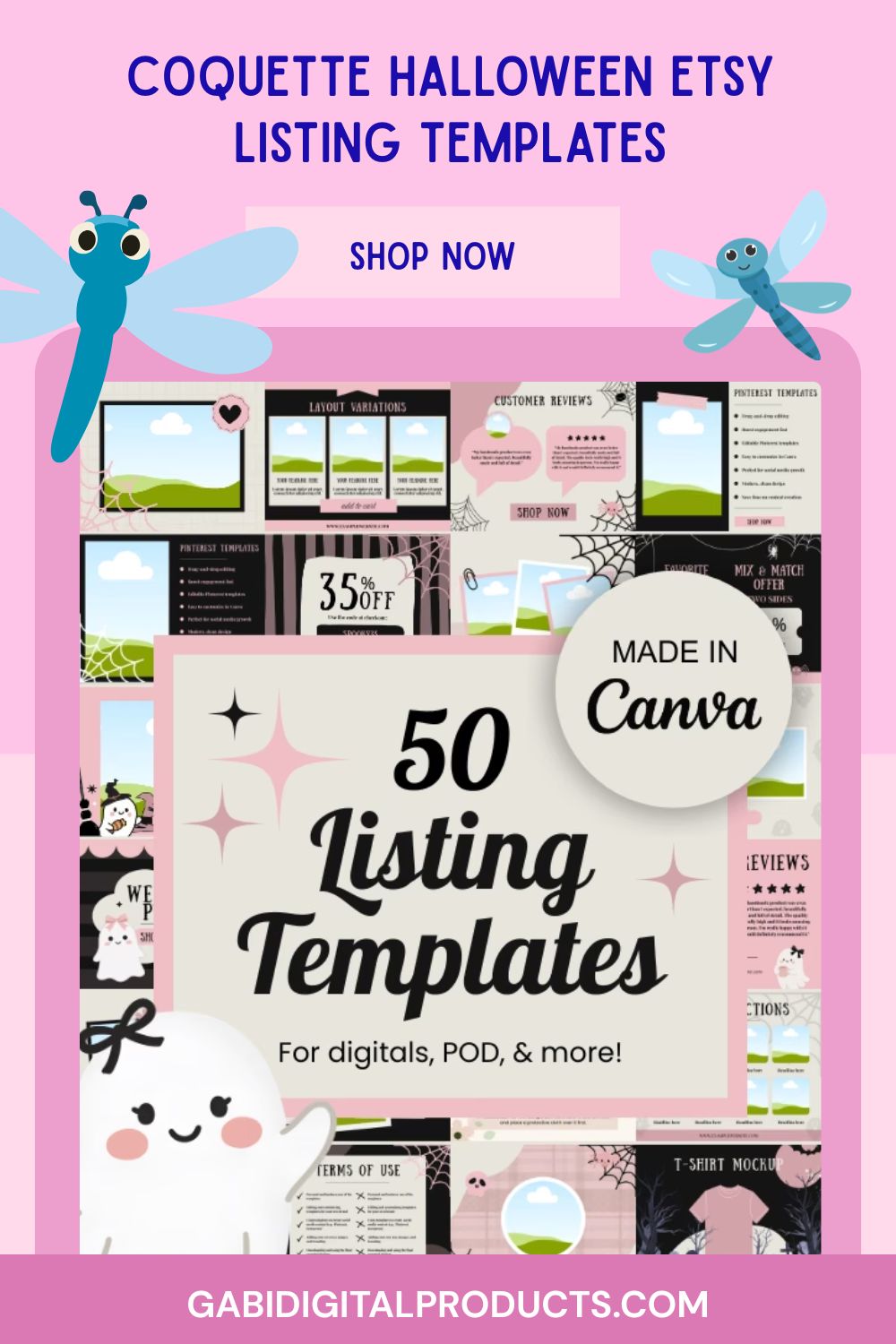
I launched a PLR product in 48 hours. I turned it into 50 Halloween Etsy listing templates and added them to my store (gabidigitalproducts.com).
Within a couple of days of listing them, I made my first sale.
In this post, I’ll walk you through exactly how to launch a PLR product fast so you can replicate it yourself.
Why Halloween… in June? (The Timing Trick Nobody Tells You)
I already talked about this in my affiliate marketing vs digital products post. Timing matters a lot when you launch a PLR product, especially for seasonal content. This applies whether you’re selling a digital product, a physical product, or an affiliate link. Search engines take time to understand what people like and where to rank you. That’s why seasonal content should go live at least 3 months before the event.
That’s why I already had Halloween products in my store in early summer. I knew I needed to post fast. So I made this Etsy listing template pack in 48 hours instead of weeks.
To save time, I didn’t start from scratch. I used an Etsy kit I already made with a cottagecore style and changed it into a coquette Halloween theme. If you want to see how I do this, check out my guide on rebranding PLR digital products.
Hour-by-Hour or Phase-by-Phase Breakdown
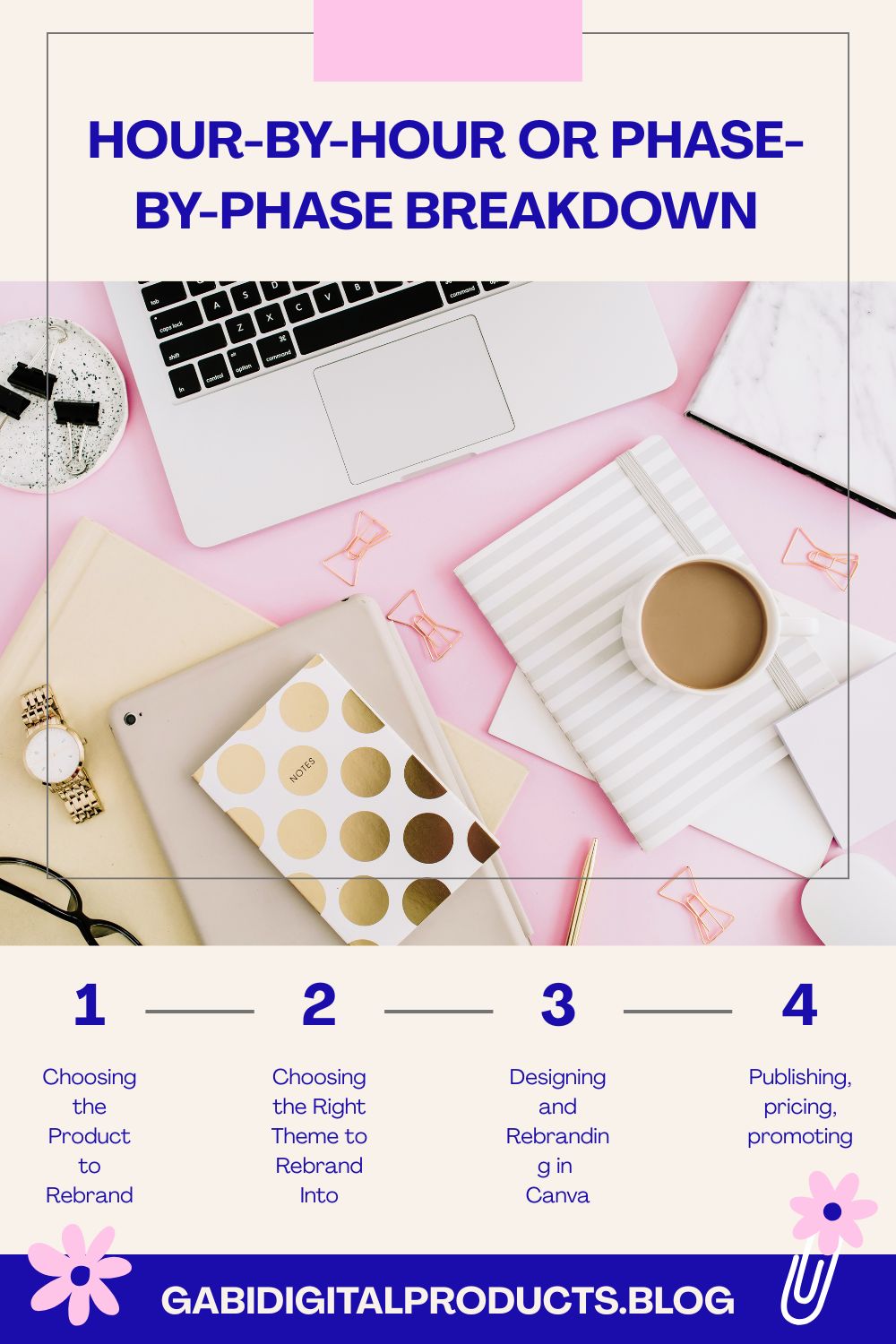
Hours 0–6: Choosing the Product to Rebrand
I’d recommend starting with a product that already has a clear style, like cottagecore, instead of something generic. It might not make sense at first, but a themed product is actually easier to rebrand than a plain one. It already has a structure and look you can build on. A generic template takes way longer to turn into something cohesive. Plus, a themed base helps your final product stand out in a sea of generic PLR listings.
Hours 6–20: Choosing the Right Theme to Rebrand Into
Since I was writing this in early summer, the upcoming seasonal events were Halloween, Thanksgiving, Hanukkah, and Christmas. Sellers usually buy templates like this before the event. They need time to list them. If you offer resell rights, your customers need that time too.
So the approach is simple: take an existing themed product like cottagecore or Easter. I’ve done this with Easter listing templates before, and they sold too. Then rebrand it into an upcoming seasonal theme.
Hours 20–36: Designing and Rebranding in Canva
Here’s the actual process I used. Open your PLR template in Canva. Go to the Templates tab and search for your new theme, like “Christmas bookstagram,” “Halloween bookstagram,” or “coquette Halloween.” Pick a style you like. Then click the color palette and hit “Apply to all pages.” This makes the whole set match instantly (see video explanation below).
From there, update the text to match your new theme. Use Halloween copy for Halloween or Christmas copy for Christmas. Clean up the fonts so everything stays easy to read. Then swap in stock photos that match the style.
Hours 36–48: Publishing, Pricing, and Promoting After You Launch a PLR Product
For the listing, you can use your Etsy template pack to make the images or reuse templates you already have. I never start a listing from scratch. I keep templates for each type of listing and just swap out the text, images, and theme. It saves a ton of time.
For pricing: don’t assume your product is worthless just because it didn’t take long to make. Rebranding still takes time, skill, and adds value. However, when you launch a PLR product, price it based on your market, not just the hours you spent creating it. I can’t give an exact number, but it shouldn’t be too cheap or too expensive.
Promoting is the hardest part, honestly. It’s a time investment you can’t skip, unless you’re paying for ads, but ads eat into your profit margins fast. The alternative is learning SEO. Blogging is one of the best tools for this. It keeps working for you even when you’re not actively promoting. You should also post consistently on social platforms like Instagram, Threads, Pinterest, YouTube, and TikTok. If you want to get started with it quickly, read this blogging guide and this SEO guide.
The Results (After About a Week)
About a week after listing it, I made a sale. The source was one of the most interesting parts of this experiment. Checking Google Analytics, the customer came from the Gemini chatbot app. Not Google search, not social media, an AI chatbot sent me a paying customer.
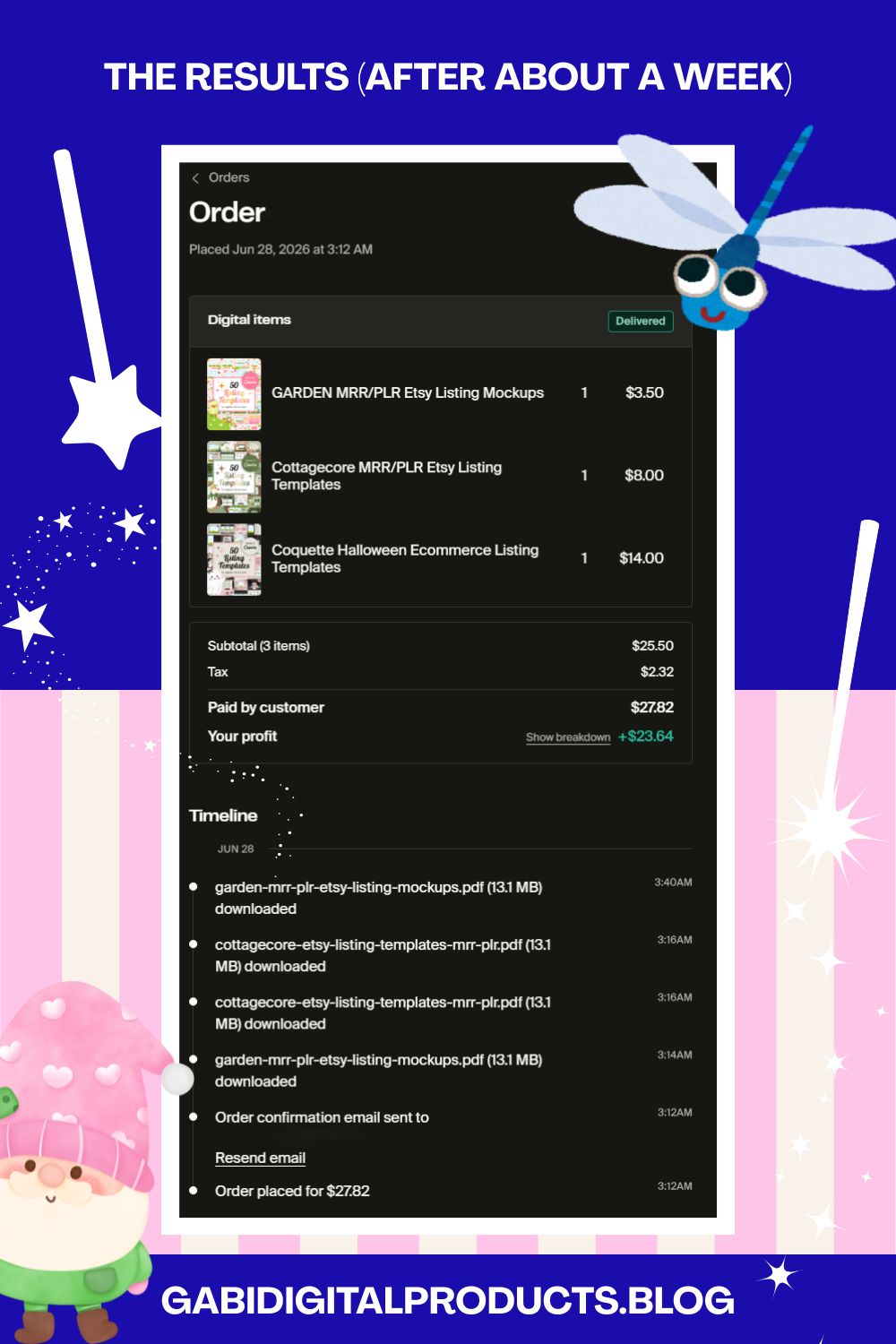
Even better: they didn’t just buy the Halloween coquette bundle. They purchased three Etsy listing template bundles in that one order, and the Halloween rebrand was just one of them.
That one sale is a small example on its own. It shows that being seen in AI tools is not just about getting attention. It can also lead to real sales, sometimes bigger than you expect.
What I’d Do Differently
If I’m honest, the thing I’d change is my email marketing. As a solo business owner, you’re doing everything yourself, creating the products, writing descriptions and titles, promoting, blogging, and more. That workload naturally means some things slip through the cracks, and for me, that “something” is almost always email. It’s normal to procrastinate on it when you’re wearing every hat, but it’s still a real gap.
Next time, I wouldn’t list a new product without at least one email ready to go the moment it’s live. Traffic from search and AI tools is great, but I also have a trusted subscriber list. I didn’t use that list at all for this launch.
Can You Actually Launch a PLR Product in 48 Hours? (Takeaway for You)
Yes, but only if you’re rebranding, not creating from scratch. You could try to design 50 original Etsy listing templates from zero in 48 hours. But realistically, that’s very hard for most people. Especially if you’re not already experienced with design work.
My honest recommendation: don’t build from scratch. Take a PLR product from a trusted source instead. This part matters a lot, avoid cheap PLR bundles selling for $1-2. They’re often stolen content, and using them can get your shop suspended. If you want to find trustworthy PLR sources, check out my guide on the best PLR websites.
The other thing that made this achievable in 48 hours was my website builder. I use Fourthwall, and listing products there is genuinely quick and simple. That alone saved me a meaningful chunk of time.
Want to Launch a PLR Product Faster?
If you’d rather skip the design work and just list something fast, check out the Coquette Halloween Etsy Listing Templates. This is the same product from this case study. It already sold within a week of being listed. Like everything in my GabiDigitalProducts shop, it comes with MRR and PLR rights. This means you can resell it or change it and make it your own.