If you bought a great PLR pack but are unsure how to improve it, this guide on how to rebrand PLR products will show you a simple workflow in minutes.
If you resell it as it is, you risk not standing out and getting zero sales.
But with my guide, you’ll learn how to quickly rebrand everything to follow current trends, improve your designs, and make them stand out.
Now let’s get into the workflow…
TL;DR – The Rebrand Cheat Sheet:
- Visuals: Swap old palettes for 2026 trends like Poetcore or Dark Coquette.
- Value: Don’t just resell; use AI prompts to find gaps and add extra bonus assets.
- Human Touch: Always edit your text to remove “AI-isms” like delve or embark.
1. Step 1: Color Palette and a “Theme”
Trends in digital products are very important. If you don’t follow them, you might not get sales at all.
Trends include things like graphics, color palettes, fonts, and themes.
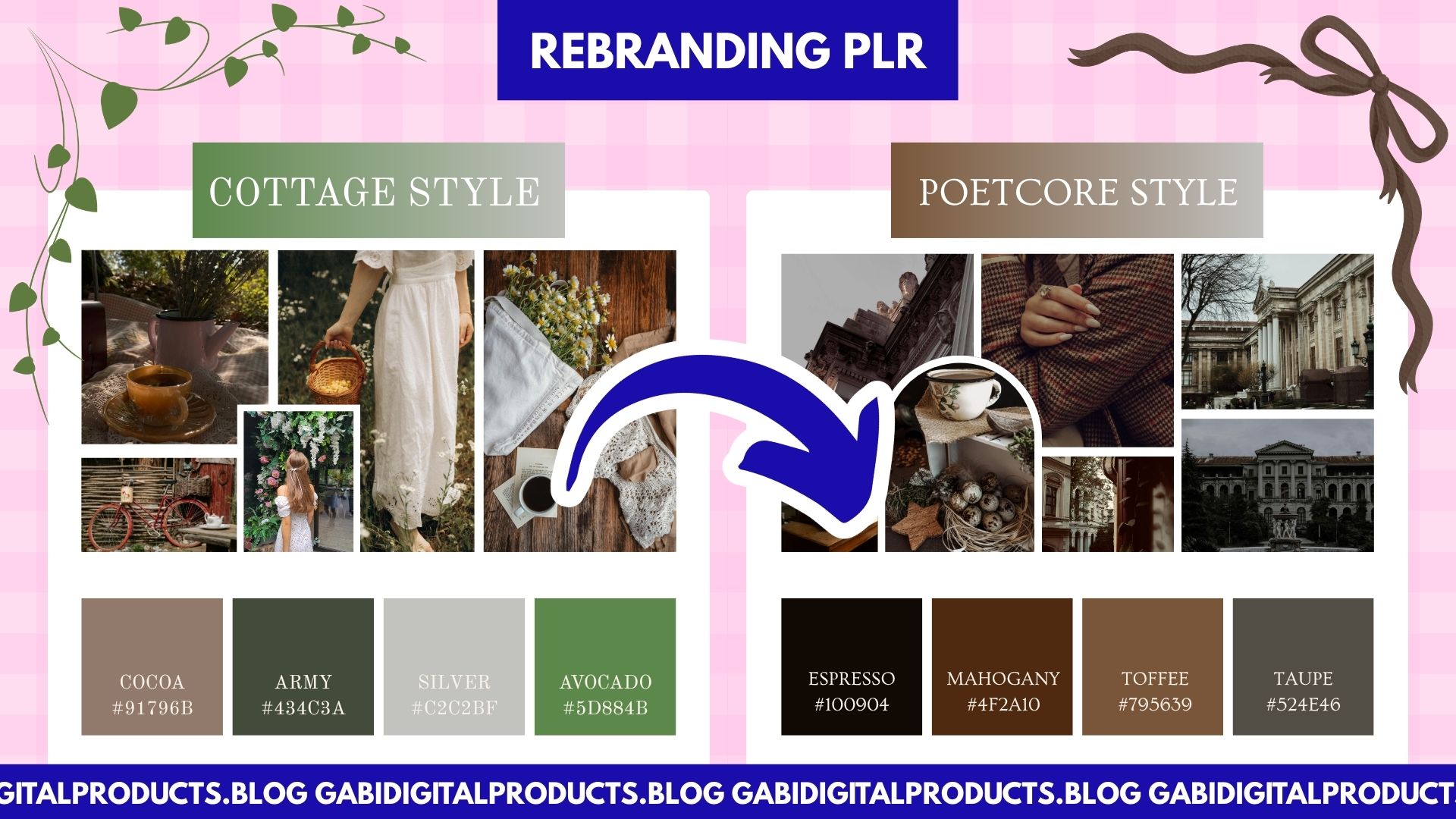
For example, you might buy a cottagecore branding kit (a very popular theme in 2026). But since you need to rebrand it, you should also look at other trends that are popular right now and see how you can mix or update the design to match what is currently selling.
You can do trend research in a few simple ways:
- Check Pinterest trends (Interests → Art) and study what keeps showing up
- Look at bestsellers on Etsy to see what colors, fonts, and themes are popular (don’t copy, just study)
- Read reviews on competitor Etsy shops to see what customers like and buy. Collect data on what is selling again and again. Then look for patterns in their designs, styles, and color palettes
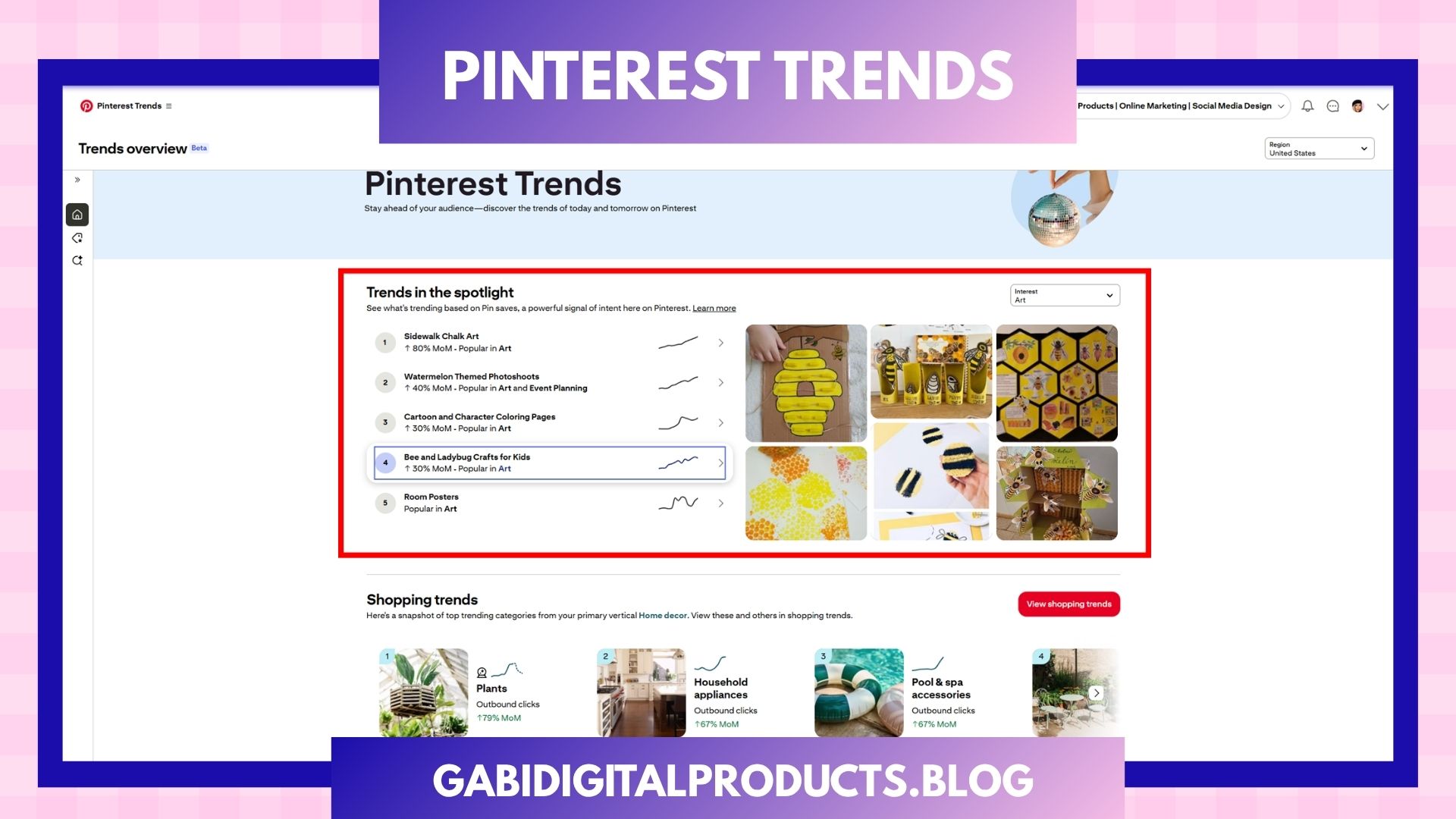
When you understand what is trending, for example coquette pink (which has been popular for years and still sells well), cottagecore, bookstagram, sardines, dark academia, poetcore, etc., you can rebrand your products to match those trends.
2. Step 2: Rebrand PLR Product Visuals in Canva
So, as I said in Step 1, one of the most important parts of how to rebrand PLR products is updating the visual identity so it matches current trends.
So, let’s say you want to rebrand a cottagecore branding kit template into a coquette pink one. You will have to go to Canva, type “coquette pink” or “coquette pastel purple” in the Templates tab, click on one of the designs, and then the color palette should appear. Click on that color palette to apply it to the current template (you can also shuffle the colors), and then you can click “Apply to all pages” to keep the same theme.
If it sounds confusing, watch the tutorial below:
You will still have to do some manual work, like fixing CTA texts, adjusting colors in some cases, and making small fixes, but it should not take you long.
3. Step 3: Change the Stock Images
I usually go to Pexels because it is one of the most reliable platforms for royalty-free stock images that you can use in your templates.
Just type related keywords like “coquette pink” into the search bar, or “coquette home decor,” download the images, and replace the cottagecore images with coquette ones.
4. Step 4: The “Value Add”
A key part of how to rebrand PLR products successfully is adding extra value that makes your version better than the original.
This is probably the most powerful method, but a lot of people will skip it because we buy PLR to save time, not to do extra work on the product. But this step is a real game changer because people buying digital products absolutely love bundles. The more, the better, basically.
So your goal is to customize PLR products until your version is better than the original creator’s.
Ask the AI to “Identify the gaps.”
Prompt: “Here is a PLR product on [insert topic/theme]. It currently includes: [list what is included]. Analyze this product and identify gaps, missing elements, or weak areas compared to what is currently selling well in the market. Then suggest specific improvements, additional assets, or upgrades I can add to make this product more valuable, more complete, and better than competing versions.”
You’ve now added unique value that no one else has, which justifies a higher price point, and you will stand out from other resellers.
Rebranding eBooks and Written Content
Products that include a lot of text might seem like a good deal to leave as they are. But if you buy cheap PLR, you should not expect high-quality content. You will often need to do a lot of manual work to turn it into a quality product and avoid bad ratings. That is why in my Gabi Digital Products shop, all my MRR and PLR digital products are created by me.
But either way, to rebrand the text content, you can use a Brand Voice Upload.
Basically, you write 2–3 examples of your own writing and upload them to an AI tool like Claude, ChatGPT, or Gemini. Then you use this prompt:
Prompt: “Analyze the tone, sentence structure, and vocabulary of these samples. Now, rewrite this PLR chapter using this exact identity.”
And that is how you can quickly rebrand your content in minutes as well.
The “Golden Rule” of AI Rebranding
Never press “Publish” without checking it yourself first.
AI is just your helper. You are the creative director.
Always read the text and make sure it is correct. Fix any mistakes. Remove words that sound too “AI-like,” like tapestry, delve, unlock, embark, or anything that feels unnatural.
Add your own ideas and experience so it sounds real and human.
Use AI to help you, not to replace you. Your goal is to keep your work clear, original, and high quality.
Conclusion: How to Rebrand PLR Products the Right Way
The fastest way to fail in digital products is to be a “copy-paste” seller. The fastest way to succeed is to use AI and tools to be uniquely you, faster.
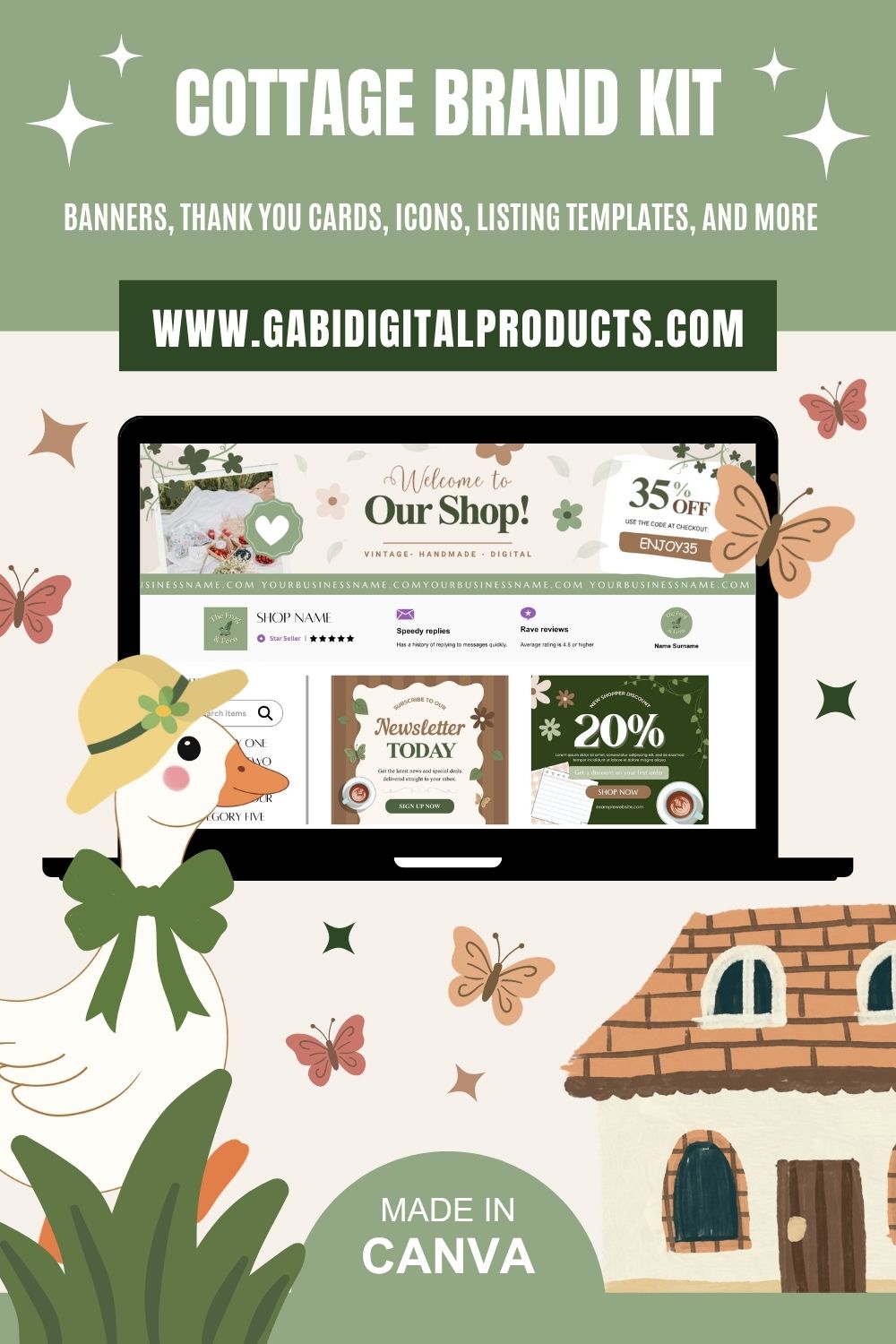
If you want to rebrand one of my recent products, which was created by following current trends, grab it now and start rebranding!
P.S. Not sure which product is the best fit for your specific goals? Check out my guide on how to choose the right digital product to sell to make sure you’re starting with a winner. 🙂