This post contains affiliate links. As an Amazon Associate I earn from qualifying purchases. I may also earn commissions from other programs at no extra cost to you. This content is for educational purposes only. See full disclosure for details.
If you create Canva templates and want to boost sales, Pinterest is one of the best platforms to showcase your work and attract buyers. In this post, you’ll learn step-by-step how to sell your Canva templates successfully on Pinterest, from design to promotion, even if you are a complete beginner.
Why Sell Canva Templates on Pinterest
Pinterest has over 522 million users on the platform. And Pinterest is very interesting in the way that people come to the platform to plan their purchases.
Unlike Instagram users, who usually are doomscrollers and want to get entertained, Pinterest users go to the platform with a purpose: to plan their home decor, find a meal to cook for Christmas, or plan their wedding. They do not come to the platform for doomscrolling. They save ideas to their boards to… buy the things later!
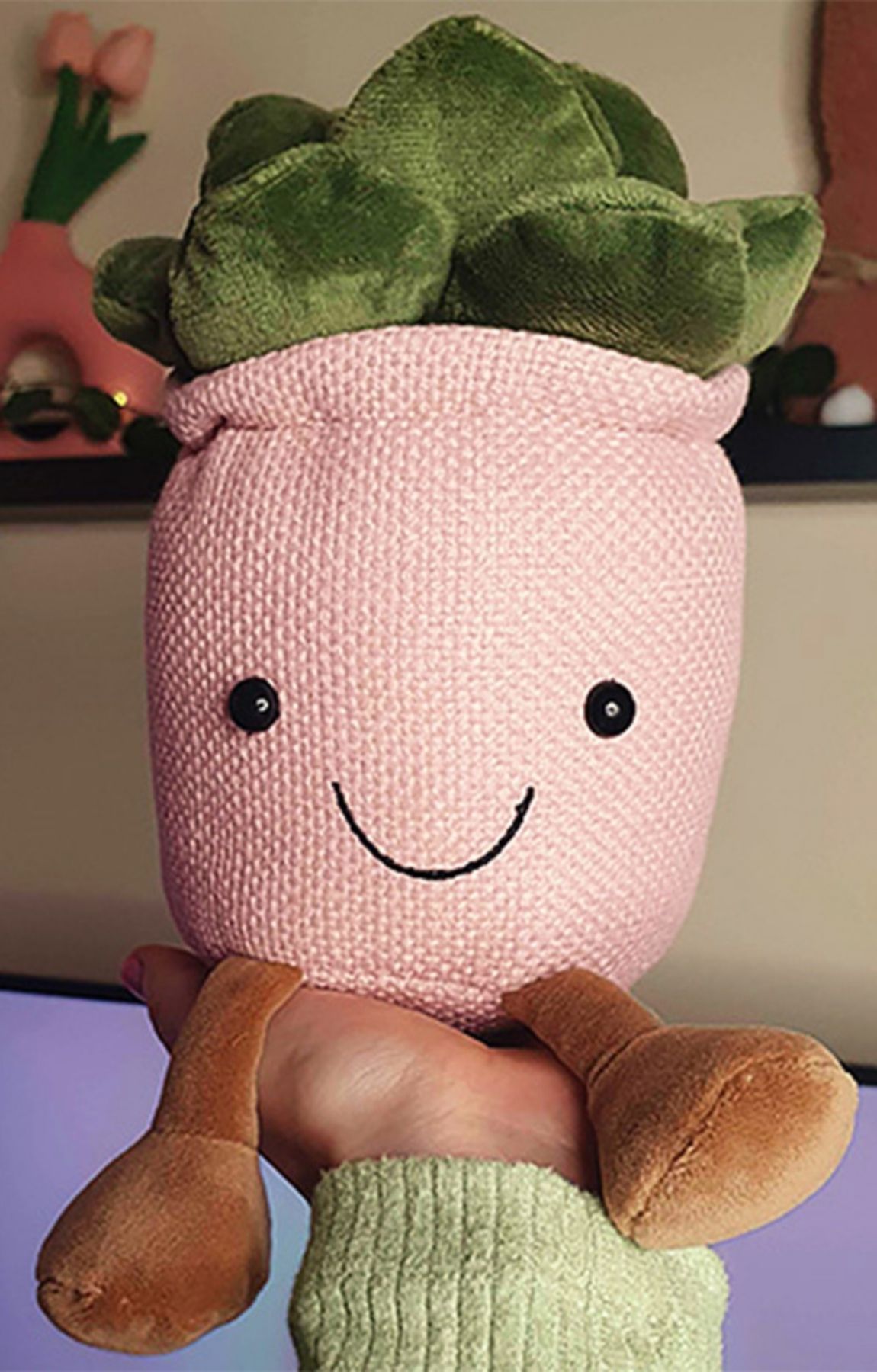
Even I have purchased countless items influenced by Pinterest creators, from plushies to speakers and beyond:
I also come to the platform when I have a problem to solve; for example, to find ideas on how to plan my website design, discover beautiful fonts for my projects, explore color palettes, and more. So this is a great opportunity to tap into the niches where your Canva templates solve people’s problems on Pinterest.
Businesses see 3x higher conversion rates on Pinterest than on other platforms.
Plus, Pinterest is a search engine, and your product pins will not disappear after 24 hours. They will actually grow and grow over time.
Step 1: Create Templates that Pinterest Users Want
Since Canva templates vary in style and purpose, you’ll need to research the platform to see which ones Pinterest users engage with most. For example, if you type “eBook template design” into the Pinterest search and click on one of the pins, you will see the number of likes it has. Keep in mind, getting likes on Pinterest is very difficult, so if you find a pin with many likes, it means users really like the design.
That’s what I always do before I create templates. First, I validate the design, check which colors they like. Sometimes, I even click on the pin to see what’s included in the product and think about what I could improve.
This is a very good way to do market research, but you have to be authentic and unique. You cannot copy; it’s neither ethical nor legally safe. Use this method to validate demand, style, fonts, colors, and how people search for the product, but don’t copy.
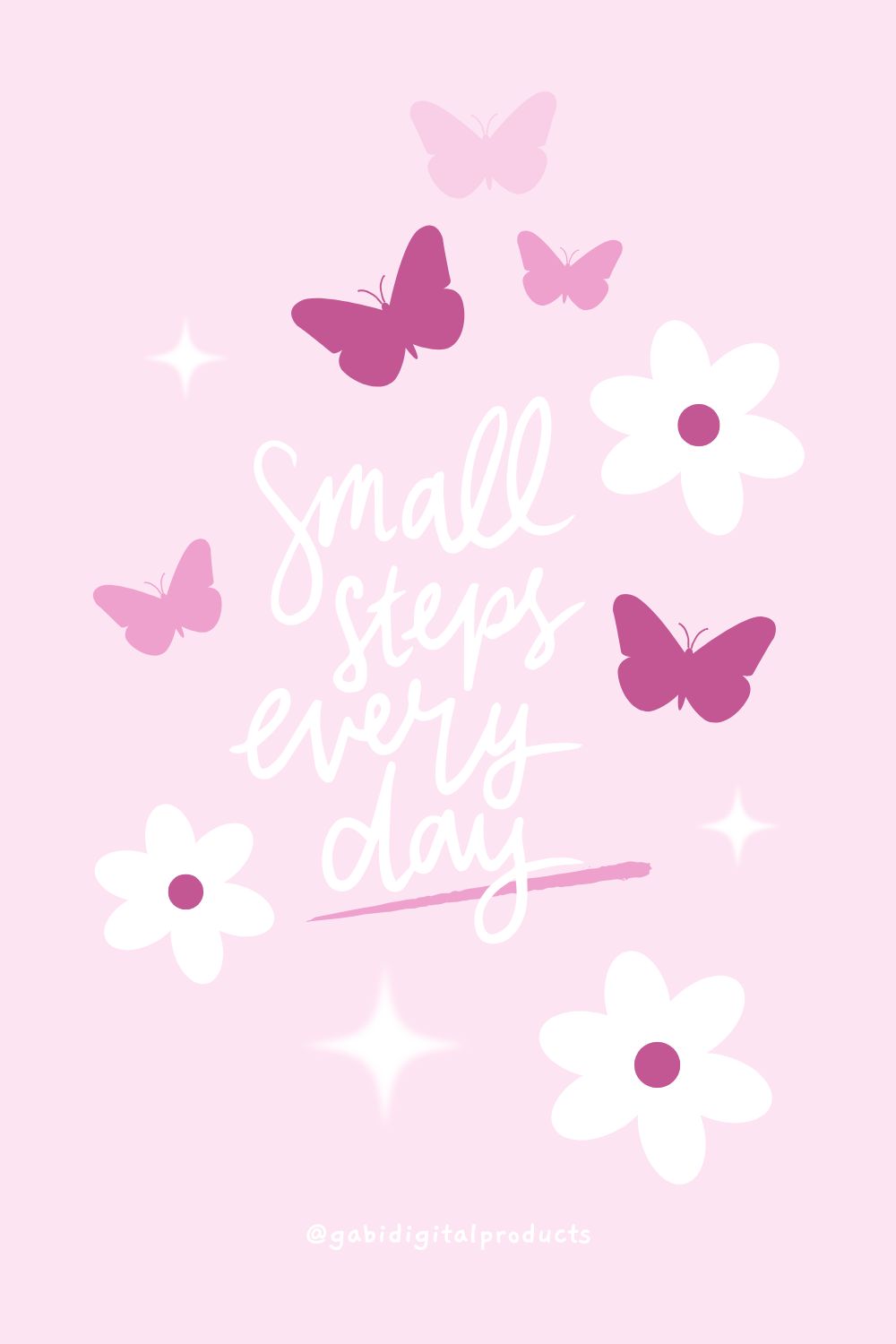
Also, always include quotes inside your Canva templates. Pinterest users are dreamers and love aesthetic-looking quotes, so that’s another important thing to consider. However, make sure to check that the quotes are not trademarked on WIPO and USPTO databases before listing them for sale.
Step 2: Prepare Your Templates for Sale
If you want to sell Canva templates on Pinterest, you will have to create Canva template links. It’s a paid feature, but you must use it because it creates a copy of your design. This way, if a customer is editing it, your original design won’t be affected.
You should create a PDF and include your Canva template link inside it. For example, write “Canva Template” in the PDF and hyperlink it to your Canva template link. After a customer buys, deliver the PDF with the clickable Canva link so they can easily access and edit the template.
Avoid using Canva Pro elements in your templates because some customers might be using the free version of Canva. If they don’t have Canva Pro, those elements will appear watermarked, which can lead to negative reviews and dissatisfied customers.
Also, keep in mind that you cannot directly use Canva templates from Canva’s library for resale. You can use them as a starting point, but your final design must be completely unique. In fact, starting from a blank page is often the best approach to ensure originality.
If you’re feeling lazy (hey, we all are sometimes), you can buy ready-made templates from creators who offer resell rights. That’s the only time you can legally use other people’s designs.
Step 3: Pick a Platform to List Them On
I am selling my digital products and Canva templates on Etsy and Fourthwall. You can sell on any other platform, but my decisions are based on simplicity.
I love that Fourthwall’s website builder is so simple that I don’t have to spend weeks customizing the site or doing extremely hard SEO (it’s not overly complicated and more than enough). They also act as the merchant of record, which simplifies everything even further.
What I love about Fourthwall is that it’s free to list your Canva templates. If they don’t sell, you lose zero money. Yes, you lose time, but that’s inevitable. At least you’re free to test different colors and designs and upload as many as you want because… it doesn’t cost you anything!
You only pay a small fee when you sell something, and even that fee is smaller than the fees on most other sites.
Etsy has a lot of customers, so you don’t need to do heavy marketing. Plus, if you interlink to your Etsy shop, you may be more likely to sell because people, and Pinterest users in most cases, know Etsy and trust the platform. Also, Etsy acts as an intermediary by handling payment processing and providing support, making selling easier for you while giving you access to a large, trusting customer base.
Even though you have to pay fees on Etsy, it’s still worth it.
Step 4: Create Pinterest-Friendly Pins
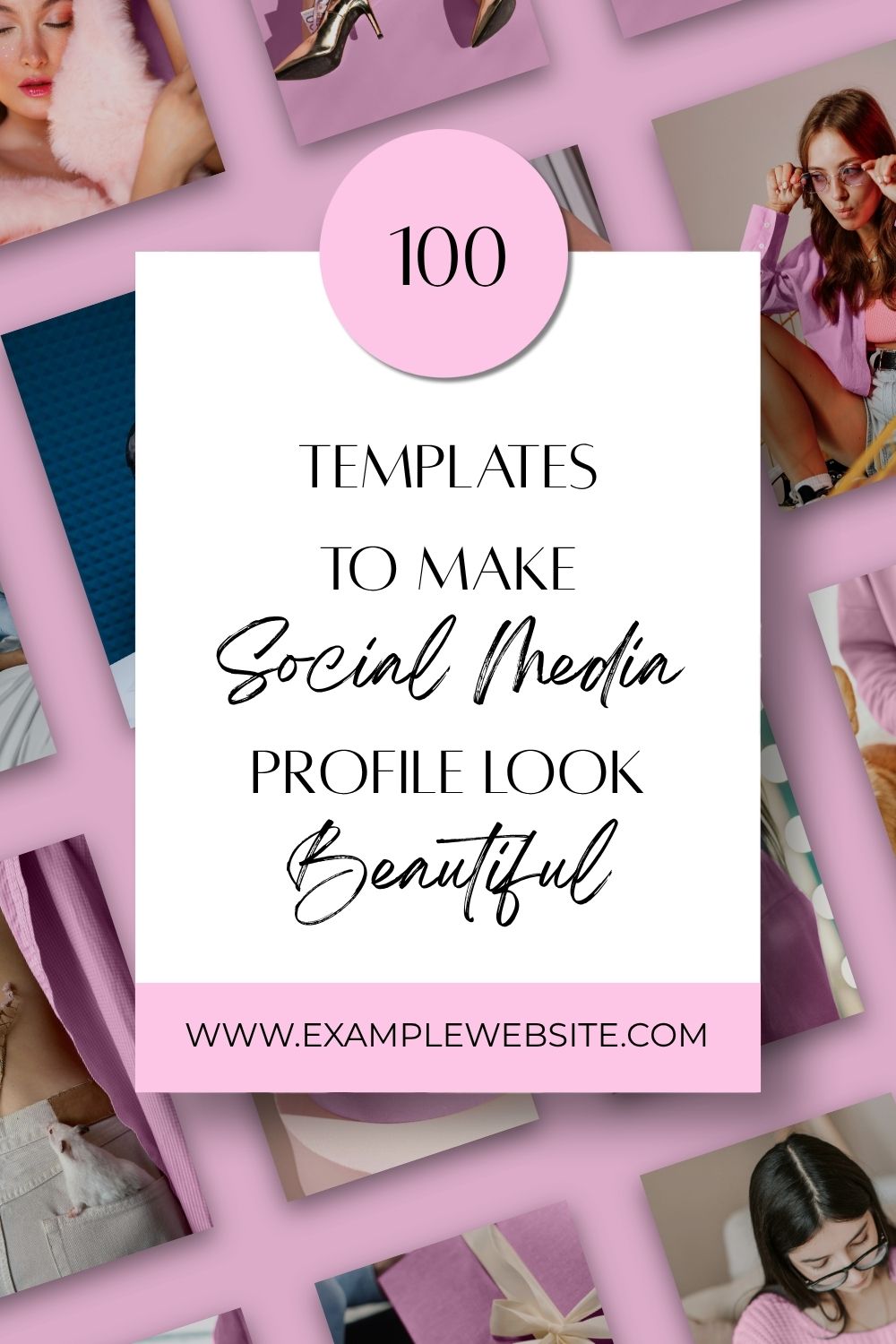
I’ve written before about how to create Pinterest pins that convert, so I recommend giving it a read. But in short, on Pinterest, as a rule, you need to use bold, readable, large fonts, bright images, and clear call-to-actions. If your pin doesn’t tell users what to do, they won’t take any action.
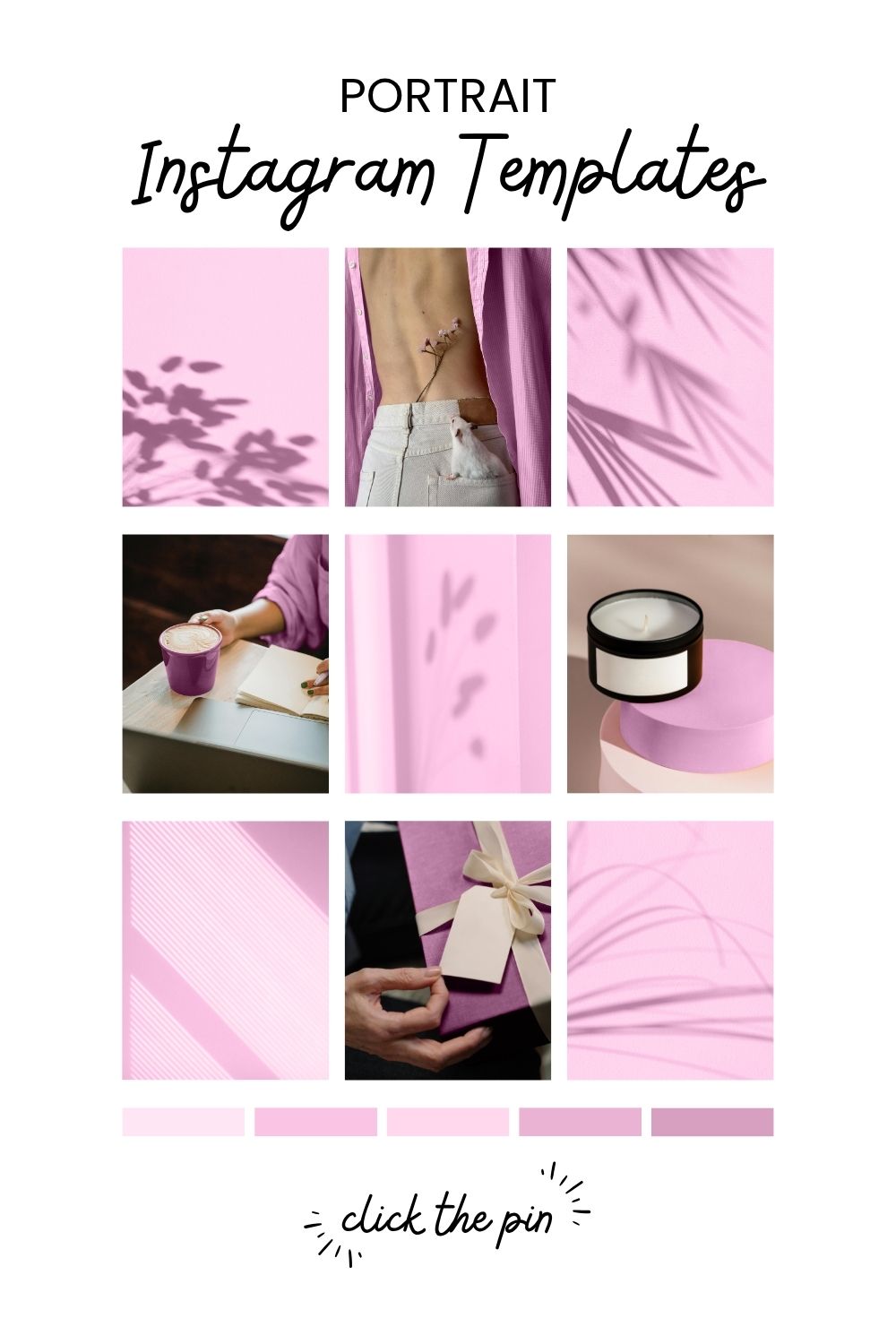
I also recommend including your target keywords in your Pinterest pin headlines since Pinterest reads them. As mentioned, Pinterest is a search engine. When you search for a keyword, like “dinner recipes for fall”, the platform autofills with suggestions. These suggestions show what people are searching for. So, optimize your pins by including keywords in titles, descriptions, tags, alt text, and the pins themselves to rank higher when someone searches for those terms.
On Pinterest, traditional pins still perform best. Large text centered on a rectangle with background image(s) works wonders, no matter your niche.
Step 5: Optimize Your Pinterest Profile & Boards
Since you’re using Pinterest for your business, you must convert your profile to a business profile. It’s required, and it also gives you access to Pinterest analytics.
Everything, from your profile name to your boards and pins, must be built to rank. Do thorough keyword research and include keywords in your board titles, descriptions, and even in the file names you upload, for example: canva-templates-for-small-business-owners.
Also, if you have a website, be sure to claim it on Pinterest, it can help boost your visibility. Pinterest tends to trust you more once your site is claimed. Unfortunately, you can no longer claim an Etsy store.
While Pinterest isn’t as strict about niches as YouTube, for example, I post both finds from Amazon, home decor, and digital products, you should still create separate boards for each type. So if it’s templates, upload them to a relevant board like “Canva template ideas aesthetic.” If it’s must-haves from Amazon, put them into “Best Buys from Amazon.”
Step 6: Pin Regularly
Every single day, I upload 10 pins to my Pinterest account. Honestly, I have no idea how others manage to post 50 pins a day, for me, 10 is already a challenge! I’m consistent and don’t miss a day, but planning all those pins ahead of time is still pretty tough.
Even though I usually see better results when I pin in real time, I just can’t keep up with that because of other responsibilities. Scheduling my pins using a Pinterest scheduler saves me a lot of time. Right now, I have 70 pins queued up, that’s 10 pins per day for a whole week.
You don’t have to post a ton of pins every day, but being consistent on Pinterest is very important. So, pick a manageable number of pins and stick with it for at least 3 to 6 months to see real results.
Also, in this day and age, everyone wants quick results. I’ll tell you, Pinterest is awesome, but only if you have patience. A lot of patience. You need to keep pinning consistently every single day for at least six months to really see your pins gain traction. Good things take time, and this is definitely one of them. 🙂
Step 7: Provide Value
Nobody wants to see endless product promotions on Pinterest or any other platform. Yes, you can and should promote your Canva templates, but you should also provide equal value to your audience.
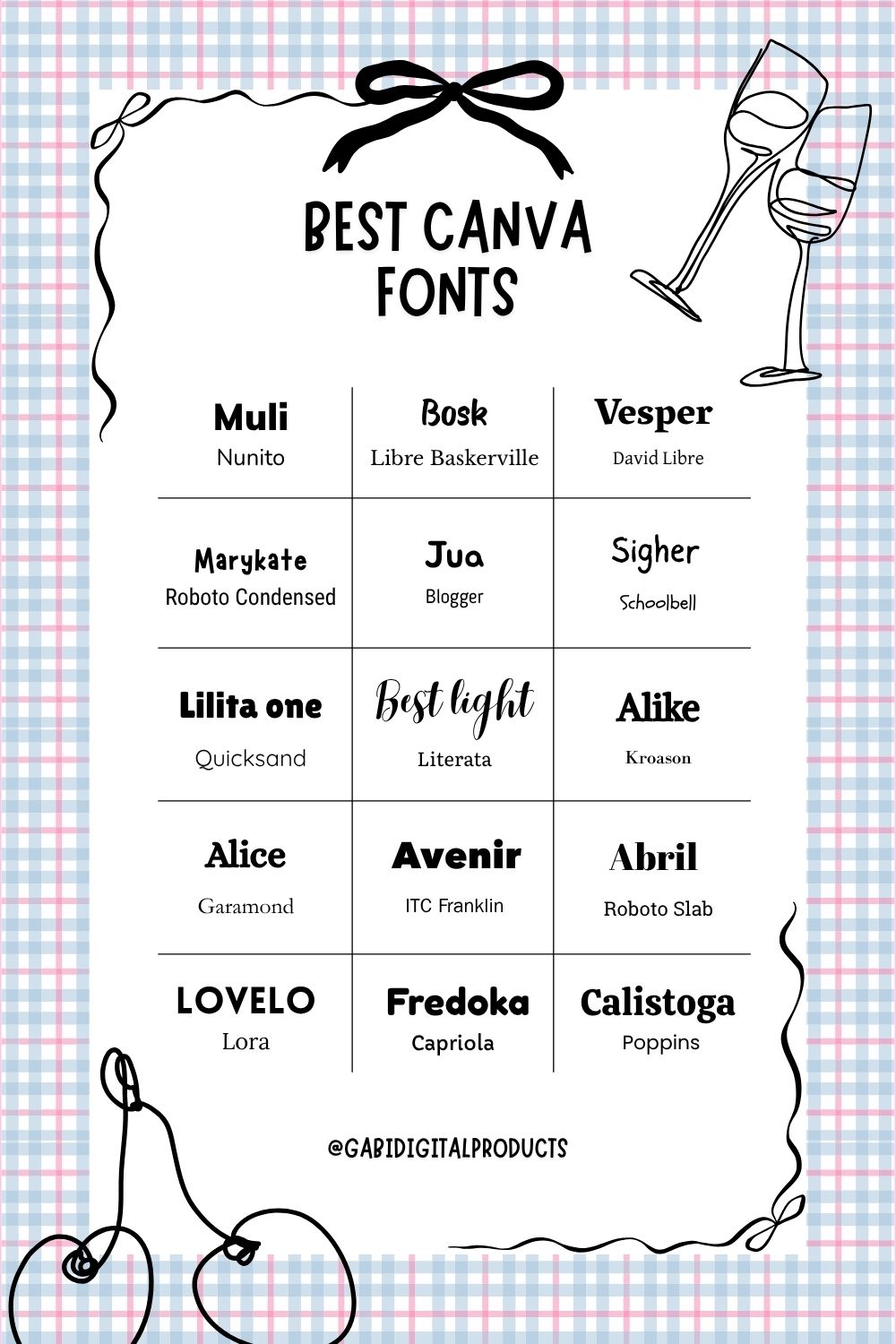
Post color palettes, Canva font combinations, and short-form content showing your design process. You could also create videos showcasing how you customize your templates, insert images into placeholders, and more.
What I also do is create Canva element keywords, quotes, and other similar templates to provide value to my audience. This helps me get saves, grow my account, and make people happy too.
Step 8: Track Your Results
Use Pinterest Analytics to track what’s working for your account. Double down on the strategies that bring results, and let go of what doesn’t.
Pay close attention to colors, styles, fonts, and images in your pins. Also, focus on keywords, tags, and descriptions to identify which keywords are popular and driving traffic.
Conclusion on How to Sell Canva Templates on Pinterest
- Create research-based designs.
- Create Canva links and insert them into PDFs, then deliver the PDFs to customers.
- Deliver the PDFs through the platform of your choice.
- Create Pinterest-friendly pins: use readable fonts, bright images, clear calls to action, and more.
- Optimize your Pinterest profile, boards, pins, and beyond.
- Pin regularly and have patience.
- Track your results.
- Create unique designs and do not copy others. You can use PLR and MRR templates if you do not want to create templates yourself.
- If you use quotes, check that they aren’t trademarked before selling them.