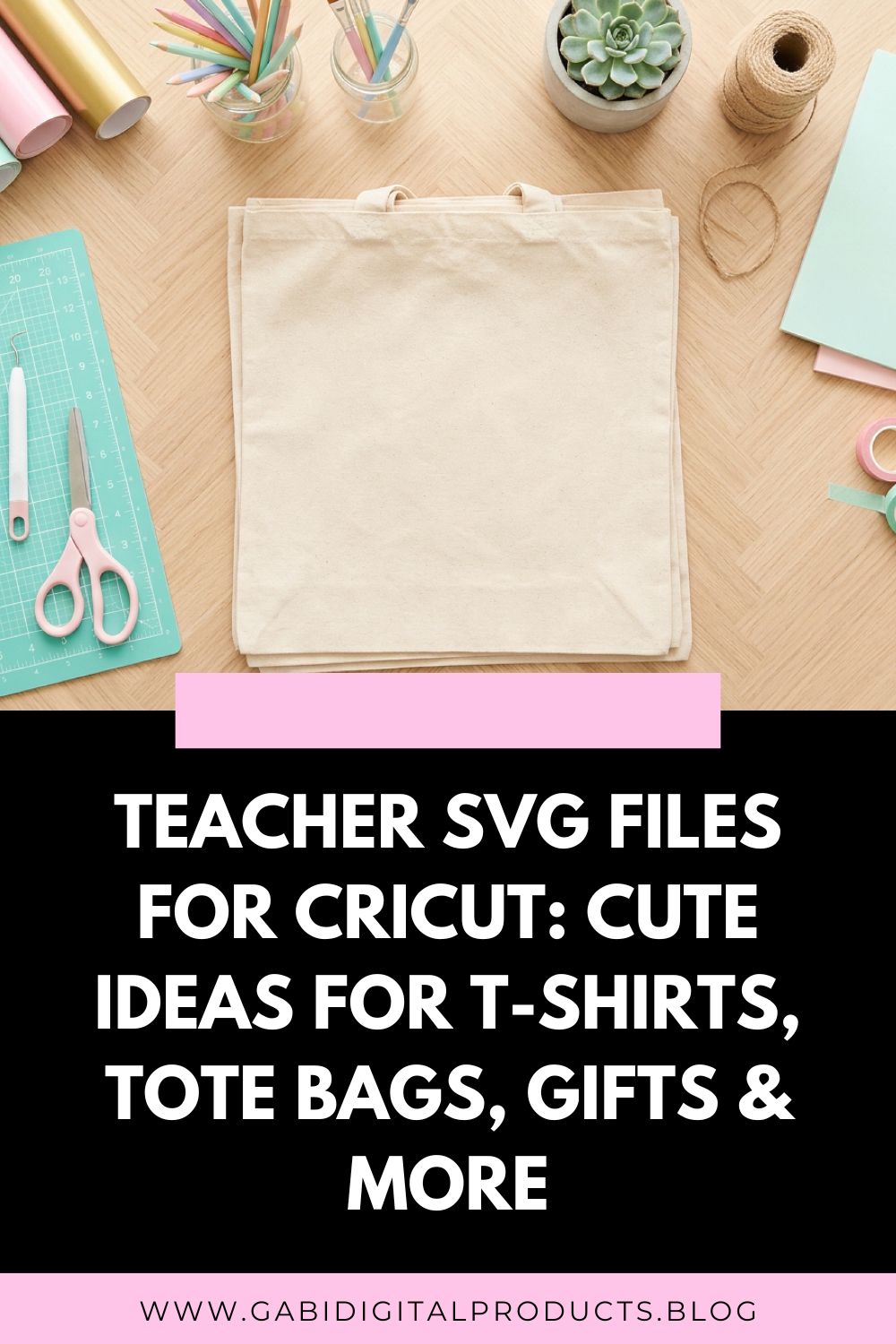
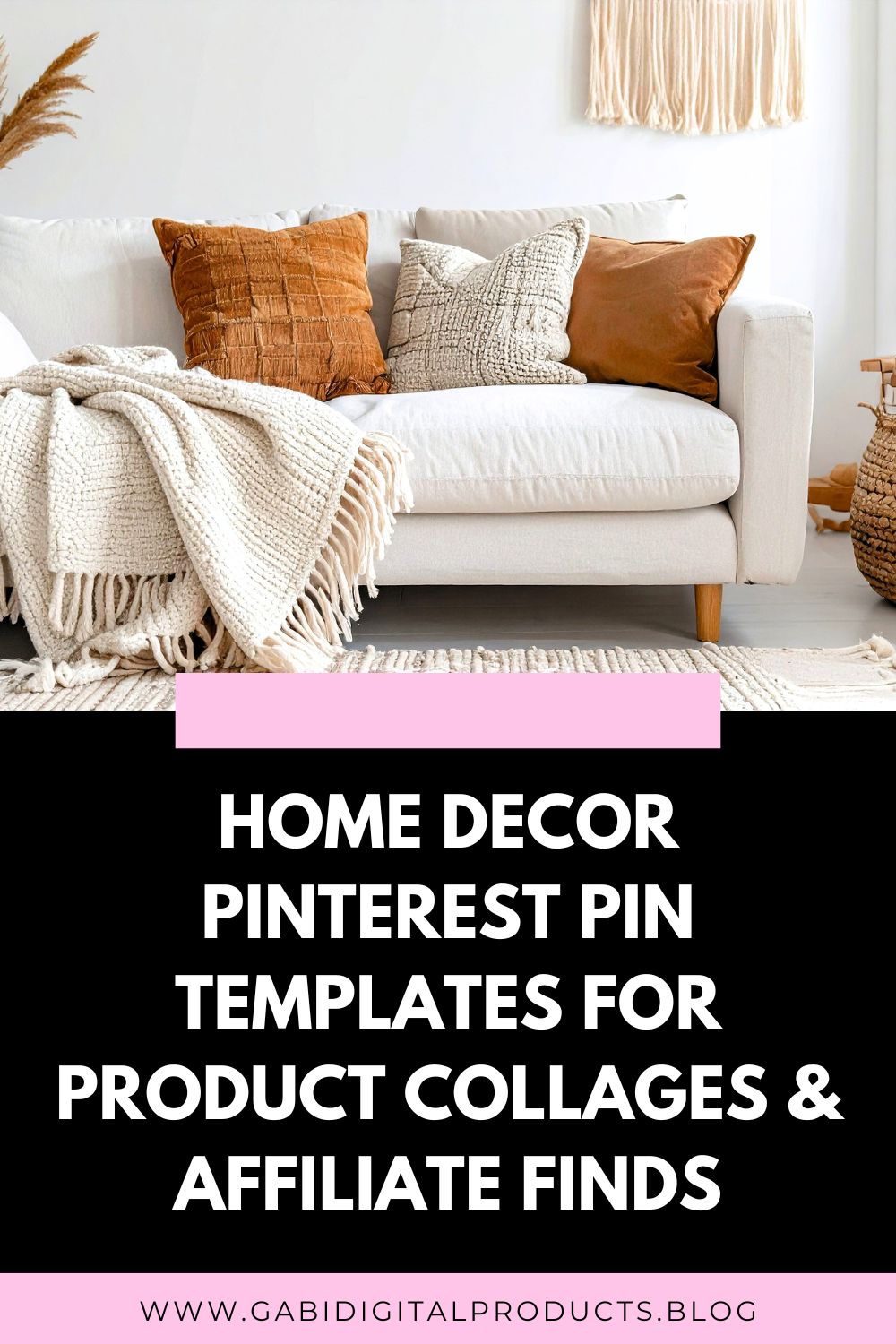
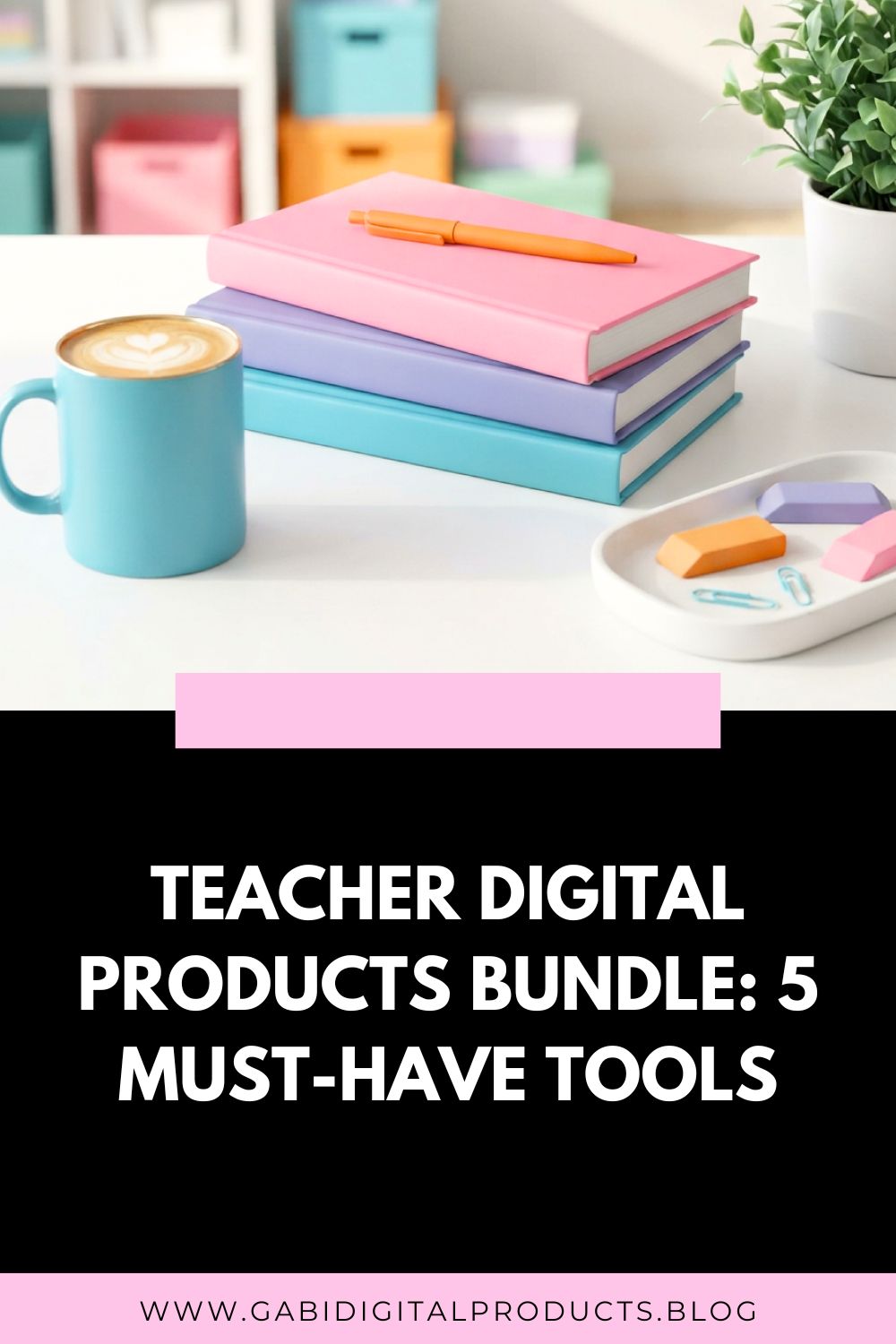
One image. A couple minutes of work. Days of clicks, traffic, sales, and visibility you don’t have to fight for. That’s the power of Pinterest, if you know how to market digital products on Pinterest the right way.

Pinterest is a visual search engine where people come to search for beautiful images, get inspired, discover products they want to buy, see how they look in real life, and more. If you have something to sell, Pinterest is one of the best traffic drivers, because it actually encourages you to link out to your website or your Fourthwall digital product shop. You don’t have to post video after video to get seen (static images work!), and your posts don’t disappear after 24 hours.
But since it’s a search engine, it takes time. It’s not about uploading and going viral overnight, that’s far from the truth. The pins you post today might take off months later. If you want long-term traffic, you have to be okay with not getting instant results.
And that’s exactly why so many people quit before seeing any kind of traction on Pinterest.
I should also mention: some niches perform exceptionally well on Pinterest, while others tend to get less traffic. For example, home decor, fashion, and cooking content often do well year-round. In contrast, niches like digital products or B2B (business-to-business) offers usually see lower traffic, even with consistent effort.
But that doesn’t mean it’s not worth your time.
Popular niches may attract a large audience, but that audience is often less loyal. Meanwhile, a smaller but more specific niche can build a dedicated following. These are people who trust your recommendations and are far more likely to buy from you.
3 Tips for Learning How to Market Digital Products on Pinterest
1. Pin Quality
Pinterest is a visual search engine, your pins need to be beautiful, but not just that. They also need to be effective.
Use bold, large, easy-to-read fonts (especially on mobile), and choose bright, visually engaging colors. Ideally, place your text at the top of the pin, because when people scroll, they read top to bottom. Pins with text only at the bottom often get overlooked.
Example:
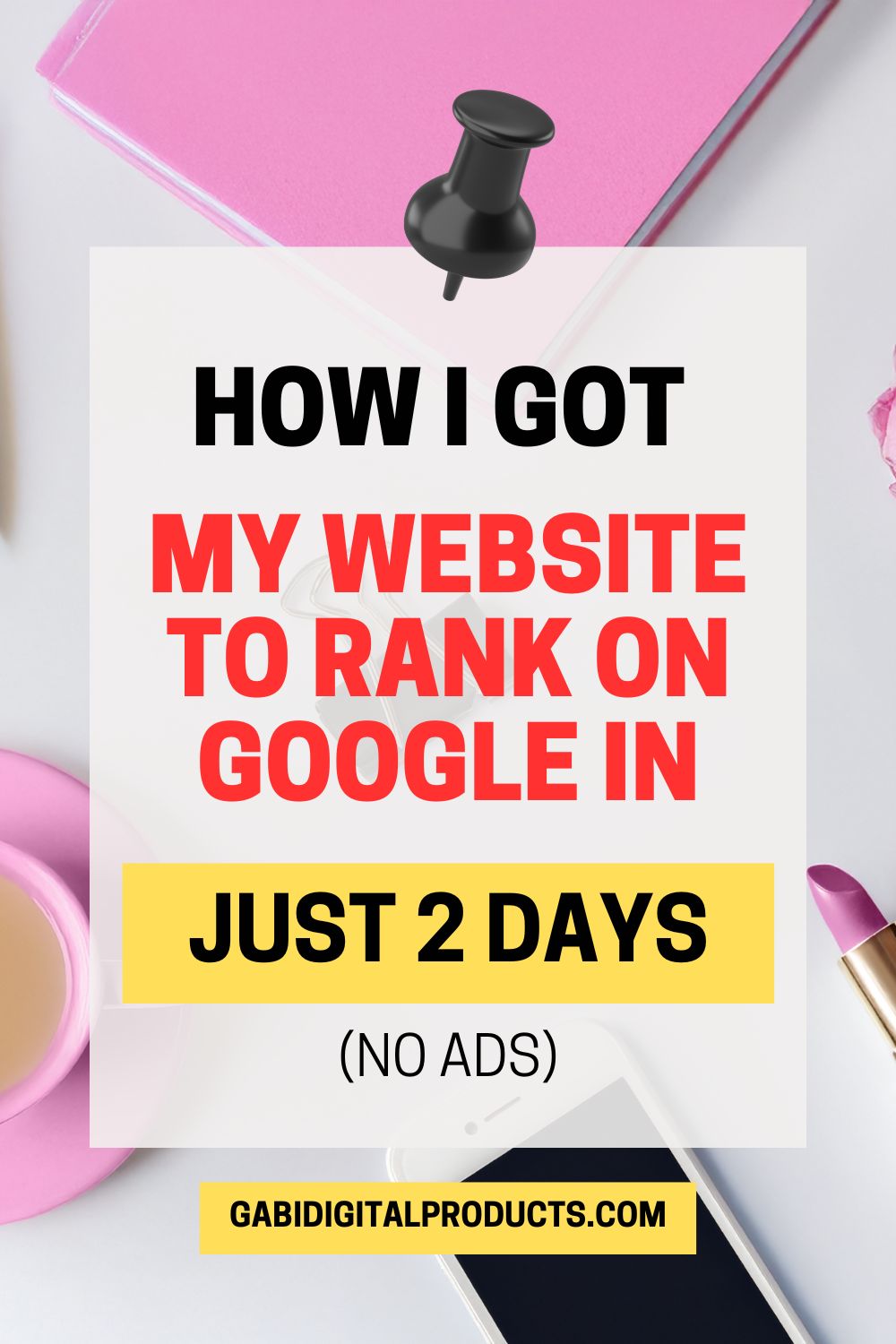
If you want to nail that balance between eye-catching and readable, you can play around with a free color palette generator to build custom aesthetic combinations for your next batch of pins.
Also, while aesthetic templates look great, if the font isn’t readable, your pin likely won’t perform well. Even worse, Pinterest reads your pins to understand what they’re about. If your font is hard to read, it may place your content in completely unrelated searches.
2. Keyword Research
Okay, you’ve found some templates on Canva or elsewhere that fit your niche, are easy to read, feature bold fonts, and save you time. So, what’s next?
SEO (Search Engine Optimization).
As mentioned, Pinterest is not a social media platform; it’s a search engine. Every single Pin, video, or carousel must be optimized with relevant keywords in the title, description, tags, alt text, and more.
How do you find the right keywords?
Go to the Pinterest search bar and start typing keywords related to your niche. For example: “Pinterest templates for food bloggers.” The suggestions that come up are what people are actively searching for, so use those keywords everywhere.
Example:
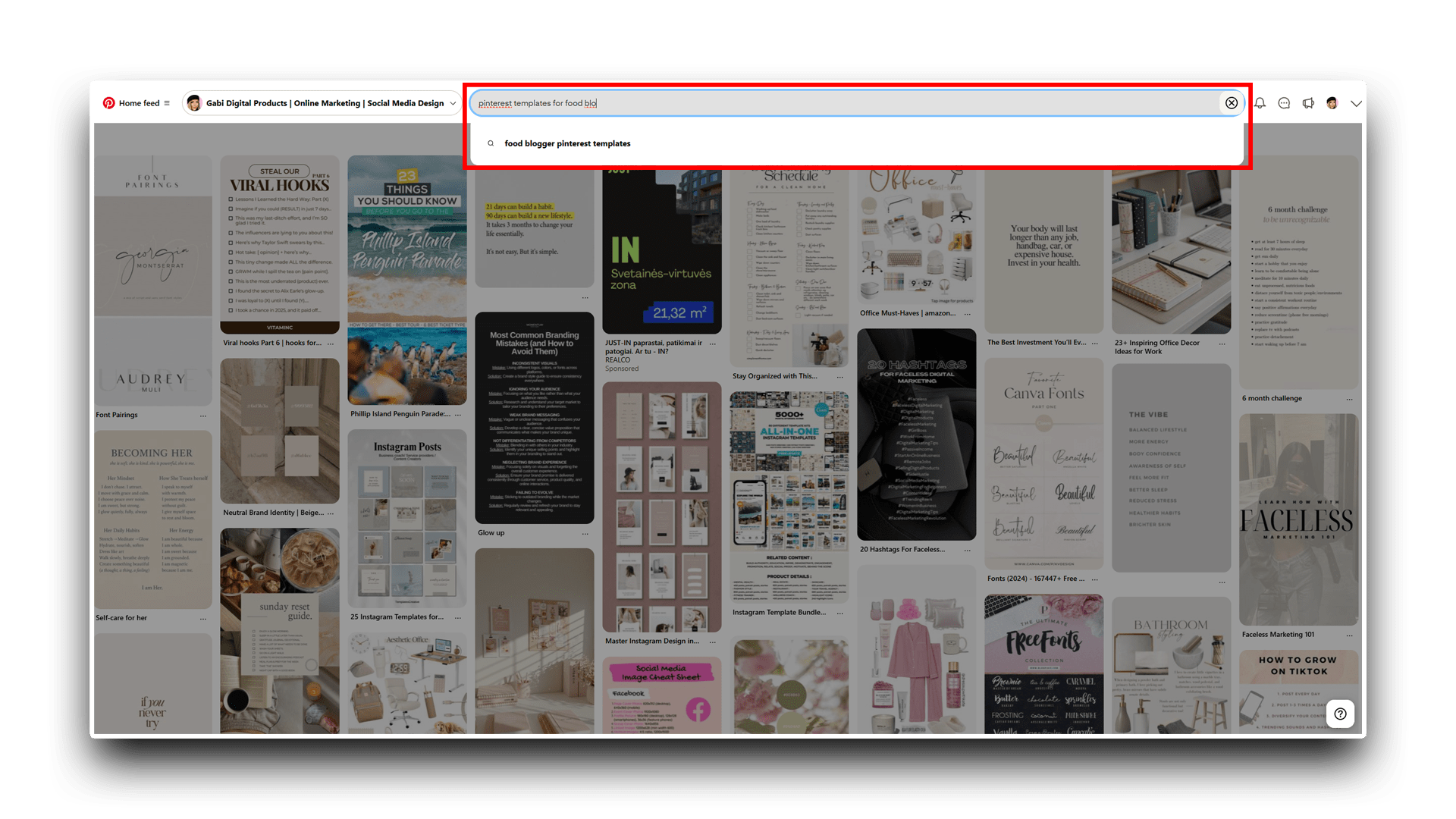
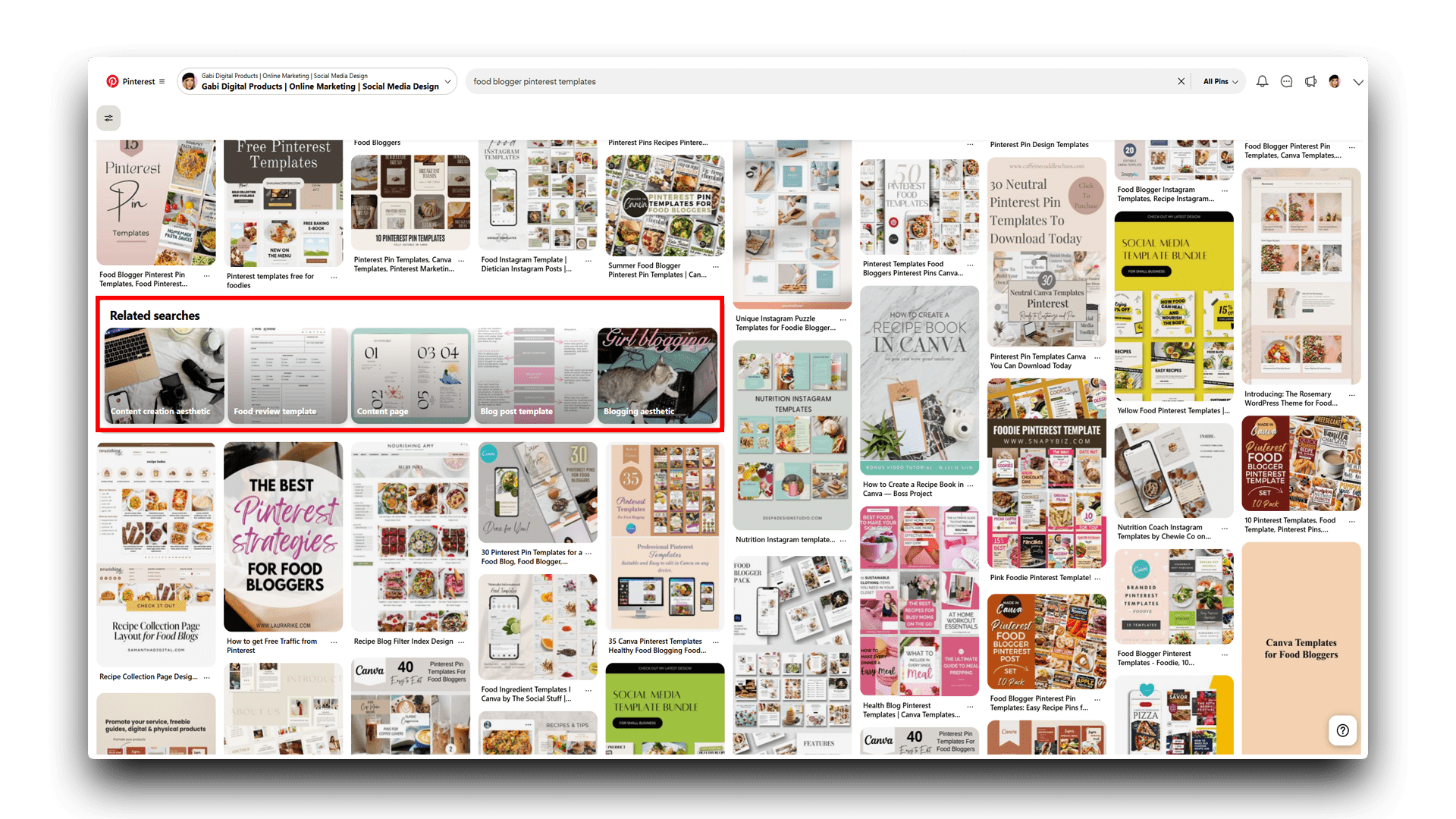
What you can also do is click on that keyword, then scroll down a bit until you find related searches. These can be your extra keywords:
To speed up the process, use ChatGPT.
Here’s a prompt you can copy and paste:
“I want you to help me create a Pinterest Pin title, description, and improved alt image text. Please include the keywords naturally throughout:
Target Keyword: food-blogger-pinterest-templates
Product I’m Promoting: [Insert product description here]
Alt Image Text: [Describe what your image is about so ChatGPT can improve grammar, clarity, and naturally include keywords].”
Your Checklist on How to Market Digital Products on Pinterest
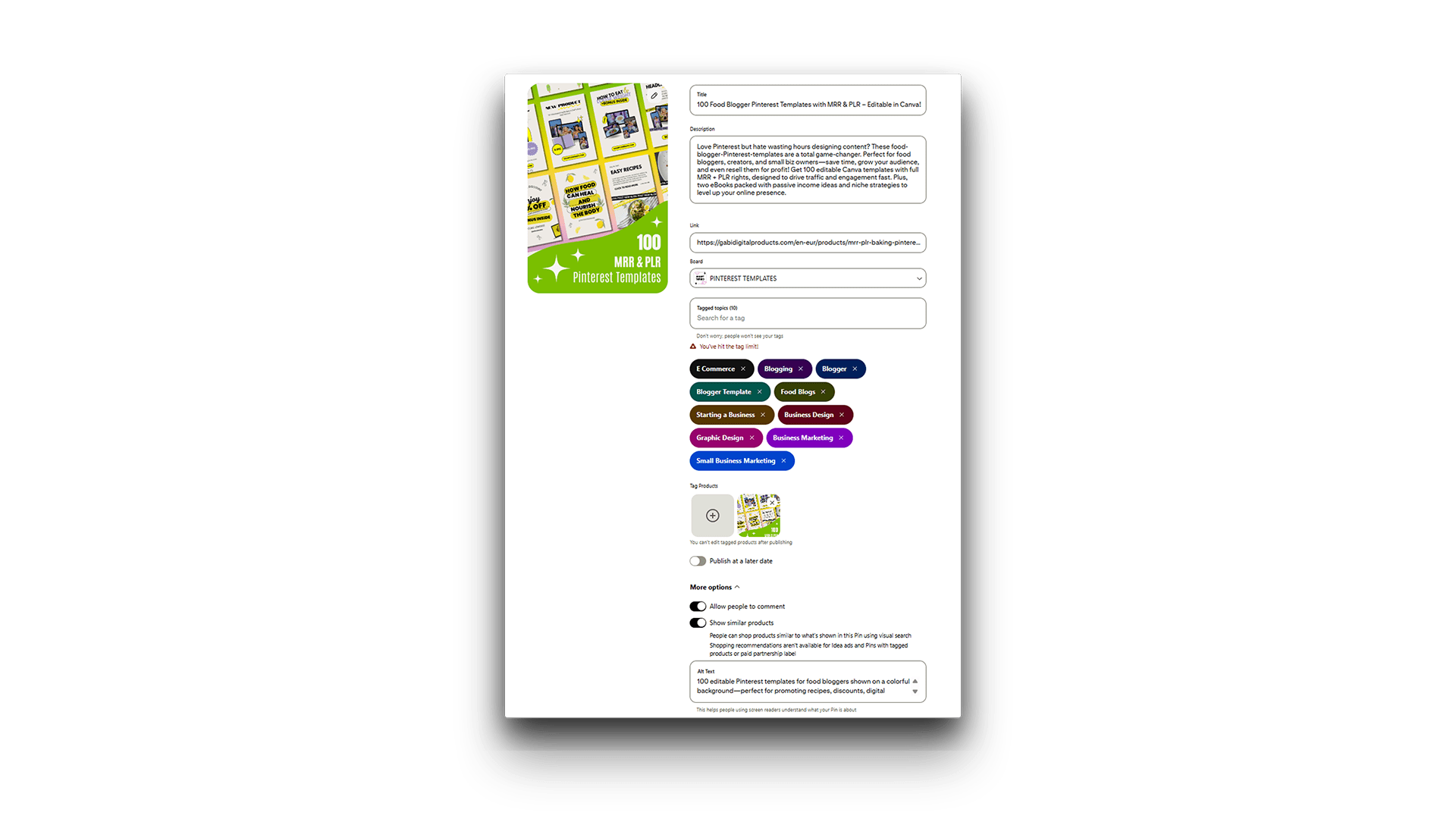
ChatGPT will send you an optimized title, description, and alt text. All you need to do is:
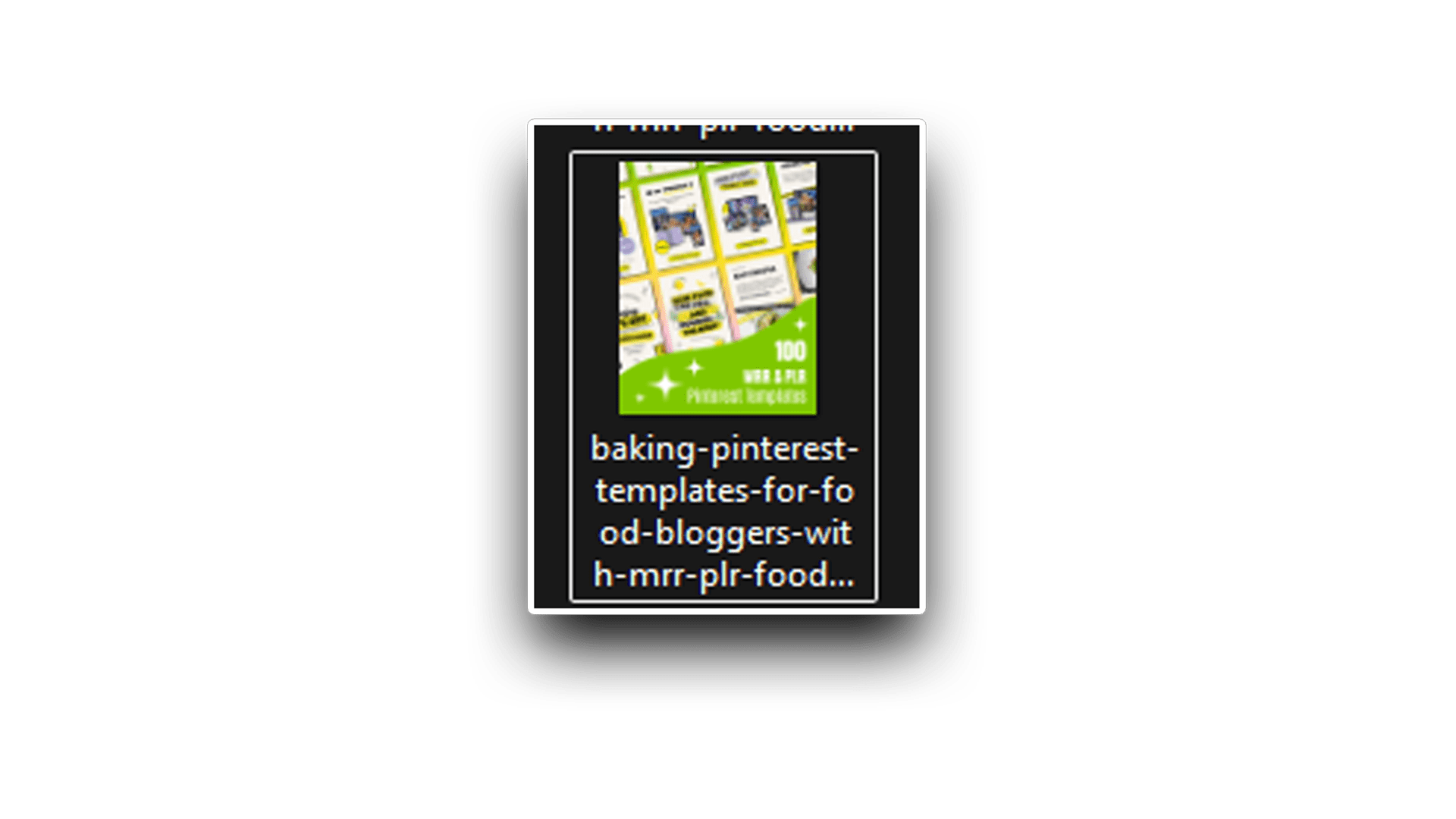
- Insert the keyword you’ve found, for example, food-blogger-pinterest-templates, into your file name.
- Copy and paste the title, description, and alt text provided by ChatGPT.
- Add relevant tags (just type anything related to your post and the platform will suggest options).
- If you don’t see this option, go to the Business Hub and create a pin from there.
- If you still don’t see it, make sure to convert your profile from personal to business (which is essential anyway for analytics and other features).
- Insert a link to your product, service, or website.
- Pin it to a relevant board. If you don’t have one, create a new board. Optimize the board’s title, description, and cover image just as I showed you before, using the search bar for keyword ideas, and make sure to include the keyword in the file name of the image you’re uploading as the board’s cover.
- Hit Publish and let your audience discover your amazing content. 😊
Example:
File name example:
3. Consistency
You might be thinking, Why do I have to be consistent? Why can’t I just post whenever I feel like it?
The thing is, frequent pins increase the chances of repins, clicks, and followers, which helps your account grow. Posting consistently also helps establish your brand identity over time. Regular posting builds and maintains an audience that knows when to expect new content from you. Also, Pinterest’s algorithm tends to favor users who post consistently, helping your pins get seen by more people.
For me, consistency means posting 10 pins every day. It might sound easy since it’s just images, but it’s actually pretty challenging. The best approach is to dedicate one day a week, like Saturday, to create about 70 pins and schedule 10 pins per day for the upcoming week (yep, Pinterest has a built-in scheduler). This way, you stay consistent without having to post every single pin in real time. (Although, I won’t lie, I’ve seen better results when posting in real time, but that’s very hard to maintain, so I don’t recommend it.)
If you can’t do 10 pins a day, do 5. If you can’t do 5, do 2. Whatever works for you, just do what you can. Any promotion is better than none. Plus, no one ever said post 10 pins and you’ll be successful. If you post 10 bad pins, someone with just 2 quality pins will still outperform you.
Always do what works for you to avoid burnout, but also try to stay consistent.
Want to Skip the Slow Grind?
Consistency is key, but let’s be honest: we all want that one pin that explodes and brings thousands of visitors overnight. If you’re wondering how to make that happen, check out my deep dive on what makes a pin go viral on Pinterest. It’s the perfect companion to this marketing guide if you’re ready to level up your reach.
Summary for How to Market Digital Products on Pinterest
Pinterest is one of the best platforms to promote your blog, business, and products. Don’t ignore it! Use this powerful tool, but don’t forget to:
- Be consistent
- Publish high-quality, readable pins
- Use SEO to get seen
I wish you the best of luck, I know you can do it! Your wonderful work deserves as much attention as possible. Have a great day, and don’t forget to snag your freebie to get some digital products to promote (yep, they include resellable rights). Plus, plan your content completely free!