Pinterest remains one of the most reliable and stable traffic sources, even with its frequent updates. That’s why learning how to use Pinterest to drive traffic to your website is still one of the smartest moves you can make.
People are constantly searching for ideas, solutions, and inspiration on Pinterest, and unlike other platforms, they’re often ready to click through to your site to get answers.
Because Pinterest functions as a visual search engine, your pins have evergreen potential. That means a pin you create today can keep bringing traffic weeks, months, or even years later. There’s no expiration date on a good pin, making Pinterest a powerful tool to drive long-term, consistent website traffic.
What Most People Do (and Why It’s Not Enough)
Some people try Pinterest and give up too soon because they don’t see results. Others stick with it but still wonder, “Why am I not getting traffic even though I’m posting consistently and do everything right?” Well, here are a few possible reasons:
- Pretty pins with unreadable fonts. Most people use Pinterest on their phones and scroll quickly from top to bottom. Your pins need bold, easy-to-read fonts like Montserrat Black, Cooper Hewitt Black, or League Spartan. Use bright backgrounds, large font sizes, and highlight important text with things like red colors or yellow rectangles. I mentioned this in my previous post about Pinterest — your pins can be cute but still not work if nobody (or Pinterest’s search engine) can tell what they’re about.
- Random posting. Pinterest is a search engine, it needs a strategy. You can’t just post pins willy-nilly. You have to plan when to post, what to promote, how to organize your boards, and stay consistent.
- Treating Pinterest like social media. Pinterest doesn’t work like Instagram or TikTok where you can go viral overnight. You won’t get instant gratification. It takes patience, consistent effort, strategic pinning, researching what works, tracking trends, and doing SEO. It’s way more than posting a pretty image and hoping for traffic.
5 Tips on How to Use Pinterest to Drive Traffic to Your Website
Here’s what you need to start doing today if you want to learn how to use Pinterest to drive traffic to your website and get the best results possible:
1. Create Multiple Pins Per Blog Post
Don’t stop at just one pin. Design 3 to 10 different pins for each blog post using varied titles, images, or styles, this helps increase your reach without having to create more content. If you don’t have many blog posts but want to post 10 pins a day linking to the same post, that’s possible, just make sure to schedule them at different times. Pinterest might think you’re a bot if you post too many pins with the same link all at once, which could risk your account.
If your content library is small, it’s better to start slow with 2–3 pins per day. Linking repeatedly to the same post too often can be risky, so pacing yourself helps keep your account safe.
2. Leverage Search-Driven Titles, Descriptions, and More
When you type anything into Pinterest’s search bar, like ‘how to bake a cake,’ Pinterest shows you suggestions. These suggestions are exactly what real people are searching for. Use those keyword phrases in your pin titles, descriptions, and even the alt text (but keep it natural and easy to read). Also, choose relevant tags and boards that match your content.
3. Batch and Schedule Pins Weekly
Pinterest rewards consistency, but you don’t need to be there every day. Use tools like Tailwind or Pinterest’s native scheduler to stay consistent. Whatever level of consistency you can maintain, stick with it for the long run.

4. Organize Boards Around Searchable Topics
Boards help Pinterest understand your niche, so naming them right is key. Instead of vague names like “Inspo,” use specific keywords like “Digital Product Tips” or “Passive Income Ideas.”
Wondering how to find these keywords? It’s simple: use the Pinterest search bar just like you do for pin titles. Once you find the right keywords, add them naturally in your board titles and descriptions.
If your website includes products or other pages beyond just a blog, create Pinterest boards that match your site’s categories or subcategories. This keeps everything aligned and helps Pinterest better understand your content, which boosts both your visibility and SEO.
Also, when you upload your Pinterest board cover image, name the file using those keywords with lowercase letters and dashes between words, for example: how-to-bake-a-cake.jpg. This extra step helps your Pinterest pins rank in image search results on Google, Bing, and other search engines.
5. Repin & Refresh Old Pins
When you post a pin, you usually pin it to one board. But don’t stop there, pin it to as many relevant boards as possible. Saves and repins are the most important metrics on Pinterest, and they’re what help your pins go viral over time. So, really take the time to repin your content.
Also, always check your Pinterest analytics (make sure you’ve converted to a business account to access them). See which pins get the most outbound clicks and saves, then replicate that success, because success leaves clues. Make part twos or follow-ups based on what’s working.
Learn from what doesn’t work so you don’t repeat the same mistakes or waste your time.
BONUS TIPS: Nurture Your Pinterest Traffic – They’re Cold Leads
Pinterest users mostly come to you cold, meaning they’re new and don’t know your brand yet. Unlike YouTube, where seeing a person’s face and hearing their voice quickly builds trust, Pinterest is different, it’s a more distant, visual-first platform.
That means you need to take your Pinterest visitors on a journey to build trust and turn them into loyal readers and fans.
Be strategic with your blog posts: include a clear call to action (CTA) to join your email list and offer freebies that encourage sign-ups. Why? Because nurturing your audience through consistent emails gives them time to get to know you, see your expertise, and build a relationship with your brand.
And remember: keep your CTAs simple, one per blog post is enough, whether it’s signing up for your list or purchasing a product. Too many CTAs can overwhelm readers, and they might end up taking no action at all.
A video explaining this concept:
Final Tips
- Don’t aim for perfection, aim for progress. In the beginning, it’s totally fine to throw spaghetti at the wall and see what sticks. Try as much as you can without overthinking. That way, you’ll quickly gather data on what works and what doesn’t, and then double down on what’s working.
Just be careful: if you overdo it, Pinterest might see you as a bot and suspend your account. Be smart when you test things, don’t go too crazy. - Have patience. Pinterest requires a lot of patience. This isn’t a hobby, it’s a long-term business. If you knew that big results were guaranteed after one or even two years… would you still quit just because it’s taking time? Stay consistent. You’re building something real.
- Learn from your competitors. Look at what’s already working in your niche, posts with lots of saves, comments, or repins. Then, create your own version. Like I said earlier: success leaves clues, make part twos (just make yours even better 😄).
Don’t Have a Freebie to Nurture Your Audience? No Worries!
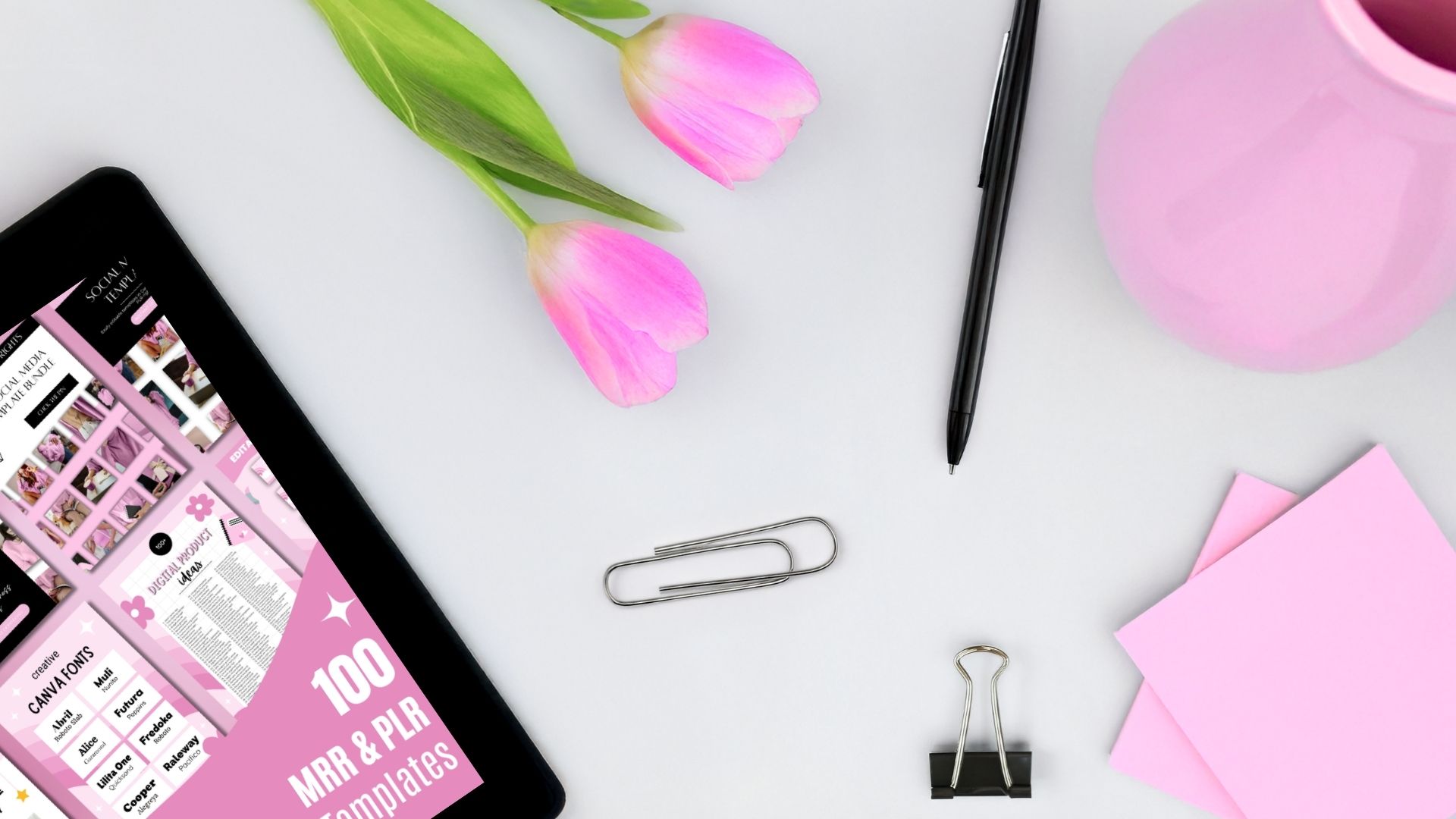
You can grab my two completely FREE templates, editable in Canva! One is a Canva Shortcuts guide to help you design much faster. The other is a Content Repurposing Template, which shows you how to turn one piece of content, such as a YouTube video, into multiple social media posts across various platforms to drive more traffic to your website.
Both templates come with MRR (Master Resell Rights) and PLR (Private Label Rights), just like everything else in my digital shop.
Giving away freebies is the best way to collect email sign-ups from people who are not ready to buy from you yet and nurture them. Plus, sometimes freebies can take time to create, but with my templates, everything is already done.