This post contains affiliate links; I may earn a commission at no cost to you. Please read full disclosure for more information.
Digital products take time to create, especially Canva templates. You don’t want to spend hours on something that might not sell. In this blog, I’ll show you exactly how to choose the right digital product to sell so you can stop guessing and start creating something your audience isactually looking for.
1. Begin with What You Love
This is very important because imagine spending all that precious time creating something only because you saw others succeeding at selling it.
Then people start buying your product, but you have zero passion or desire to create it.
You’ll have to keep making these products if you want repeat customers. And every time you sit down to create them, it will feel draining…
So first, think about what you love.
For example, I like video editing (that’s why I sell those on my website). I also love Pinterest, which is why I tend to create Pinterest templates, Etsy brand kits, and similar digital products.
But if you’re a complete beginner, try to choose something that is still somewhat easy to create. For example, I know a lot about websites, but if I started creating Shopify, Squarespace, or other website templates, it would be a huge learning curve. That’s something I wouldn’t recommend for a complete beginner.
If you’re feeling stuck because the “creation” part feels too heavy right now, you might want to see how digital products compare to affiliate marketing. It’s a great way to start earning while you’re still learning what your audience loves.
2. Focus on What People Actually Want
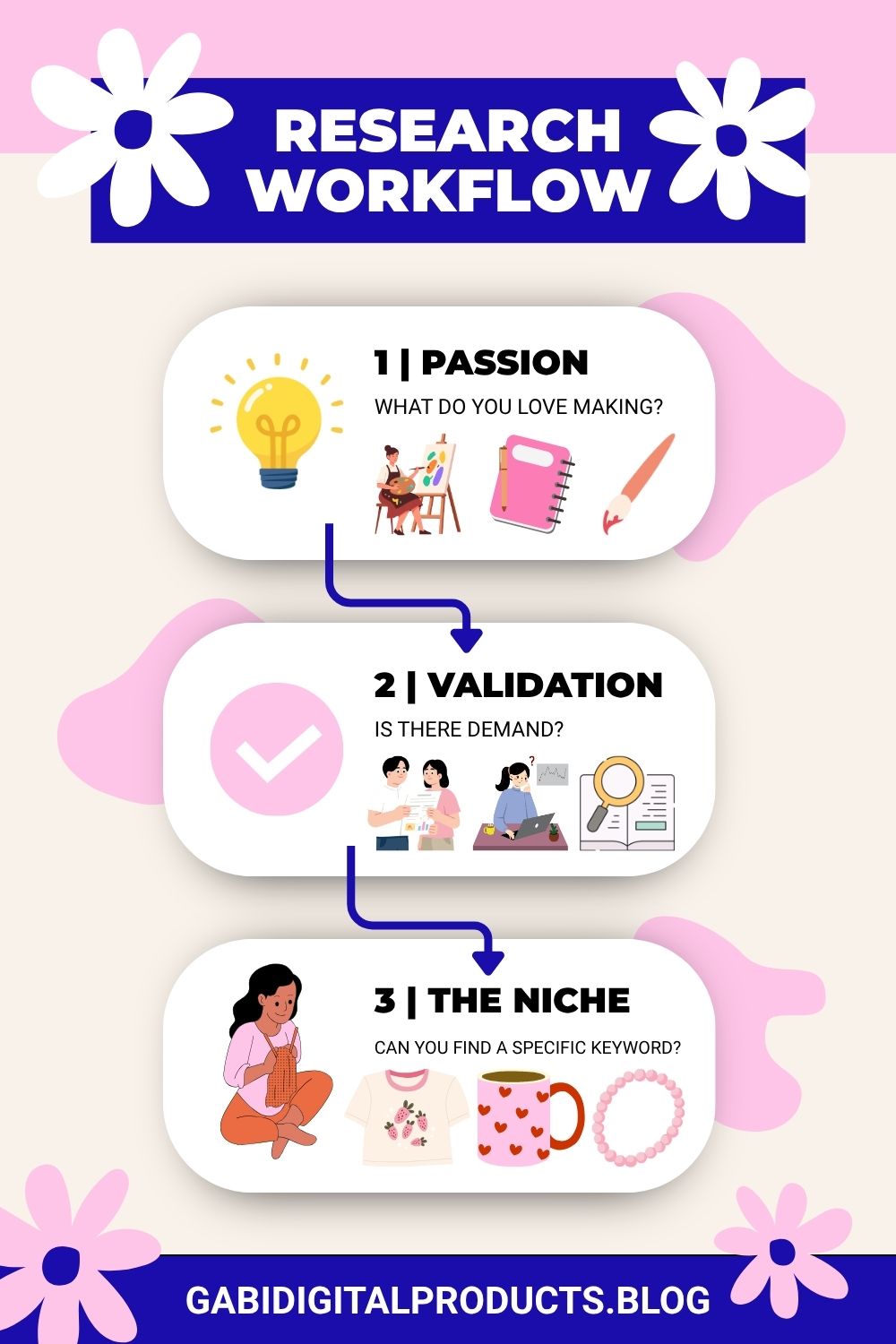
Once you’ve thought about what you’d like to create, start your research.
At this stage, your goal is to figure out what’s more profitable. Should you focus on social media templates, graphics for print-on-demand sellers, or editing packs for busy content creators?
To do this, go to Etsy and type in your keywords. Then study the shops that appear. Look at how many sales they have, what prices they charge, and how many products they offer (this can give you a rough idea of how many products you may need as well). Most importantly, make decisions based on data, not feelings.
One thing to keep in mind: many successful shops were opened during the lockdown, when everyone was at home. So the number of sales they have doesn’t necessarily mean your shop will reach the same level, but it still gives you a useful benchmark.
This is one of the best ways to validate demand because you’re seeing what people actually respond to. Pay attention to thumbnails, product positioning, and overall presentation, and use that as inspiration (not copying) to guide how you position your own shop.
3. Check Before You Commit
So, you’ve found a shop that inspires you, great!
Next, install the extension called Allura. It’s free to use, though you can upgrade later if you need more detailed data.
Go to the seller’s shop and turn on the extension. It will show you the monthly revenue for each product (this is what I do). This helps you see which products are generating the most revenue each month for that seller.
You can also check the reviews on those products to understand what customers like the most.
4. Check How Hard Your Keywords Are
The problem is that what sells for a competitor can be very hard to rank for on, let’s say, Etsy.
For example, if you see that a seller is making a lot of sales with “thank you card templates,” it doesn’t mean you should create broad, random templates. This keyword is too competitive, with many established shops ranking for it, so your chances of appearing are very low:
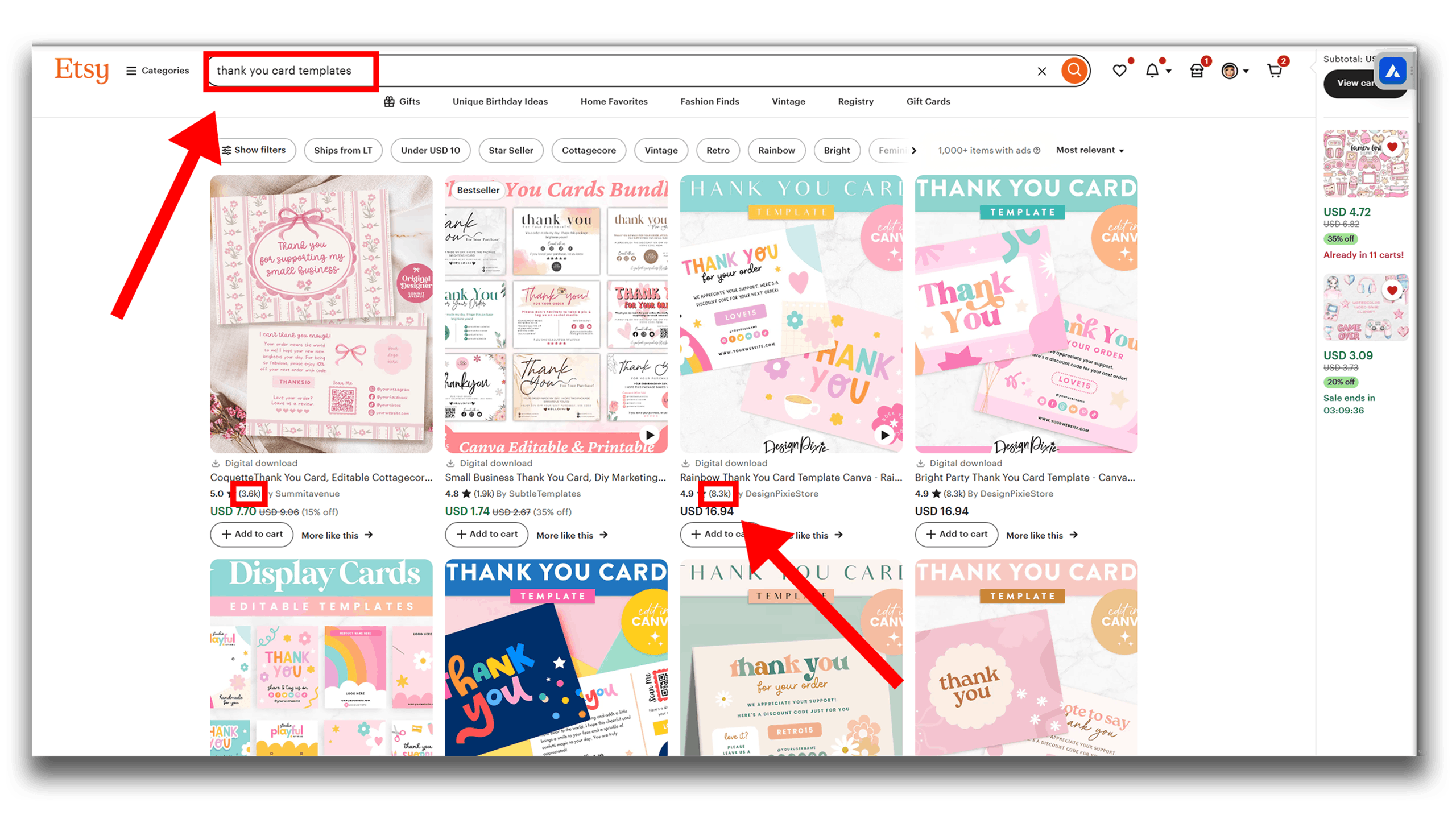
Now, if I add more of a niche to that product, for example, “thank you card templates for teachers,” guess what? My listing appears! 🤭 I didn’t expect that, but my listing is optimized for that (mind you, I still didn’t appear in the broad search!):
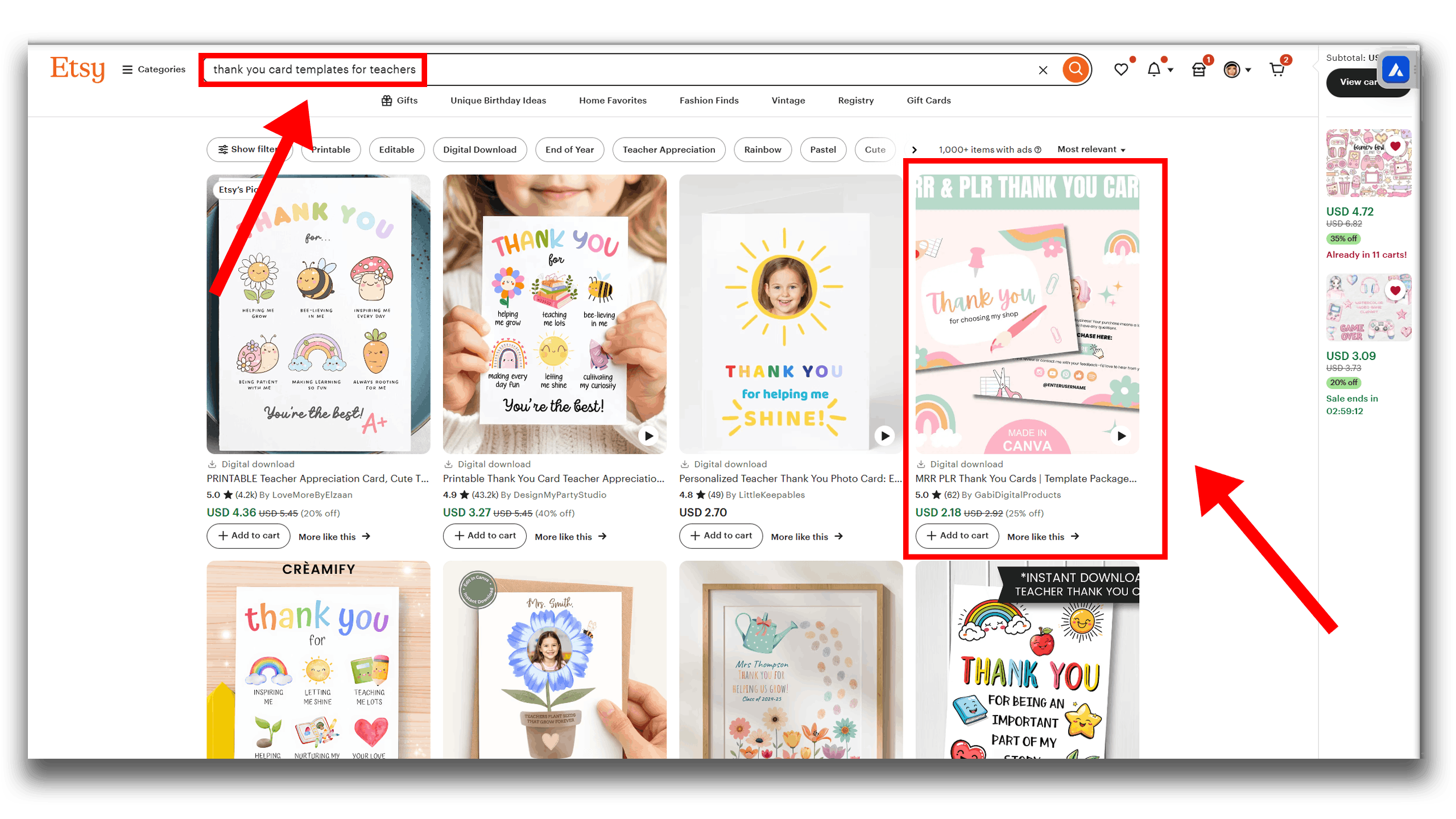
This example shows that even smaller shops have a chance here, although the results remain the same: 1,000+ listings. It’s better if it’s under 1,000 listings.
Some niches are very saturated, and thank you card templates are definitely one of them. I recommend niching down a lot or choosing a different product.
Also, the results on Etsy are personalized, so you might not see the same results as me.
5. Check Beyond Etsy
What you see on Etsy are listings that already have a lot of sales behind them. This means if you create a listing that’s too similar to your competition and don’t offer anything new, you’re unlikely to get sales. You might try undercutting on price, but even then, it’s difficult.
A better approach is to look at Pinterest Trends for the exact type of product you want to create.
For example:
- If you type “graphic design” on Pinterest Trends, it might show styles like punk, Mexican, or sports graphics (avoid trademarked logos and brands).
- If you type “templates”, you might see trends like polaroid frames or minimalist layouts.
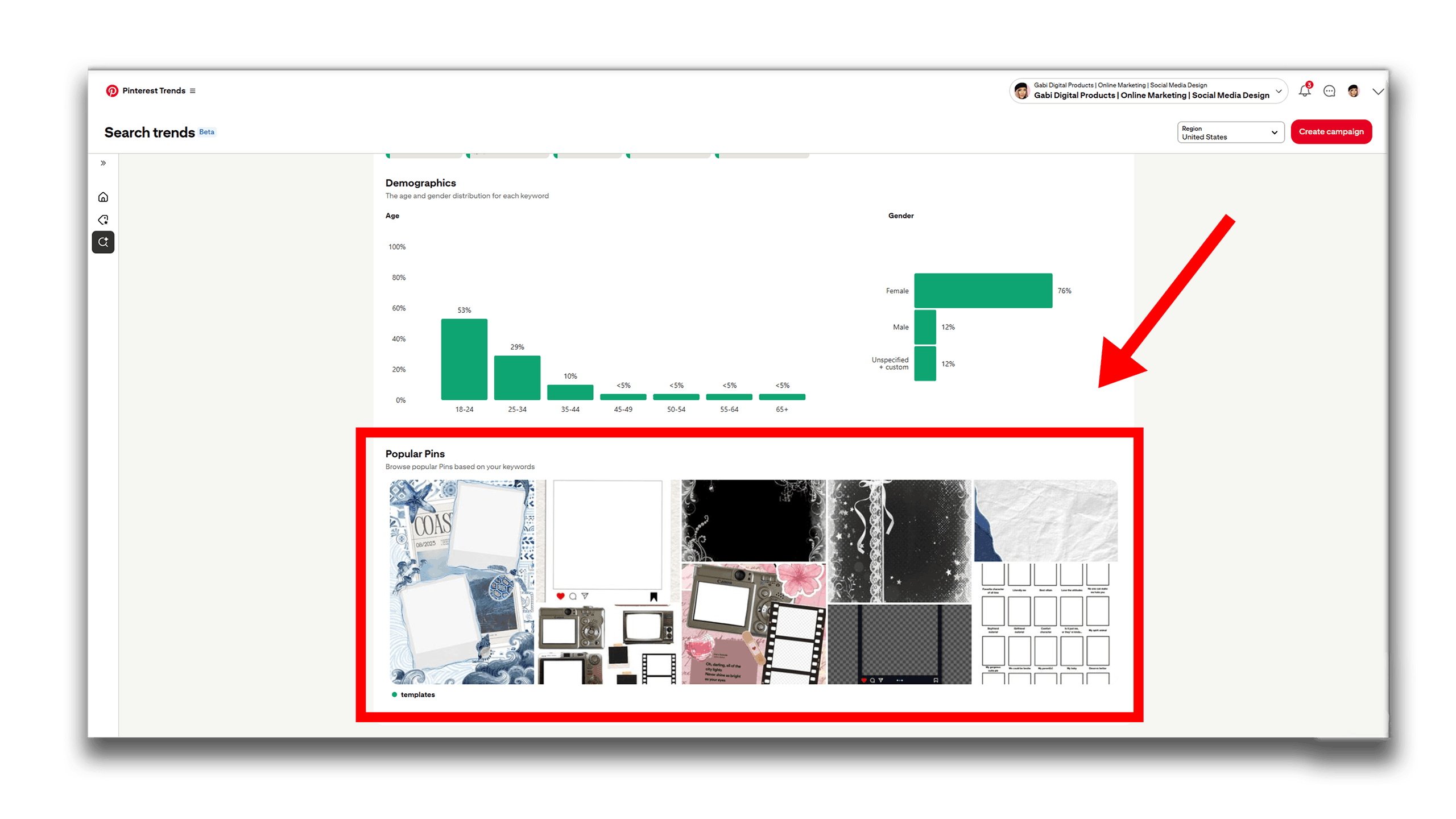
What you want to do is take those trends and bring them to your Etsy shop or website. That way, you’re more likely to sell, because by the time trends appear on Etsy, they’ve often been around long enough that copying them there won’t generate much profit.
You can also do some research on relevant subreddits or use tools like AnswerThePublic to see what people are searching for and asking about. This can give you insights into trending topics, common problems, and ideas for products that people actually want.
6. Don’t Ignore Packaging
You can have the best product in the world, but if the packaging, or presentation, looks bad, no one will buy it.
If you’re going to spend the most time on one thing, make it the thumbnail, because that’s the first thing people see. This is even more important if you’re selling on a marketplace, with so many competing listings next to yours.
You can study bestsellers to see which thumbnails perform the best, but remember: don’t copy them. Standing out from the crowd is just as important as having a great product.
Also, study the platform to see what users respond to. Just posting on Pinterest isn’t enough, you need to know what actually works. The same applies to marketplaces; learning how users interact comes with time and practice.
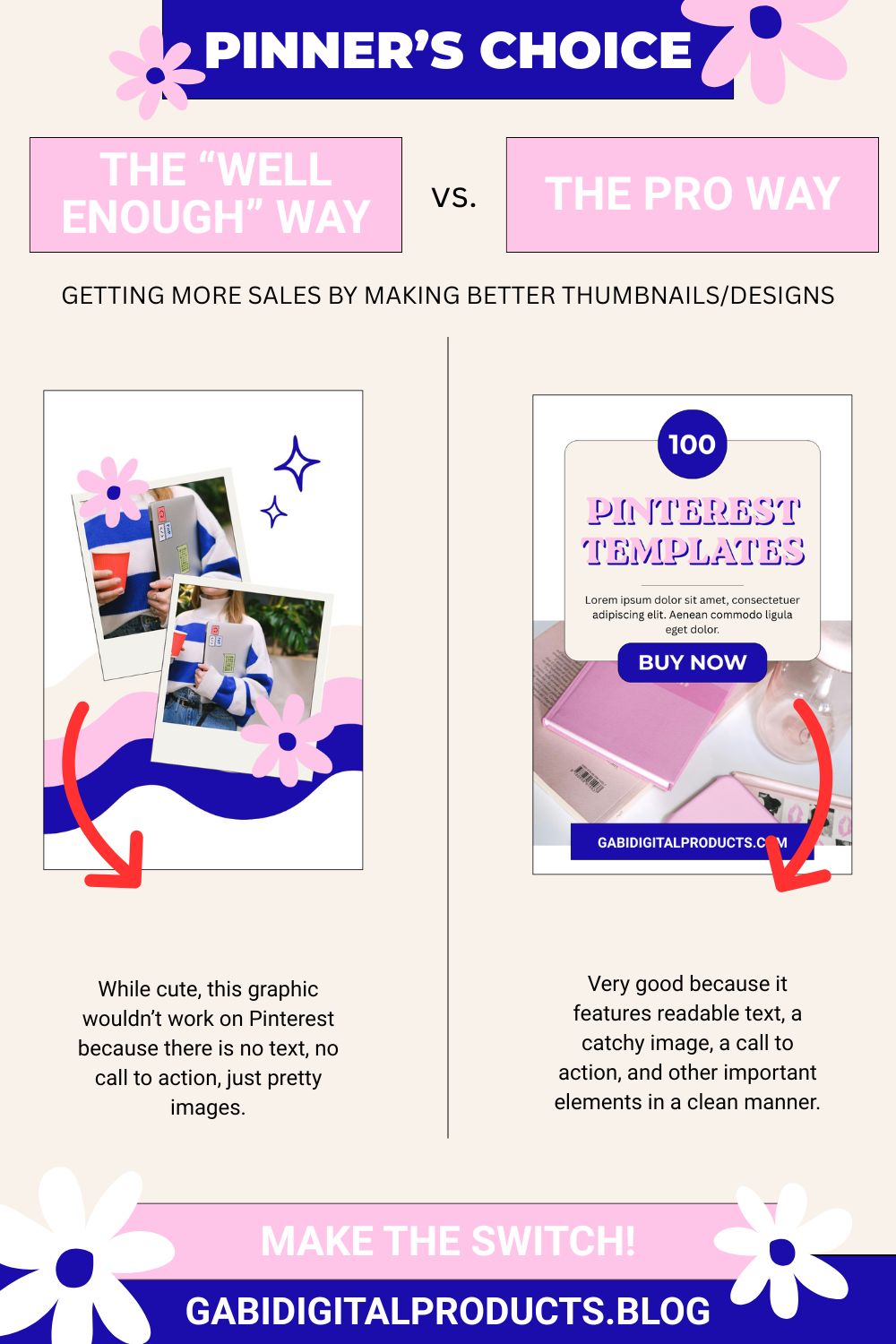
Remember: even the best product needs great packaging to sell.
7. Create Titles That Help People Find Your Digital Products
Up until this point, you’ve hopefully done a lot of research, so creating a title for your product should be easy. For example, if you chose to create cookbook templates for food bloggers, that should appear in your title so people can find you. You can also include those keywords naturally in your description, alt texts, file names, and, if you have a website, in your URL slugs.
Products That People Actually Buy
What worked for me, plus a few more ideas:
- Entrepreneur Templates Made in Canva – Social media templates, branding templates like Etsy shop branding or YouTube branding templates.
- eBook Templates – Especially helpful when created for specific needs, e.g., cookbooks, eBook templates for content creators, etc.
- Skill-Based Templates – People often buy these because they don’t want to learn a skill themselves. This includes things like editing packs, Notion templates, or website templates, basically ready-made solutions that save them a lot of time and effort.
- Clipart – Very competitive but profitable. For example, I recently bought a gaming clipart bundle for my gaming YouTube channel, which shows people really do buy them, though there is a learning curve, unless you use AI clipart.
- Mini How-To Guides – Quick guides like “How to prep for a new apartment,” “How to get more sales,” or “How to get in shape.”
These types of products tend to always be in demand.
Mistakes to Watch Out For
- Copying Others Too Much – I can tell when a seller is copying another seller, and so can buyers. It looks cheap, and buyers would rather buy from the original creator. Don’t do it.
- Ignoring Thumbnails and Presentation – People judge a book by its cover. Spending time on presentation is very important, and ignoring it will cost you sales.
- Skipping Keyword Research – If your titles, descriptions, and tags don’t match what people are searching for, your product won’t be found.
- Jumping from One Shiny Object to Another – In the beginning, focus is key. It takes time to get good at one thing, let alone ten. Stick with one product or niche and improve your skills.
- Not Doing the Research – You can create amazing products, but if you don’t learn how to choose the right digital product to sell based on data, you might waste weeks on something nobody wants.
- Ignoring Trends – You shouldn’t spend all your time chasing trends, but keeping an eye on them can help you stand out, bring something new to the market, and increase sales.
- Not Promoting Your Products – One algorithm shift on a marketplace, and your sales can disappear overnight, something you can avoid if you bring your own traffic.
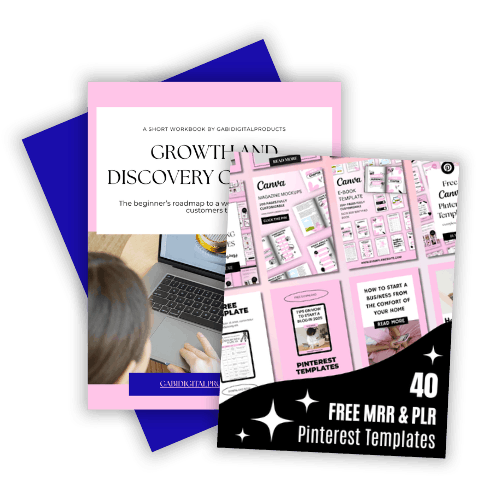
Grab My Free Canva Template Bundle!
Want to save hours and make your content work smarter? I’ve put together a free MRR/PLR Canva template bundle just for you: